

AI systems don’t fail loudly.
They drift. They slow down. They quietly make worse decisions over time.
That’s the uncomfortable truth many teams discover too late. Models that once felt “smart” begin to lose context. Dashboards look fine, yet outcomes don’t. And somewhere between data, infrastructure, and human expectations, performance slips.
This guide exists for that moment. In this article, we’ll walk through the best AI performance monitoring tools 2026 has to offer—tools designed not just to watch systems, but to understand them. Calmly. Continuously. Humanly.
What Are AI Performance Monitoring Tools?
AI performance monitoring tools help you understand how your AI systems behave in the real world—after deployment, under pressure, and over time.
At a simple level, they monitor:
- AI models and predictions
- Infrastructure health
- Data quality and drift
- User behavior and feedback loops
Traditional monitoring tools focus on uptime and alerts. AI monitoring goes deeper. It watches model accuracy, decision quality, sentiment trends, and performance patterns that humans can’t spot early.
“If traditional monitoring asks Is it running?
AI monitoring asks Is it still thinking clearly?”
That difference is why these tools matter in 2026.
How Do AI Performance Monitoring Tools Work?
Most competitors gloss over this. But understanding how these tools work helps you choose wisely.
Data Collection & Telemetry
AI monitoring tools ingest logs, metrics, traces, prompts, outputs, and user interactions. This includes LLM crawler data, query intent signals, and real-time telemetry.
Model Performance Tracking
They track accuracy, latency, prediction confidence, and output consistency—especially important for LLMs and decision systems.
Anomaly Detection
Using automated anomaly detection, tools flag unusual behavior before it becomes failure. Think sudden drops in accuracy or unexpected sentiment shifts.
Predictive Alerts
Instead of reacting, AI tools predict issues—model drift, data drift, and concept drift—before users feel the impact.
Dashboards & Reporting
Clean dashboards translate complexity into clarity. Performance dashboards show trends, skill gaps, feedback loops, and real-time model health.
“Good monitoring doesn’t shout.
It whispers early.”
For a deeper look at telemetry and automated detection parallels, see Automation Phantom.
Top AI Performance Monitoring Tools — Compare Features
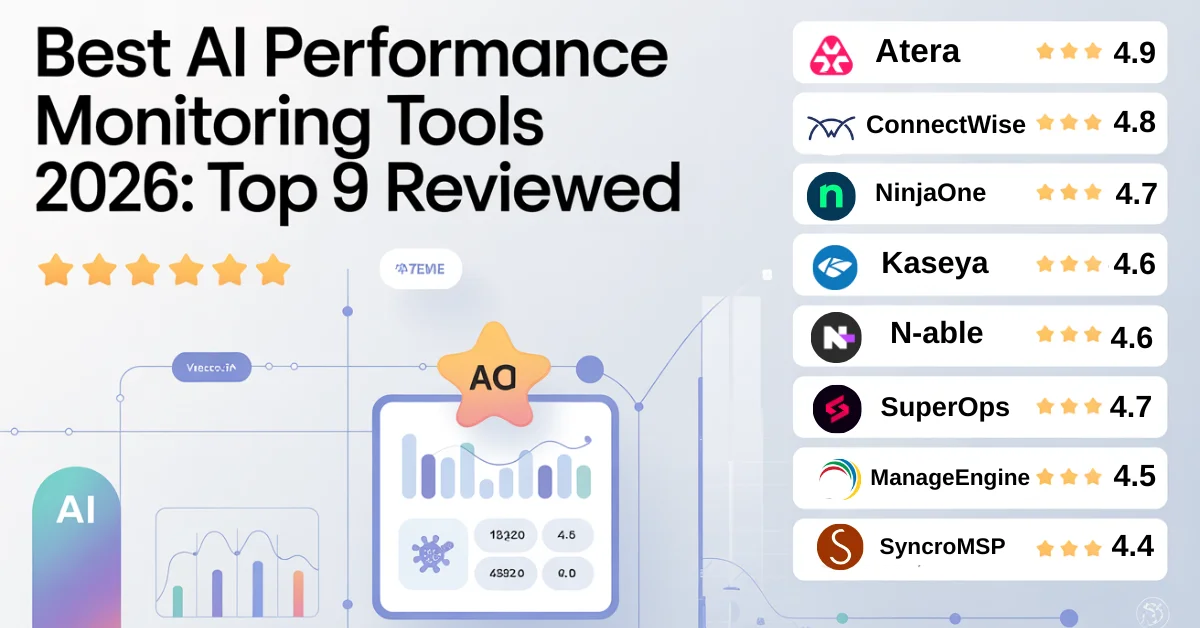
| Tool Name | Best For | Key Features | Pricing | Rating |
|---|---|---|---|---|
| Atera | MSPs & IT teams | AIOps, real-time analytics, automation | Subscription-based | ⭐ 4.9 |
| ConnectWise | Enterprise IT | Predictive analytics, integrations | Custom pricing | ⭐ 4.8 |
| NinjaOne | Remote teams | Endpoint monitoring, dashboards | Per-device | ⭐ 4.7 |
| Kaseya | Large MSPs | Automation, compliance | Tiered plans | ⭐ 4.6 |
| N-able | Hybrid IT | Cloud + on-prem monitoring | Subscription | ⭐ 4.6 |
| SuperOps | Growing MSPs | Modern UX, alerting | Flexible plans | ⭐ 4.7 |
| ManageEngine | Enterprises | Root cause analysis, reporting | Freemium | ⭐ 4.5 |
| SyncroMSP | SMB MSPs | PSA + RMM | Flat pricing | ⭐ 4.4 |
| Freshservice | ITSM teams | AI insights, workflow automation | Per-agent | ⭐ 4.5 |
For AI analytics comparisons similar to Surfer SEO, feature transparency matters more than feature count.
Best AI Performance Monitoring Tools Reviewed
1. Atera (⭐️ 4.9)

Our Take
Atera is composed and purposeful, designed for teams seeking clarity without the noise.
Key Benefits
- Real-time AI monitoring
- Predictive alerts
- Automated remediation
Core Features
AIOps engine, explainable AI (XAI), performance dashboards, anomaly detection—similar in model-tracking depth discussed in our DeepAI Review.
Pricing
Subscription-based, transparent tiers.
Pros
- Excellent UX
- Strong automation
Cons
- Limited deep LLM analytics
Best For
MSPs and IT teams scaling fast.
2. ConnectWise (⭐️ 4.8)
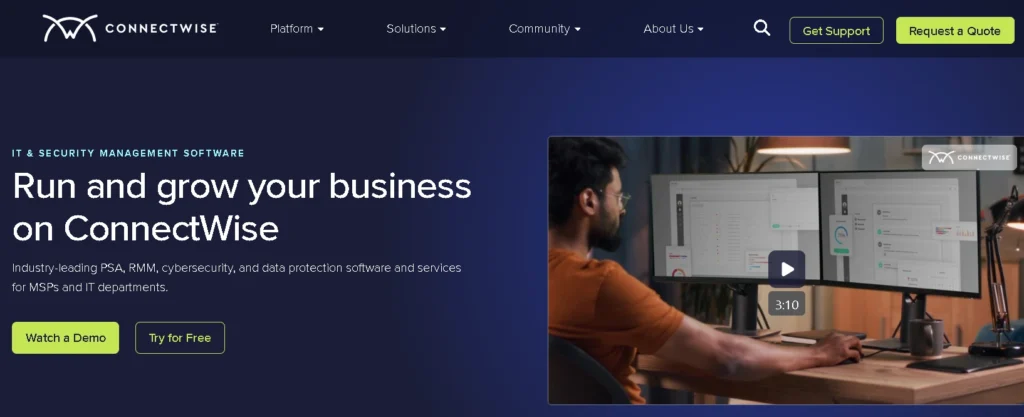
Our Take
ConnectWise is powerful—but demands intention.
Key Benefits
- Deep integrations
- Predictive analytics
Core Features
AI success scoring, performance trends, root cause analysis—also applicable to Voice AI Tools monitoring scenarios.
Pricing
Custom enterprise pricing.
Pros
- Extremely flexible
- Enterprise-grade
Cons
- Steeper learning curve
Best For
Large IT and DevOps teams.
3. NinjaOne (⭐️ 4.7)
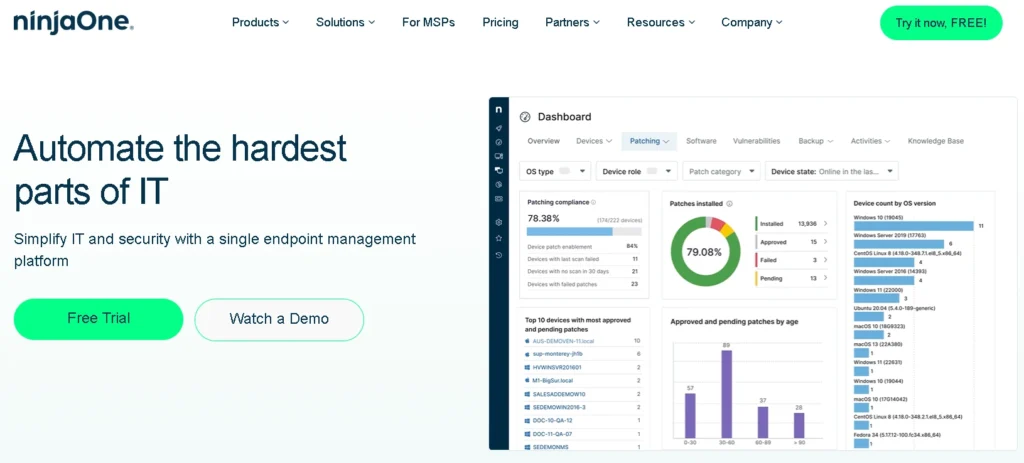
Our Take
Simple, modern, and remote-first.
Key Benefits
- Clean dashboards
- Fast anomaly alerts
Core Features
Endpoint monitoring, real-time analytics, performance trends.
Pricing
Per-device model.
Pros
- Easy onboarding
- Strong remote support
Cons
- Fewer advanced AI insights
Best For
Distributed and remote teams.
4. Kaseya (⭐️ 4.6)
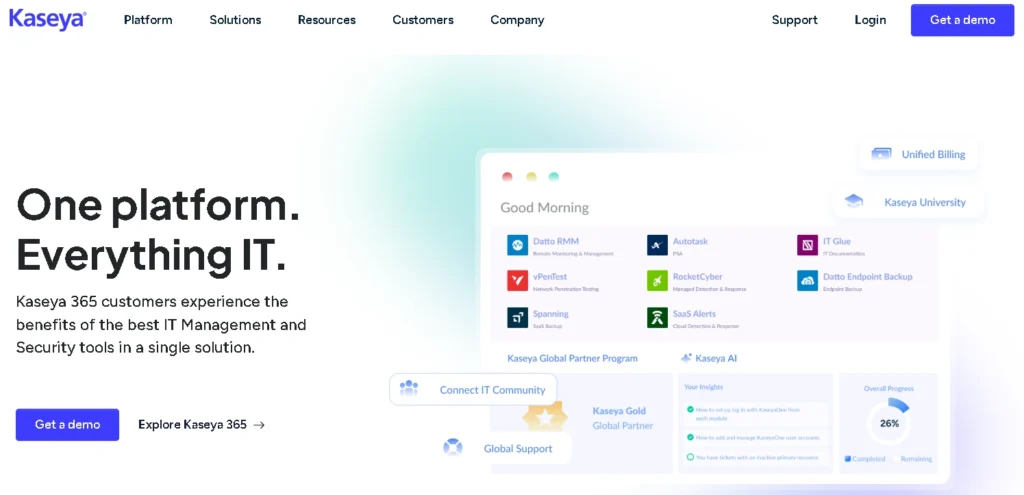
Our Take
Kaseya is about control.
Key Benefits
- Automation-heavy
- Compliance-ready
Core Features
Predictive analytics, automated workflows, security monitoring.
Pricing
Tiered enterprise plans.
Pros
- Strong automation
- Broad toolset
Cons
- Interface can feel dense
Best For
Large MSPs.
5. N-able (⭐️ 4.6)
Our Take
Balanced and reliable.
Key Benefits
- Hybrid environment support
- Predictive alerts
Core Features
Cloud + on-prem monitoring, anomaly detection.
Pricing
Subscription-based.
Pros
- Stable platform
- Good scalability
Cons
- UI feels dated
Best For
Hybrid IT teams.
6. SuperOps (⭐️ 4.7)
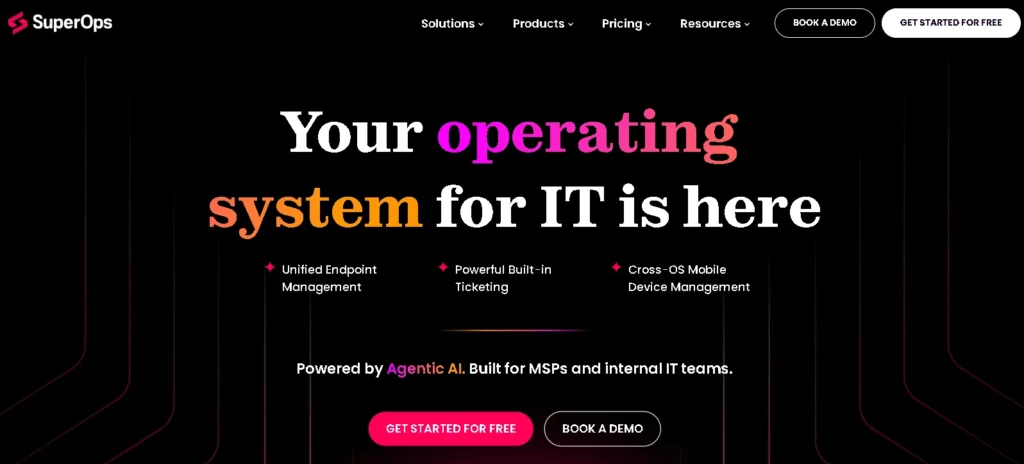
Our Take
Modern thinking, modern design.
Key Benefits
- Fast setup
- Smart automation
Core Features
Performance dashboards, AI insights, workflow automation.
Pricing
Flexible plans.
Pros
- Intuitive UX
- MSP-friendly
Cons
- Smaller ecosystem
Best For
Growing MSPs.
7. ManageEngine (⭐️ 4.5)
Our Take
Solid, structured, dependable.
Key Benefits
- Root cause analysis
- Strong reporting
Core Features
Predictive analytics, security monitoring.
Pricing
Freemium + paid tiers.
Pros
- Affordable
- Feature-rich
Cons
- Interface complexity
Best For
Enterprises on a budget.
8. SyncroMSP (⭐️ 4.4)
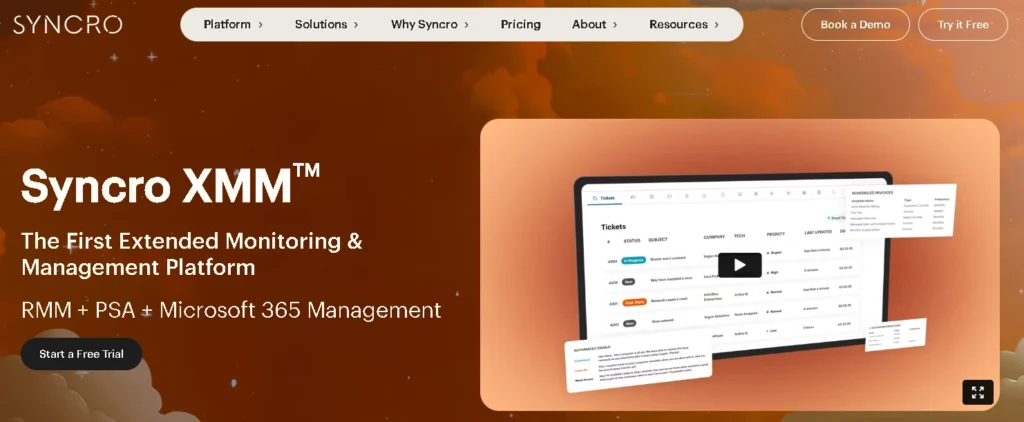
Our Take
Simple and cost-effective.
Key Benefits
- PSA + RMM combo
- Flat pricing
Core Features
Monitoring, alerting, automation.
Pricing
Flat-rate per user.
Pros
- Predictable costs
- Easy to manage
Cons
- Limited AI depth
Best For
Small MSPs.
9. Freshservice (⭐️ 4.5)
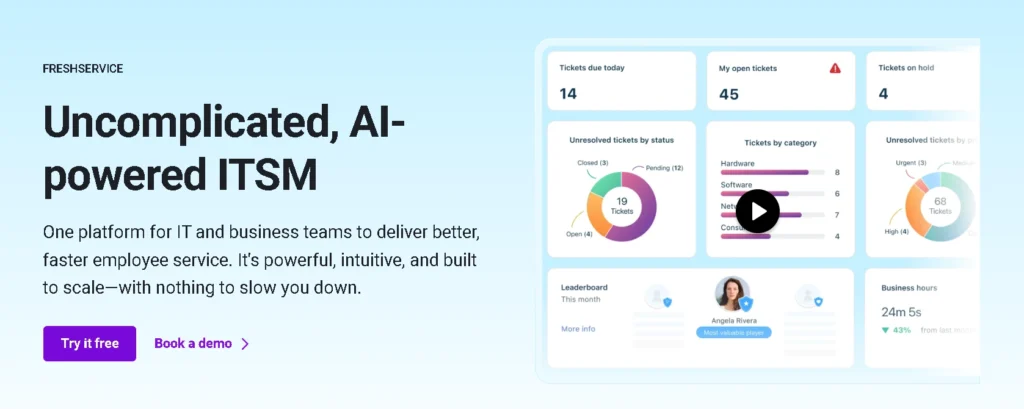
Our Take
Human-centric IT monitoring.
Key Benefits
- Workflow automation
- AI-powered insights
Core Features
Performance dashboards, predictive alerts, integrations similar to Voice AI Tools model tracking.
Pricing
Per-agent pricing.
Pros
- Clean UX
- Strong ITSM
Cons
- Advanced AI costs extra
Best For
IT service teams.
What Should You Look for When Choosing an AI Performance Monitoring Tool?
Choosing isn’t about features. It’s about fit.
Look for:
- Scalability for global teams
- AI & ML depth (not just buzzwords)
- Cloud + on-prem support
- Alerting & automation (see Outreach Automation parallels)
- Integrations
- Flexible pricing
- Ease of use
“Success comes from the tool your team trusts the most.”
Key Features of AI Performance Monitoring Tools
- Real-time AI monitoring
- Predictive performance analytics (similar logic to SEO Analytics)
- Automated remediation
- Root cause analysis
- Custom dashboards
- Security & compliance monitoring
Benefits of Using AI Performance Monitoring Tools
- Reduced downtime
- Faster issue detection
- Improved AI accuracy (see AI Assistants evolution)
- Better resource utilization
- Cost savings
- Improved IT efficiency
AI Monitoring Explained for Modern IT and DevOps Environments
These tools serve:
- IT service providers
- MSPs
- DevOps teams
- AI engineers
- Enterprises monitoring mobile AI systems like Galaxy AI
They bridge infrastructure and intelligence.
AI Monitoring Tool Pricing: What You Pay and Why
Pricing varies:
- Free vs paid tiers
- Per-device vs per-user
- Hidden automation costs
- Enterprise licensing
Transparency matters more than discounts.
Buyer’s Guide – Choosing the Right Tool for Your Business
Small Businesses
Freshservice, SyncroMSP
Enterprises
ConnectWise, ManageEngine
MSPs
Atera, SuperOps, Kaseya
Cloud-First Companies
N-able, NinjaOne
Budget-Friendly Options
SyncroMSP, ManageEngine
(Scalability insights align with our Sales AI Review)
Frequently Asked Questions
AI Performance Monitoring Tools That Stand Out in 2026
Atera, ConnectWise, and NinjaOne lead in balance and usability.
Cloud vs On-Prem Support: What These Tools Actually Offer
Most support hybrid setups, with N-able and ManageEngine excelling.
Can AI monitoring tools improve operational efficiency?
Yes—through predictive alerts and automation.
Are AI performance monitoring tools secure?
Top tools include compliance and security monitoring.
Can these tools help development teams?
Absolutely. Especially with model drift and feedback loops.
Final Verdict – Which AI Performance Monitoring Tool Should You Choose?
If you want balance and clarity, Atera stands tall.
If you need enterprise muscle, ConnectWise delivers.
For remote teams, NinjaOne feels natural.
The best AI performance monitoring tools 2026 aren’t about control—they’re about confidence. Confidence that your systems are learning, adapting, and serving humans well.
Conclusion
AI doesn’t fail all at once. It fades.
The right monitoring tool brings awareness back—quietly, steadily, and with intention. In 2026, performance isn’t just speed or uptime. It’s trust. Insight. Alignment. Choose a tool that listens to your systems the way you listen to your people. When monitoring feels human, AI performs better.