

Last updated: 2026, reflecting the latest changes to Chub.ai and its AI capabilities.
Most AI character chat platforms give you a bot and a text box. Chub AI gives you control. Real control — over memory, personality, conversation style, and how responses actually behave over time.
This review covers everything: what Chub AI is, how it works, how to fix memory issues, what the presets do, whether paying is worth it, and who should skip it entirely. No fluff.
What Is Chub AI? (Complete Beginner Explanation)
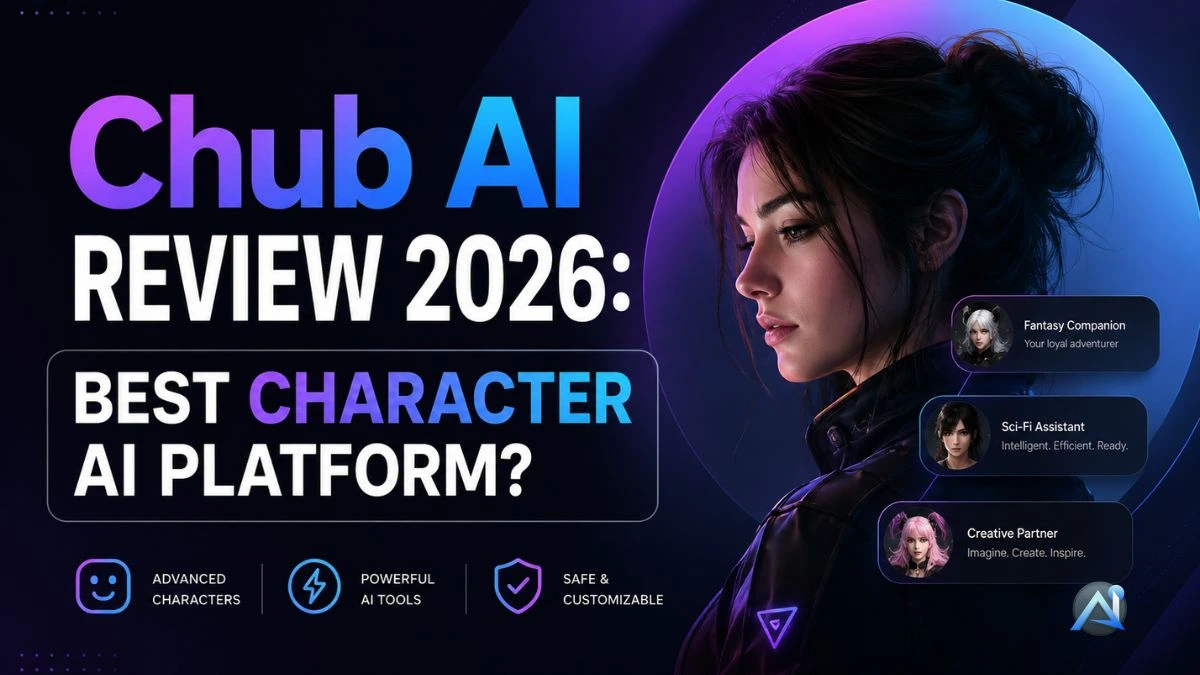
Chub AI is an AI character chat platform built for roleplay AI chatbot use cases, long-form storytelling, and deep character customization. You pick or build a character with a personality, backstory, and behavioral rules. Then you chat—and the bot stays consistent with those rules across the conversation.
It merged with and now operates under Chub.ai, which expanded its toolset considerably. For a direct look at the platform itself, Chub AI is the best starting point before you dive into settings.
People ask two questions constantly: is Chub AI still good, and what happened to it after its early changes? Both answers are simple. Yes, it’s still very much active. And the changes made it more flexible, not less. Writers, roleplay AI chatbot fans, and users who want fewer restrictions than tools like Character AI all keep coming back for exactly that reason.
How Chub AI Works (Models, Context Size & Chat System)
Chub AI runs by connecting to different AI models. You choose which model powers your conversation, and that choice directly affects response quality, reasoning, and creativity. Some users connect their own API keys to access models like GPT-4 or Claude-class systems. Others use whatever the platform provides by default.
The biggest technical factor is Chub AI context size. This is the memory window — how much of the conversation the model actually reads before generating a reply. Short context means the AI forgets things quickly. Longer context windows keep earlier details alive much further into a chat.
Chub AI legacy chats used smaller windows, which caused the infamous “forgetting” problem. Newer configurations support bigger windows, but you still need to set them up properly. If you want to compare how different AI systems handle model selection and memory behavior, the best AI assistants roundup breaks that down clearly.
Chub AI Features Explained (Everything You Get)
The feature set is built around one goal: customization. You create or import Chub.ai bots using detailed AI personality cards—structured definitions that include the character’s background, speech patterns, and behavioral limits. This produces far more consistent responses than standard AI chatbots.
Chub AI text formatting is genuinely useful for immersive use. You can write in dialogue tags, use action lines, or mix narration with speech. For anyone doing AI storytelling platform work or extended roleplay sessions, this changes how the whole conversation feels.
NSFW content exists on the platform. It’s user-configured, not hidden, and not pushed. You set the limits yourself.
The Chub.ai marketplace also has thousands of community-built characters. You don’t have to create from scratch. Browse, import, and start chatting in minutes.
Chub AI Memory & Chat Memory (How to Make It Better)
Chub AI memory works within the context window. The AI reads the most recent portion of your chat and generates a reply based on that. When chats run long, earlier details fall outside the window and the AI acts like they never happened.
That’s the core problem. And there are concrete ways to fix it.
Write short, structured system prompts. Long, loose prompts waste window space on setup instead of saving it for conversational content. Summarize old chat sections manually and paste the summary at the start of a new session. This keeps important facts inside the window without filling it with old dialogue.
Adjust the best Chub AI settings for memory priority too. Some configurations let you pin key facts so they persist. Use them. Also, writing prompts that are specific and action-focused—rather than vague and descriptive—keeps the AI anchored longer.
If you want to see how memory features work in practice across different platforms, this memory features review gives you a useful comparison point.
Chub AI Presets for Character AI-Like Behavior & Style
Presets are where Chub AI separates itself from basic AI chat tools. Chub AI presets for character AI-like behavior let you control emotional tone, response pacing, and conversational intensity. If you’re coming from Character AI and want a similar feel, you can build a preset that mirrors it closely.
Chub AI presets for character AI style go further. You adjust verbosity, creativity levels, and how strictly the bot sticks to its character definition. Fantasy roleplay works best with longer, more atmospheric preset configurations. Quick Q&A use cases need tight, short presets.
Small changes here produce noticeably different conversations. Test a few variations before settling on one.
How to Use Chub AI (Step-by-Step Guide)
Create an account first. Then choose your model—either one the platform provides or your own via API. Next, browse the Chub.ai bots marketplace or build a character from scratch using the Chub AI character creation guide inside the platform.
Start simple. One personality trait, one backstory detail, one behavioral rule. Add complexity after you’ve tested how the bot responds. Most beginners over-define characters on the first try, which creates conflicting instructions and weird responses.
Once the character works, move into system prompts and AI memory settings. These let you pin persistent facts, define response length, and set conversation tone. Advanced users spend most of their time here, not in the character card itself.
Chub AI Pricing & Subscription Plans (Updated 2026)
Chub AI pricing has a free tier and paid plans. Free access lets you chat, test characters, and use core features. Speed and model access are the main limits — not message caps in the strict sense.
Does Chub AI have unlimited messages? Technically yes, but high-frequency use on heavier models will hit throttling. The free tier works fine for testing. It starts to feel slow when you’re running long daily sessions.
Paid plans remove most of that friction. Faster responses, better model access, and more stable performance across longer chats. The pricing isn’t about more messages. It’s about better ones.
Is the Chub AI subscription worth it? (Honest Analysis)
Casual users: skip it. Free access covers light use without any real compromise.
Power users, writers, and daily roleplayers: yes, the paid plan pays off. The difference in response speed and session stability is noticeable, especially in longer conversations where the free tier starts lagging.
The value question always depends on what you’re using it for. Chub AI excels at customization and character consistency, not raw AI intelligence. If that matches your needs, the subscription makes sense. If you want to see how other AI tools structure pricing before committing, this subscription worth it breakdown gives a practical framework for that decision.
API Keys and Data Privacy
Chub AI supports external API connections, which means you can plug in your own OpenAI, Anthropic, or other model credentials to power conversations. This gives you access to stronger models than the defaults, but it also means your API key passes through the system.
Before you connect anything, read through the API connection settings and confirm exactly what data is being transmitted. Know your key usage limits and set spending caps on your API provider’s dashboard. Your credentials are your responsibility once you connect them.
Common Chub AI Problems & Fixes (Slow, Down, Errors)
Chub AI’s slow performance almost always comes down to two things: peak server load or a heavy model choice. Switch to a lighter model first. If that doesn’t fix it, clear recent chat history and restart the session.
Is Chub AI down? Genuine outages happen, but they’re short. Check the platform’s status page or community channels before assuming something broke on your end. Most “down” reports are regional slowdowns, not full outages.
Persistent errors — like broken responses or formatting failures — usually trace back to a misconfigured system prompt. Simplify it and test again.
Chub AI Review—Pros, Cons & Final Verdict
Strengths: Deep AI character chat platform customization, flexible Chub.ai bots, strong long-form roleplay AI chatbot support, configurable AI chat presets, and real memory control when set up correctly.
Weaknesses: Learning curve is real. Chub AI memory still breaks down in very long sessions. Performance dips under load.
Is Chub AI good? Yes — for the right user. If you want control, presets, and character depth, few platforms compete at this price point. If you want something that works perfectly out of the box with no setup, look elsewhere.
Is Chub AI Better Than Character AI?
For freedom and customization: Chub AI wins clearly. You control the character, the memory behavior, the response style, and the model behind it all.
For simplicity and polish: Character AI is easier for newcomers. Less setup, less configuration, less to break.
If you’re already comfortable with AI tools and want more than Character AI gives you, Chub AI is the natural next step. If you’re evaluating multiple options, including Claude-based systems, the Claude alternatives review covers that comparison in detail.
FAQs
What is Chub AI?
Chub AI is a platform that hosts a large library of user-created AI characters for text-based chat and roleplay. It connects to various AI language models and is known for offering more open, uncensored conversations than mainstream chatbots.
Is Chub AI free?
Chub AI offers free access to much of its character library and basic chat, while paid subscription tiers unlock more powerful AI models, faster responses, and extra features. (Check the site for current plan prices.)
Is Chub AI safe to use?
Chub AI is intended for adult users and can contain unfiltered, mature content, so it is not suitable for minors. As with any AI chat platform, avoid sharing personal or identifying information and review its privacy and content policies before use.
How do you use Chub AI?
You create an account, browse or search the character library, and start a chat with a character. You can also connect your preferred AI model and customize characters or create your own.
Is Chub AI suitable for everyone?
No. Because it allows mature and uncensored content, Chub AI is designed for users aged 18 and over and is not appropriate for younger audiences.
Final Thoughts
Chub AI gives you more control over AI conversations than almost any other platform at this price point. The memory system needs active management, the learning curve is real, and performance varies under load. But for writers, AI storytelling platform users, and serious roleplay AI chatbot fans who want a fully configurable experience, it’s one of the best options available in 2026.