
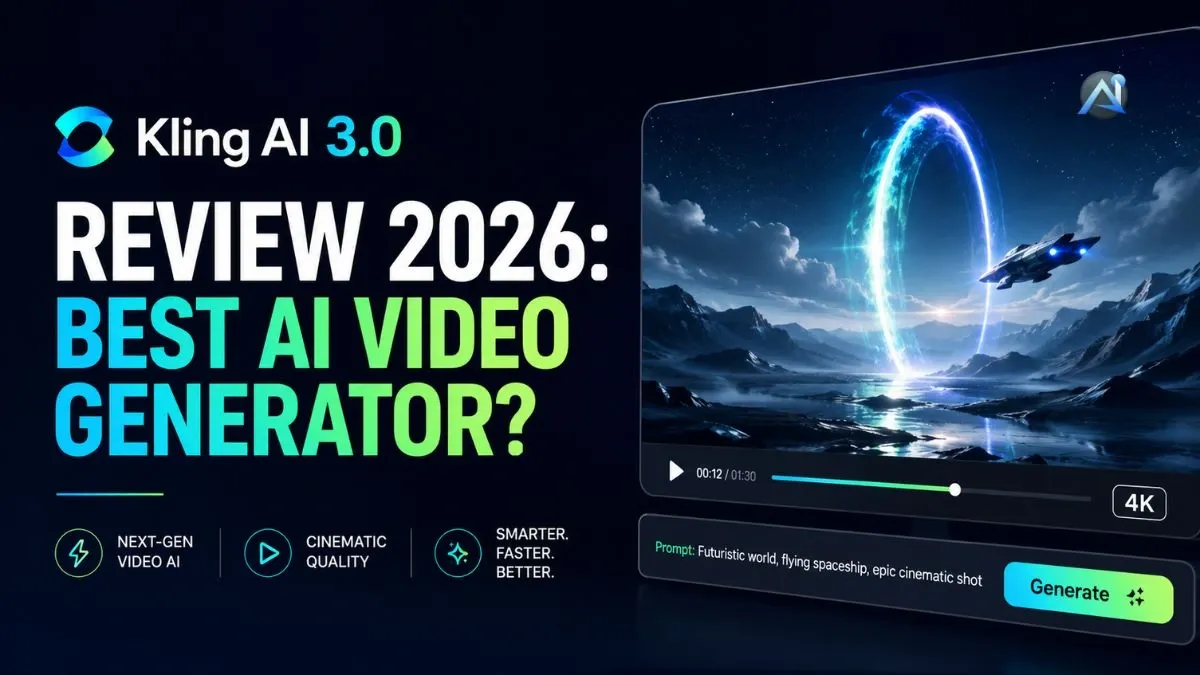

If you’ve spent any time in AI video this year, you’ve heard the name. Kling dropped version 3.0 on February 5, 2026, and within weeks it was generating more buzz than any AI video tool since Sora’s early days. This Kling AI review 2026 covers everything you actually need to know: what changed in 3.0, what the free tier can realistically do, where the pricing gets complicated, and how it stacks up against the real competition right now.
What is Kling AI 3.0?
Kling AI is a text-to-video and image-to-video generator built by Kuaishou Technology, a Chinese tech company you might know better as the creator of Kwai, the short-video platform. The tool has been around since mid-2024, but version 3.0 is a meaningful step up. It runs on a multi-modal visual language (MVL) architecture, which means text, images, audio, and video are all processed inside one unified system rather than stitched together from separate models.
In practical terms, 3.0 can output native 4K at 60 fps, generate synchronized audio in a single pass, and support multi-shot storytelling with up to 6 connected scenes from one prompt. You can visit the Kling AI official site to see the current demo reel, and honestly, it’s impressive. The physics on human movement, the legibility of text in-scene, and the overall coherence of longer clips are all noticeably better than previous versions. Is it perfect? No. But for what most creators and marketers are actually making, it’s more than good enough.
Key features of Kling AI in 2026
Kling 3.0 holds the top ELO benchmark score among all AI video models as of early 2026, sitting at 1,243 points, ahead of Google Veo 3.1, Runway Gen-4, and Pika 2.2. That number matters because it reflects real-world quality across hundreds of standardized test prompts. The standout features that got it there aren’t gimmicks—they’re things that actually change what you can make.
One area where Kling genuinely leads: text rendering. Signs, brand logos, and price tags remain legible inside generated video. If you’ve ever battled Sora for 20 minutes just to keep a single readable word on screen, you know how much this matters. For e-commerce teams and marketers, it’s probably the single most practical advantage Kling has over its competitors.
Motion control — how it actually works
This is the feature that went viral. Kling AI motion control works by taking 2 inputs: a reference video that contains the movement you want and a character image you want to animate. The AI extracts the motion pattern from the reference and transfers it to your character. Upload a 10-second dance clip, and Kling can apply that exact choreography to any character you give it, with realistic weight transfer and physics that actually look grounded. Version 3.0 added Element Binding, a feature for multi-angle face locking that keeps a character’s visual identity consistent across multiple outputs. The foot-sliding problem that plagued version 2.6 is mostly gone. For short 5–10 second dance and gesture transfers, it’s the most reliable motion tool in any AI video platform right now.
Text to video vs image to video
Both modes are available on all paid plans, and the quality gap between them is smaller than you’d expect. Text-to-video is faster for ideation: type a scene description, pick your aspect ratio, choose 5 or 10 seconds, and generate. Image-to-video is better for consistency: start with a character or scene you like and let Kling animate it. You can upload up to 4 reference images to lock a character’s visual identity across multiple generations, which is genuinely useful for branded content or recurring characters. The main limitation in both modes is that quality degrades past the 10-second mark on extensions, so plan to use shorter base generations.
Character animation and scene generation
Kling handles character animation well for solo characters doing defined actions (walking, gesturing, dancing). Multi-shot scene generation is new in 3.0 and works for simple narrative sequences, but character appearance can drift between shots without Element Binding. Multi-character scenes are a weaker point compared to Runway. If character consistency across many scenes is your primary need, also check out this character animation tool for comparison.
How to use Kling AI—step by step
Getting started takes about 5 minutes. Create a free account at klingai.com; no credit card is required. You’ll land on the main generation dashboard. Choose your mode (text-to-video or image-to-video), write your prompt, set the duration (5 or 10 seconds), pick your aspect ratio (16:9, 9:16, or 1:1), and choose between Standard or Pro quality mode. Standard costs fewer credits. Pro produces sharper output and is worth the extra cost for anything you’re publishing.
For Motion Control: navigate to the Motion Control tab, upload your reference video, upload your character image, bind facial elements for multi-angle consistency, set your scene orientation, and generate. Most standard-mode clips come back in under 3 minutes. Pro-mode on a busy server can take up to 10.
Kling AI free credits—what can you actually make?
The free tier gives you 66 credits per day, with no rollover. A 5-second, 720p standard-mode clip costs around 30 credits. So in practice, you can generate about 2 short clips per day for free.
Free outputs are watermarked, capped at 720p, and run in a public queue, which means your prompts and reference images may be visible to other users. It’s genuinely useful for testing before committing to a plan. You can produce a few decent social media clips if the watermark doesn’t bother you. But for professional or high-volume use, the free tier is a trial, not a workflow.
Kling AI pricing plans
Kling uses a credit-based system. You buy a pool of credits each month and spend them as you generate. The cost per video depends on 4 variables: video length, quality mode, which Kling model you use, and whether you enable native audio. A realistic 10-second 1080p clip with audio runs about 120–200 credits. Full details are at Kling AI pricing plans.
The plans as of May 2026: Free ($0), Standard ($6.99/month, 660 credits), Pro ($29.99/month, 3,000 credits), Premier ($64.99/month intro, 8,000 credits), and Ultra ($127.99/month intro, 26,000 credits). Annual billing saves approximately 34%.
Free plan—what you actually get
66 daily credits, 720p max, watermarked output, public queue processing. No credit card required. You can test both text-to-video and image-to-video modes, and Motion Control is accessible in Standard mode. It’s enough to decide if Kling fits your workflow. It’s not enough to run one.
Standard vs. Pro—worth the upgrade?
Standard at $6.99/month gives you 660 credits, 1080p output, no watermark, and commercial use rights. That’s roughly 33 standard-mode 5-second clips per month. For occasional short clips, it’s a solid deal. Pro at $29.99/month bumps you to 3,000 credits and unlocks private mode so your generations stay out of the community gallery. If you’re producing 30+ clips per month, Pro is the right call. Standard will run out faster than you expect.
Kling AI pros and cons
Here’s the honest breakdown.
Pros: Top ELO benchmark score among AI video models in 2026. Best-in-class motion control and physics. Readable in-scene text. Competitive entry pricing at $6.99/month. Native 4K output on 3.0. Free tier with no credit card required.
Cons: Monthly credits expire and don’t roll over. Introductory pricing jumps at renewal (Standard renews at $8.80, Pro at $32.56). Credits deducted on failed generations, no refund. Character consistency is weaker than Runway on complex multi-character scenes. Quality degrades past 10-second clip extensions. Content moderation is stricter than Western platforms. Billing support is slow.
Kling AI vs competitors
Kling doesn’t operate in a vacuum. Here’s where it sits relative to the 3 tools creators most often compare it against.
Kling AI vs Runway Gen-4
Runway Gen-4 is the filmmaker’s tool. It leads on precise editing controls, multi-motion brush features, and integration into professional post-production workflows. Kling beats Runway on raw generation volume per dollar and on physics-accurate motion transfer. For point-and-shoot generating, Kling is faster and cheaper. For teams doing detailed editorial work on generated clips, Runway’s editing layer is worth the premium. Runway starts at $15/month for commercial rights vs. Kling’s $6.99.
Kling AI vs Seedance 2.0
Seedance 2.0 (ByteDance) dropped 3 days after Kling 3.0 and is its most direct competitor. Seedance leads on synchronized audio-video generation—it’s the only model where you can feed reference audio, character images, and camera instructions in a single pass and get a complete scene with lip sync. Kling beats Seedance on raw physics and natural human motion in complex action sequences. Seedance also has limited international access as of mid-2026. For most US-based creators, Kling is the more accessible option right now.
Kling AI vs Sora 2
OpenAI announced Sora’s shutdown on March 24, 2026. The Sora 2 that exists now is in limited availability. You can read the full Sora AI review for current context. For this comparison: Kling is the more viable option for most creators. Sora was stronger on scene complexity; Kling leads on pricing, access, and motion. If you’re weighing avatar-based tools too, the AI avatar video tool category is worth a look. And for another adjacent option, check the Luma AI review.
Kling AI billing—what to watch out for
This section exists because user complaints are documented and real. Know these 4 things before you subscribe.
First: credits don’t roll over. If you have 200 credits left on the last day of your billing cycle, they’re gone. Separately purchased top-up packs don’t expire, but subscription credits do. Second: intro pricing is not your renewal price. Standard starts at $6.99/month but renews at $8.80. Pro starts at $29.99 but renews at $32.56. The Ultra tier went from $128/month in August 2025 to $180/month by January 2026, a 41% price increase in under 6 months. Third: credits are deducted on failed generations with no refund process. Fourth: multiple verified user reports document unauthorized recurring charges after cancellation attempts and credits failing to regenerate after billing succeeds. Start on monthly billing, test your actual credit usage for 2 months, then decide on annual.
Is Kling AI worth it? Final verdict
For most content creators, social media managers, and small business owners making short-form video, yes. The Standard plan at $6.99/month is the lowest entry price for commercial-use AI video among the major platforms. Kling 3.0’s motion control, 4K output, and text rendering are best-in-class at that price point. Where it gets harder: if you need reliable billing support, work with politically sensitive content, or need strict data privacy, Kling’s Chinese-regulatory context creates real friction. For teams doing heavy editorial post-production on AI-generated video, Runway is still the better fit. If you’re building a wider AI content workflow, this guide on AI content tools for marketers is a useful next read.
Frequently asked questions
Is Kling AI free to use?
Yes. The free tier requires no credit card. You get 66 credits per day to generate watermarked, 720p video. It’s enough for testing, not for a real production workflow.
How many credits do you get for free?
66 credits per day, resetting daily with no rollover. On paid plans, you also receive 66 daily free credits on top of your monthly subscription allotment.
Is Kling AI safe?
Kling AI is a legitimate platform built by Kuaishou Technology, a publicly listed Chinese company. Paid-plan generations are private by default unless you publish them. Free-tier generations run through a public queue, so prompts may be visible. Content moderation is stricter than US equivalents on politically sensitive topics.
Can I use Kling AI for commercial use?
Yes, on any paid plan. Free-tier users are restricted to personal, non-commercial use. Check the current terms at klingai.com before commercial deployment, as licensing terms can change between plan updates.
What is the best Kling AI alternative?
It depends on your use case. Runway Gen-4 for professional editorial control. Seedance 2.0 for synchronized audio-video generation. Luma AI for a more accessible creative workflow. The right answer depends on whether you prioritize volume, editing tools, or audio integration.