

I had zero coding experience. I still built a live email marketing platform in two weeks.
That’s what this review is actually about. I’m not going to walk you through a few demo prompts and call it a test. I subscribed to ChatGPT Plus ($20/month), used Codex to build a real piece of software I now use every day, and I’ll tell you exactly what it did well and where it fell apart.
What is OpenAI Codex? How does it work?
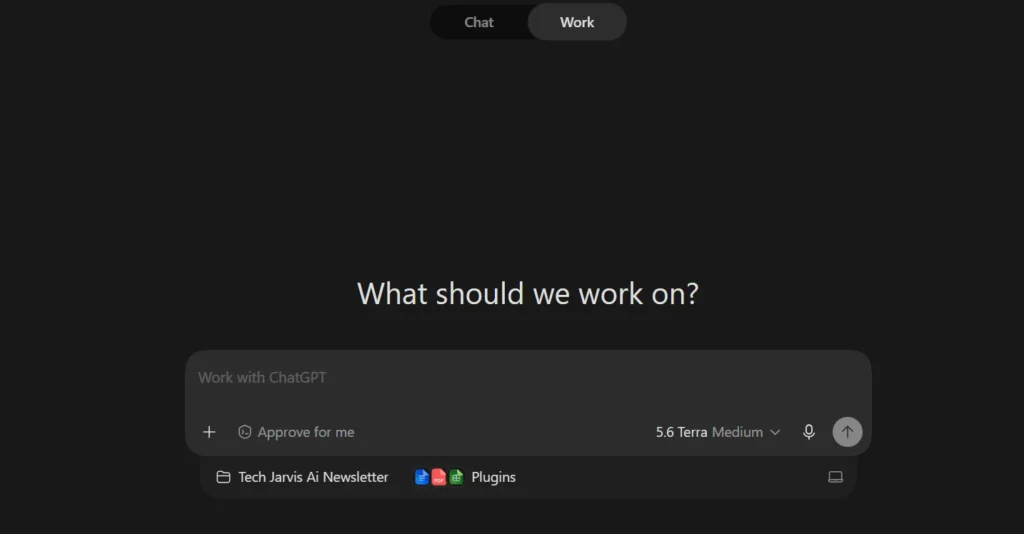
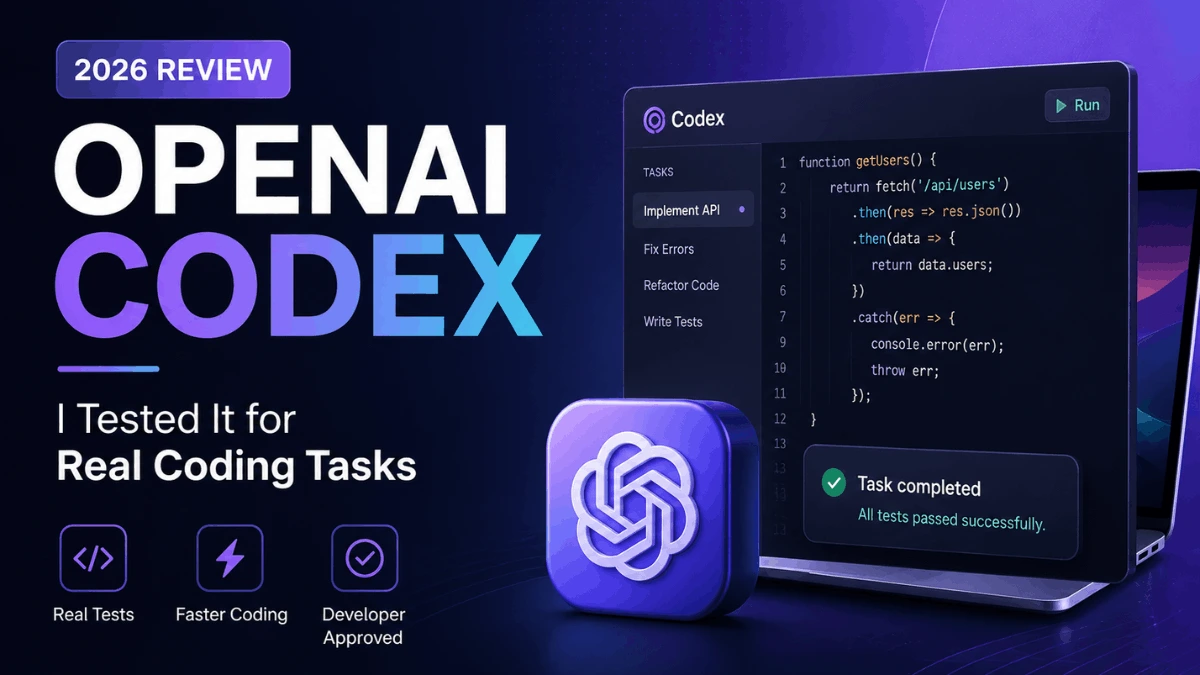
Codex is OpenAI’s AI coding agent, built into ChatGPT. You describe what you want to build in plain language, and it writes code, structures features, debugs problems, and connects everything together.
You don’t access it as a separate product. It ships inside every ChatGPT plan, Free through Enterprise. As of July 2026, it runs on the GPT-5.6 family: Sol (flagship), Terra (balanced), and Luna (lighter, faster). Which one Codex uses depends on the task size and your plan. It works across the web app, CLI, VS Code extension, and iOS.
The way it works in practice: you describe a task, Codex writes and runs the code in a sandboxed cloud environment, then gives you the output. Background agents can handle longer tasks while you do other things. For anything that needs GitHub access or cloud-based code review, you’ll need at least Plus.
My real project: building Tech Jarvis Email Marketing Campaign
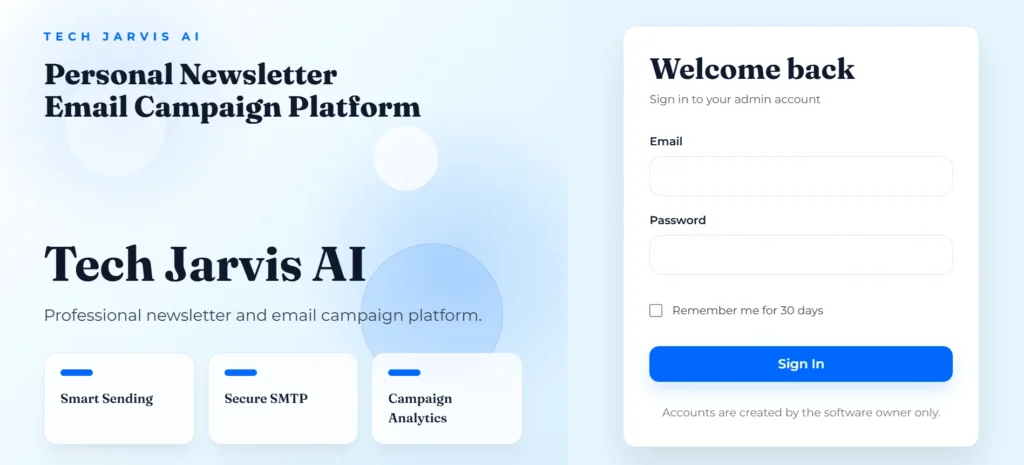
Here’s what I actually built.
I run a blog called Tech Jarvis AI. I needed an email newsletter tool, something that could send campaigns to my subscribers, handle multiple sending accounts, and not get flagged as spam. I decided to use Codex to build the whole thing instead of buying a SaaS subscription.
I had never written production code. I didn’t know PHP, Laravel, or how SMTP worked. I described what I wanted in plain English, and Codex wrote it.
The features I asked for, one piece at a time:
Multi-account sending rotation. I wanted to connect multiple Gmail, domain, Yahoo, and Hotmail accounts and rotate sends across them, around 50 emails per account. The goal was to stay spam-proof instead of hammering from a single inbox.
Contact management. A place to store and organize subscribers from any provider.
Campaign types. Two formats: HTML newsletter templates (for sharing new articles) and plain-text campaigns (for quick bulk messages like announcements).
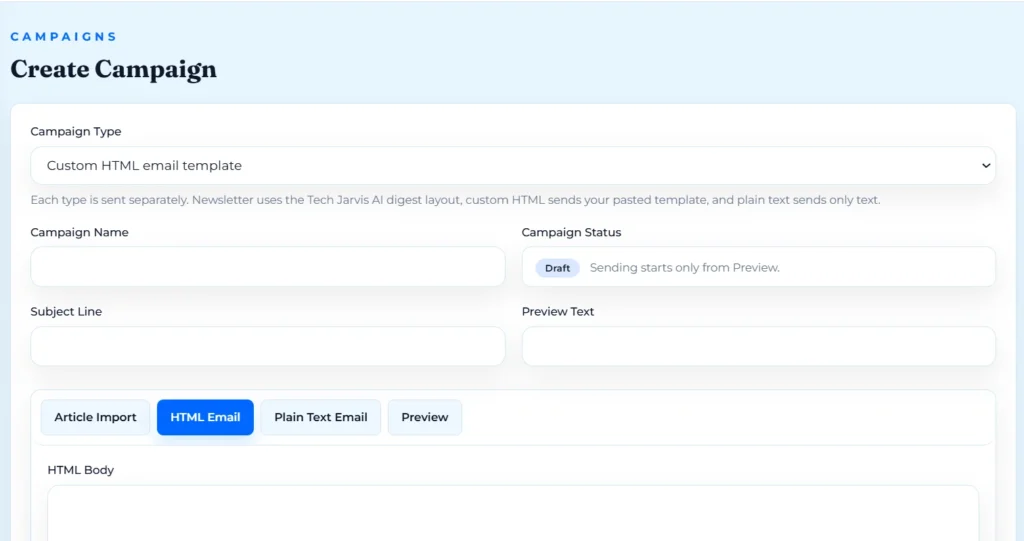
Full dashboard. SMTP account management, email logs, analytics, settings, and backups.
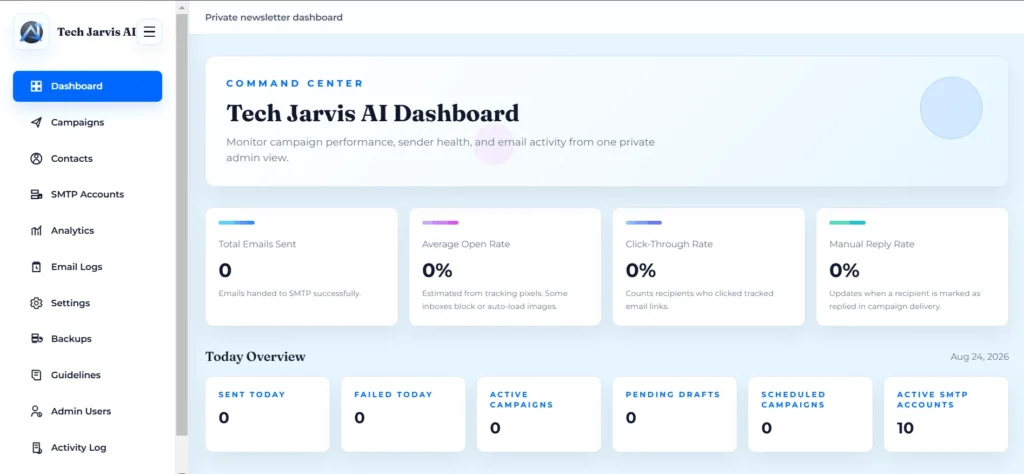
When something broke, I described the problem back to Codex in plain language. It debugged and fixed it without me needing to understand the underlying code.
Today, Tech Jarvis Email Marketing Campaign runs live on Tech Jarvis AI, handling my newsletters and campaigns for real.
Is Codex good for beginners?
My build answers this pretty directly.
For small to medium tasks, yes. I described what I needed in plain language and Codex handled the implementation. I didn’t need to know syntax, frameworks, or structure. I just needed to be clear about what I wanted.
The gap shows up on complex problems. When I hit a bigger bug, something with multiple moving parts, Codex couldn’t always resolve it on the first attempt. A few issues took 5-6 minutes of back-and-forth, and I had to break the problem down myself before Codex could actually fix it in code. Think of it less as a magic button and more as a very fast junior developer who needs clear specs to do their best work.
For building something real from scratch with no coding background? It works. You just have to be patient with the hard parts.
OpenAI Codex pricing 2026
Codex is included in every ChatGPT plan:
| Plan | Price |
|---|---|
| Free | $0/month |
| Go | $8/month |
| Plus | $20/month |
| Pro 5x | $100/month |
| Pro 20x | $200/month |
| Business | $20/user/month (annual) |
Pros and cons: what I actually experienced
Pros
Fast code generation. Once I described what I needed, Codex produced working code quickly. Most features didn’t require long waits.
Strong UI output. The dashboard it built for Tech Jarvis Email Marketing Campaign came out clean and professional on the first few attempts. I didn’t fight with it to get something that looked good.
Genuinely beginner-accessible. For most of the build, plain-language descriptions were enough. I didn’t need to learn anything technical to get started.
Cons
Struggles with complex bugs. Bigger, multi-part issues sometimes took several exchanges to resolve. Codex would make progress but occasionally miss the root cause on the first try.
Needs precise explanation for hard problems. The harder the task, the more work I had to do upfront to frame the problem clearly. Simple tasks needed almost no effort. Complex ones required me to almost debug it myself before Codex could fix it in code.
Is OpenAI Codex safe?
The code Codex writes runs in a sandboxed cloud environment. It doesn’t have access to your local machine unless you give it access through the CLI or an IDE extension.
A few practical things to keep in mind:
Don’t paste sensitive credentials (API keys, passwords, database strings) directly into prompts. Use environment variables instead, the same way any developer would.
Review code before deploying it to production. Codex is fast and usually accurate, but it’s not infallible. A quick read-through catches most issues.
For most personal projects and internal tools, the risk profile is low. For anything handling user data at scale, apply the same security review you’d apply to any external contractor’s code.
What can you do with OpenAI Codex in 2026?
My use case was an email marketing platform. But the range is wide.
Internal tools. Dashboards, admin panels, automation scripts, anything your team needs but can’t justify buying a dedicated SaaS for.
SaaS prototypes. Take an idea to a working MVP without hiring a developer. Codex can handle the backend logic, database structure, and UI.
Personal automation. Scripts that pull data, send reports, resize images, or process files on a schedule.
Code fixes and reviews. Connect it to a GitHub repo and ask it to fix bugs, refactor messy functions, or explain what a piece of code actually does.
Learning. If you’re trying to understand how code works, building something real with Codex and reading the output is faster than most tutorials.
My email marketing platform is the kind of project that would typically cost a few thousand dollars to outsource. I built it in two weeks for $20.
Final verdict: is it worth it in 2026?
For developers, Codex is a genuinely fast coding partner for background tasks and complex backend work.
For non-developers and solopreneurs? This is where it gets interesting. If you have a real project in mind, something with clear requirements and enough complexity to justify building instead of buying, Codex can get you there. The learning curve is the prompt, not the code.
The $20 Plus plan is the right starting point. You get real cloud-agent capability, GitHub integration, and enough usage to build something substantial.
It’s not magic. It can’t replace the ability to think clearly about what you want to build. But if you can describe a problem, you can build a solution.
FAQs
What is OpenAI Codex and how does it work?
Codex is OpenAI’s AI coding agent, built into ChatGPT. You describe what you want in plain language. It writes the code, structures the features, and debugs problems. No coding knowledge required to get started.
Is OpenAI Codex free to use in 2026?
There’s a free tier with limited usage. For anything beyond light testing, Plus at $20/month is the practical starting point. That’s what I used for a full two-week software build.
Can beginners use OpenAI Codex without coding knowledge?
Yes, with caveats. Simple and medium tasks are genuinely accessible in plain English. Complex bugs require you to think through the problem clearly before Codex can fix it. You don’t need to write code, but you do need to communicate precisely.
What can you do with OpenAI Codex in 2026?
Build internal tools, SaaS prototypes, automation scripts, and dashboards. Fix and review existing code. Learn how software works by building real things. The range is wide. The main limit is how clearly you can describe what you want.