
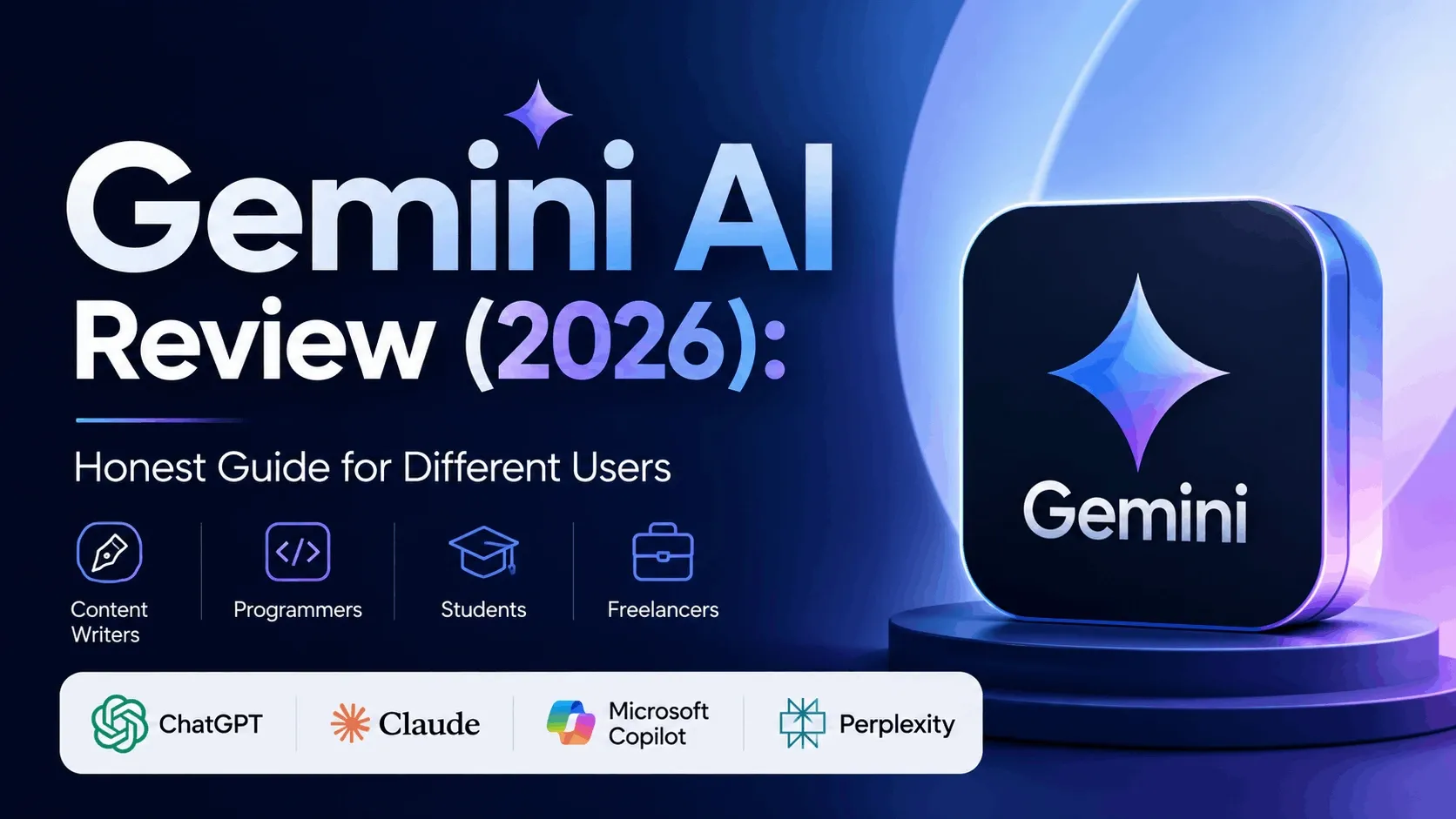

Google’s AI assistant has gone from “that Bard thing nobody used” to a genuine contender in about two years flat. So here’s a fair, no-hype, honest Gemini AI review for 2026 — written for the four groups who actually ask the question: writers, programmers, students, and freelancers.
Short version up top, because you’re busy: Gemini is very good, occasionally brilliant, and the free tier alone is reason enough to keep it open in a browser tab.
Whether you should pay for it depends on one thing — how deep you already live inside Google’s apps. Let’s get into it.
What is Gemini, and where does it stand in 2026?
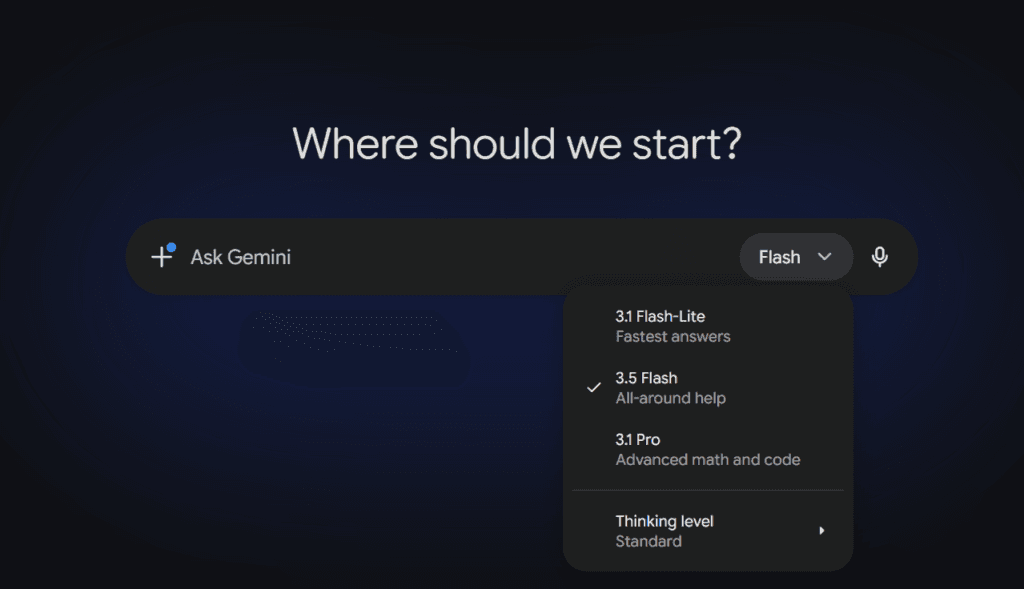
Gemini is Google’s family of AI models, built by DeepMind. In 2026 it runs on the Gemini 3 generation, with Gemini 3.1 Pro as the everyday flagship and the faster Gemini 3.5 Flash added at Google I/O in May 2026. A higher-end Gemini 3.5 Pro is rolling out through mid-2026.
It’s also popular. Traffic estimates from SimilarWeb in early 2026 placed Gemini as a clear number two behind ChatGPT — not a niche tool, but the main challenger. At launch, Gemini 3 Pro also topped the community-run LMArena leaderboard, which ranks models by blind human votes.
Translation: this isn’t an underdog you’re taking a chance on anymore.
Key features that actually matter
Plenty of AI tools have feature lists longer than a pharmacy receipt. Here are the Gemini features that genuinely change how you work.
Native Workspace integration
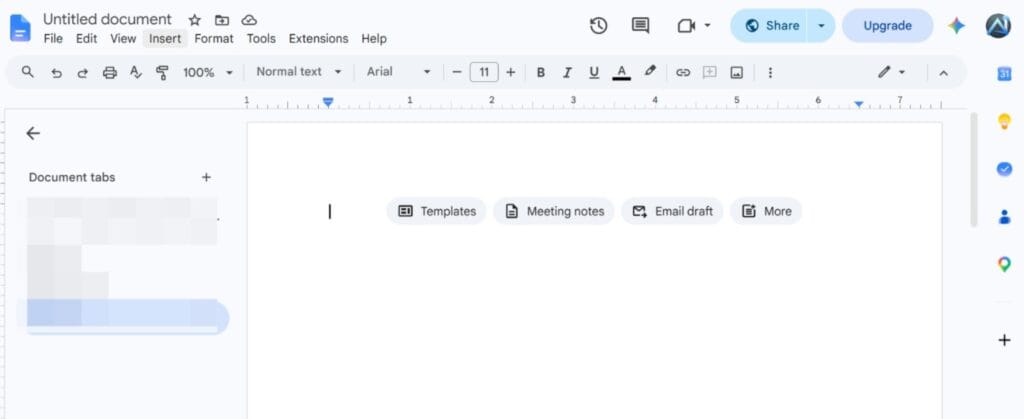
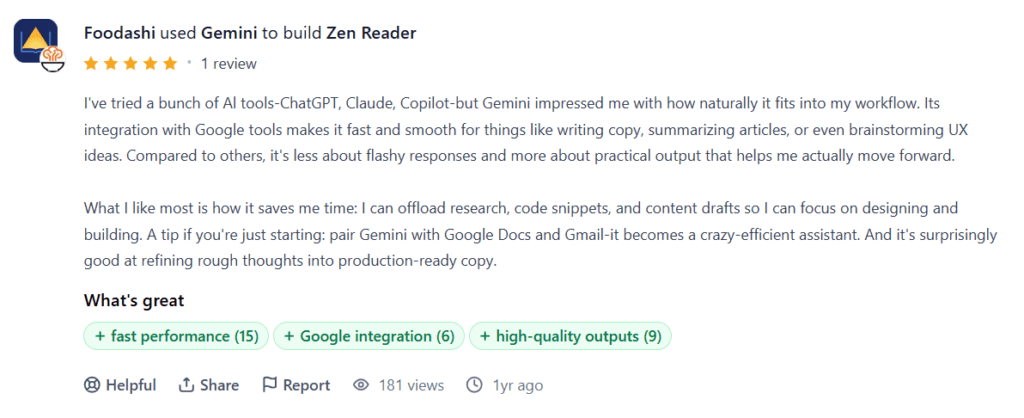
This is Gemini’s home-field advantage. It plugs straight into Gmail, Docs, Sheets, Slides, and Drive, so you can summarise a thread, draft a doc, or interrogate a spreadsheet without copy-pasting a thing. Google folded Gemini directly into its paid Workspace business plans in 2025, so for teams already on Google, it’s just… there.
If your whole working life lives in Google’s apps, no rival comes close on this one.
Multimodal inputMultimodal input
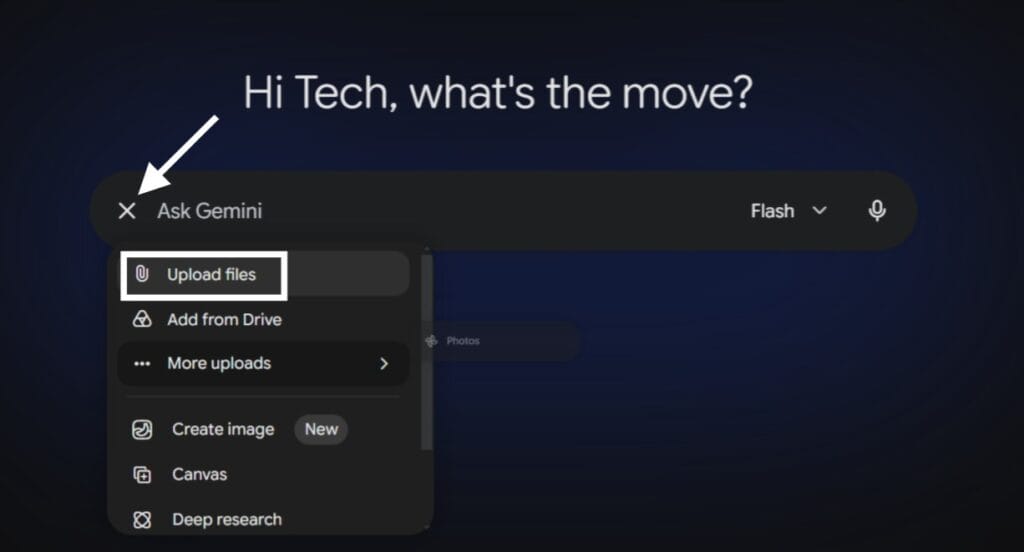
Gemini was designed to be multimodal from day one, meaning it reads text, images, audio, video, and code natively instead of bolting them on later. In practice, that’s the standout. You can hand it a video and ask what’s happening, or an audio clip and get real feedback — tasks where some competitors still shrug and say they can’t listen.
A large context window
The paid Pro tier handles a 1 million-token context window — roughly 750,000 words, or a small bookshelf. For students feeding it long PDFs, or freelancers dumping an entire client brief plus past emails, that headroom is the difference between “summarise this” and “summarise these forty things at once.”
Flash and Pro tiers
Gemini splits into Flash and Pro models, and the names are honest. Flash is the quick, cheap, lightweight option for everyday drafting and Q&A. Pro is the slower, deeper thinker for reasoning, analysis, and heavier coding. You pick speed or depth based on the job — and most days, Flash is plenty.
Generous free access
Here’s the part people underestimate, so it gets its own section.
Is Google Gemini free to use in 2026?
Yes — and generously so. The free tier runs on Gemini 3 Flash by default, with limited access to the newer Gemini 3.5 Flash too. You get everyday chat, drafting, summarising, image understanding, and a handful of Deep Research runs each month, all without entering a card.
There are daily caps, and the heaviest models stay locked behind paid plans. But for casual and even light-professional use, free Gemini does a genuinely useful day’s work.
Pros and cons
No tool is all sunshine. Here’s the balanced take.
Pros
- Strong free tier that handles real work.
- Best-in-class Google Workspace integration.
- Excellent multimodal skills, video and audio especially.
- Huge context window on the Pro plan.
- Live, current answers through Google Search — handy when facts change weekly.
- Competitive pricing, with the cheapest API rates among the big three.
Cons
- Voice mode still feels more robotic than ChatGPT’s.
- Instruction-following can trail rivals like Claude on long, fiddly prompts.
- Some headline features launch US-only or 18+ first.
- Skip Google’s apps entirely and you lose Gemini’s biggest advantage.
Who is Gemini AI best for?
This is where the “is it worth it” question gets specific.
Content writers
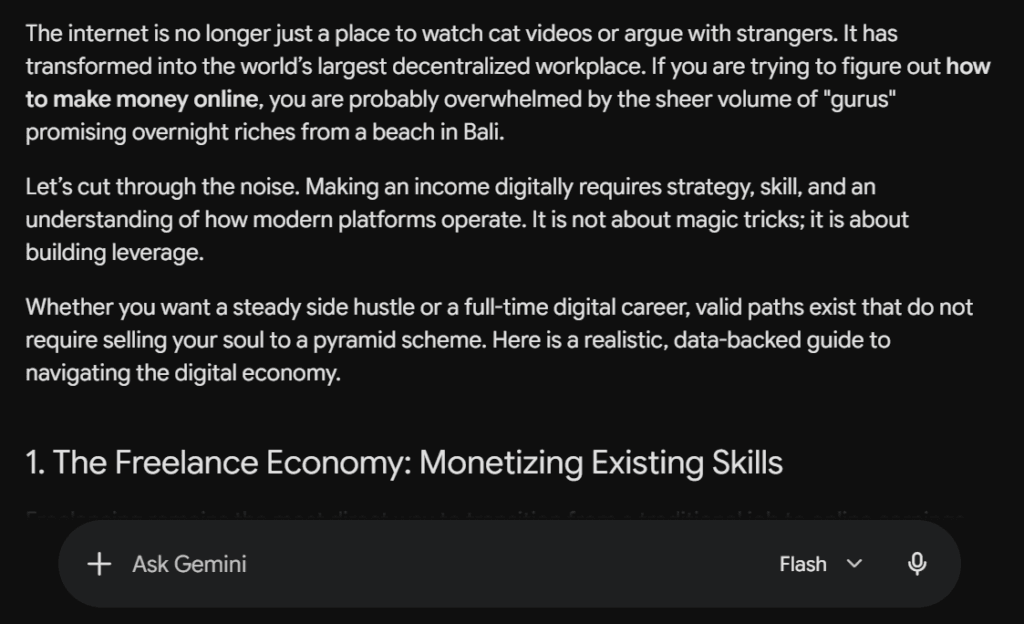
For content writers, Gemini works as a strong research-and-draft partner rather than a ghostwriter. Its live Google Search access makes it great for gathering current facts, and Docs integration keeps drafting in one place. The prose can read a little generic, so expect to edit for voice — but as a Gemini AI review for content writers goes, it’s a reliable first-draft engine, not a replacement for your style.
Programmers
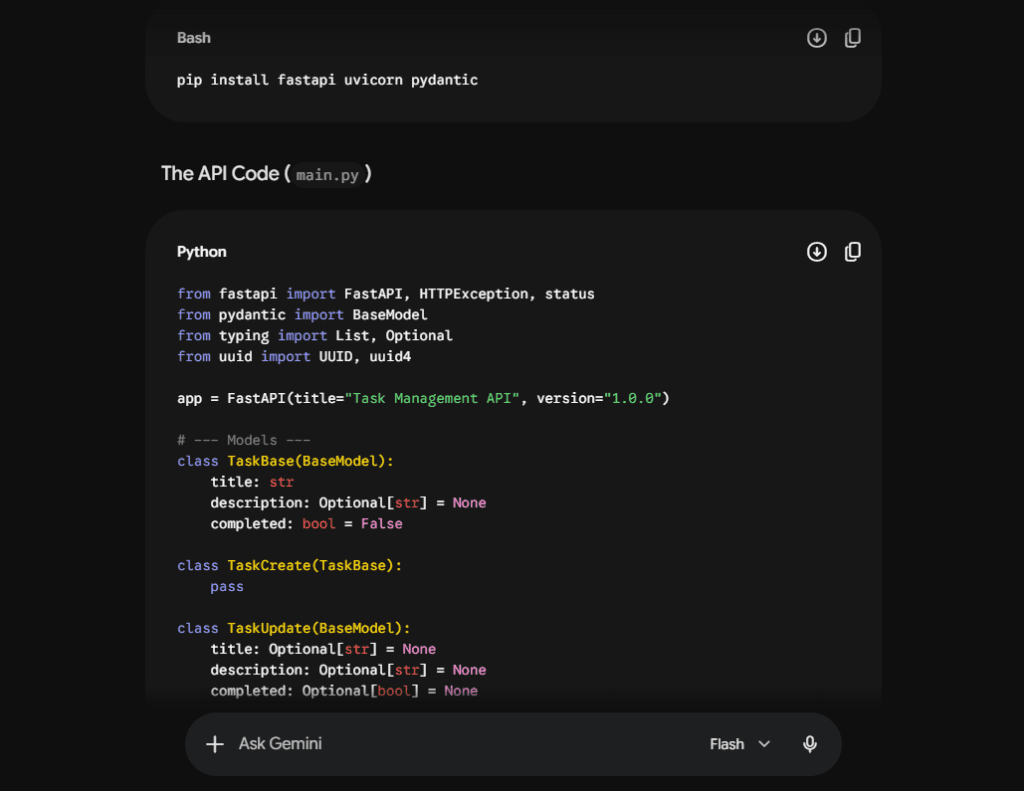
Both the Pro and Flash models code well, and the big context window lets you paste large chunks of a codebase for review. Independent benchmarks in 2026 generally rank Gemini just behind Claude and GPT-5 on the hardest coding tests — so it’s very capable, just not the outright class leader. For everyday debugging and scripting, you won’t feel the gap.
Students
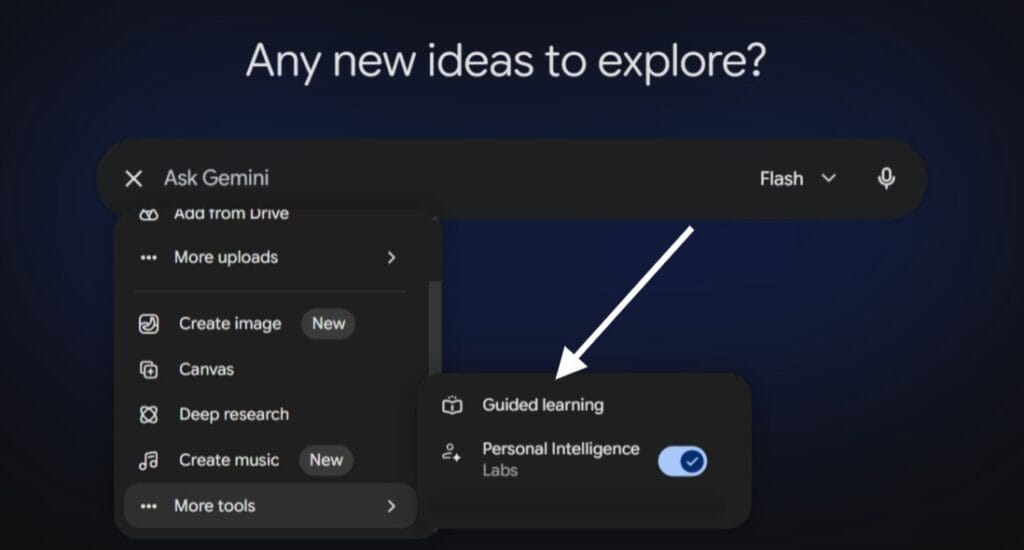
Students arguably get the best deal here. The free tier covers most coursework, the context window swallows long readings whole, and multimodal input means you can throw in lecture slides, diagrams, or recorded audio. Google has also offered extended free access to students in several regions, so it’s worth checking whether your country qualifies.
Freelancers
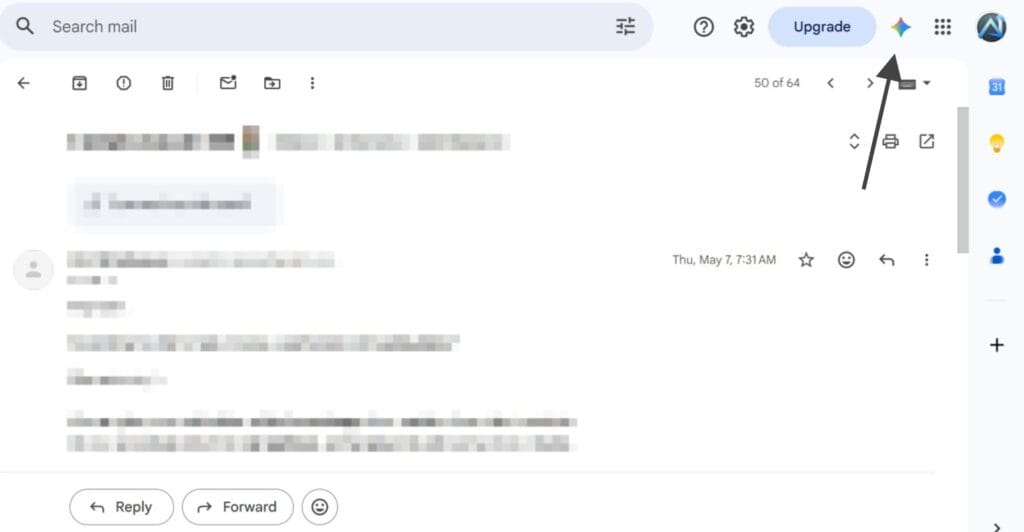
Is Gemini AI useful for freelancers? For most, yes — especially solo operators juggling research, client emails, proposals, and invoices inside Gmail and Docs. The free tier keeps costs at zero while you find your feet, and Workspace integration quietly removes busywork. If your tools already live in Google, Gemini saves you more time than any assistant here.
Google AI Pro vs AI Ultra: which is worth it?
Now the money question. Here’s how the main tiers compare:
| Plan | Price / month | Usage limits | Best for |
|---|---|---|---|
| Free | $0 (with a Google Account) | Baseline | Casual and light-pro use |
| Google AI Plus | $4.99 | ~2x higher than Free | Light users who want more headroom plus 400 GB storage |
| Google AI Pro | $19.99 | ~4x higher than Free | Writers, students, freelancers — most people |
| Google AI Ultra | $99.99 / $199.99 | 5x / 20x higher than Pro | Video creators and heavy AI workflows |
Google AI Plus, at $4.99/month, is the budget step up — roughly double the free usage, a 400 GB storage bump, and a smaller context window. It’s a fair pick if free feels tight but $19.99 feels steep.
Google AI Pro costs $19.99/month and hits the sweet spot for nearly everyone reading this. You get the Pro model at the full 1-million-token context window, Deep Research, NotebookLM, and around 2 TB of storage. New subscribers often get the first year half-off.
Google AI Ultra is the everything-tier. After price cuts at I/O 2026, it now starts around $99.99/month, with a top plan at $200 (reduced from $250). You get the highest limits, 20 TB of storage, and Google’s premium video tools like Veo.
So, is Google AI Pro vs AI Ultra worth it for you? For writers, students, and freelancers, Pro is plenty — and free may even cover it. Ultra only earns its price if you generate professional video, run heavy AI workflows, or need enormous storage. Most people should not pay for Ultra.
Pricing confirmed on Google’s official AI subscriptions blog and the Gemini plans page.
Gemini alternatives worth a look
Honesty matters in a review, so here are the real rivals at a glance:
| Tool | Best for | Approx. paid price |
|---|---|---|
| Gemini | Google users, multimodal work, value | Free / $19.99 (Pro) |
| ChatGPT | Versatility, voice mode, vast ecosystem | Free / ~$20 (Plus) |
| Claude | Coding, long-document accuracy, natural writing | Free / ~$20 (Pro) |
| Microsoft Copilot | Teams already on Microsoft 365 | Bundled / ~$20 |
| Perplexity | Cited, research-first answers | Free / ~$20 (Pro) |
A growing number of pros simply run two or three of these together and pick the right one per task.
FAQs
What can Gemini AI do in 2026?
In 2026, Gemini can:
Chat, write, code, and handle multi-step reasoning.
Read images, audio, and video natively (true multimodal input).
Pull live, current information from Google Search.
Work directly inside Gmail, Docs, Sheets, and Slides.
Process up to a 1-million-token context window on the Pro tier, with Deep Research and NotebookLM for heavier work.
What is the best AI chatbot in 2026?
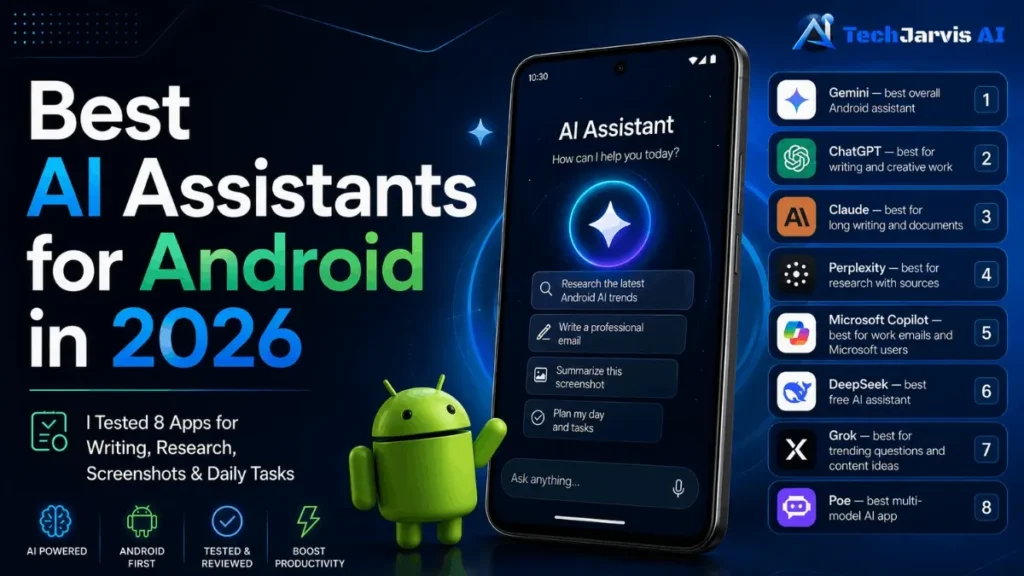
There’s no single winner. ChatGPT leads on versatility and reach, Claude leads on coding and writing accuracy, and Gemini leads on Google integration, multimodal work, and value. The best one is whichever fits your workflow.
Is Gemini AI worth using?
For nearly everyone, yes — at minimum on the free tier. It’s worth paying for if you live inside Google’s apps or lean on its multimodal and research strengths daily.
Is 2026 going to be Gemini’s year?
It’s having a strong one. Gemini is the clear number two by usage, it has topped human-preference leaderboards, and Google keeps shipping fast. Whether it overtakes ChatGPT is still an open question — but writing it off would be a mistake.
The honest verdict
Gemini in 2026 is excellent for the price, and close to unbeatable if you already breathe Google Workspace. Writers and freelancers get a capable, free-to-start assistant; students get arguably the best value going; programmers get a strong, if not chart-topping, coder.
Start free. Upgrade to Pro only when you hit the ceiling. Skip Ultra unless you genuinely need the firepower. That’s the worth-it answer — no hype required.
Review on product hunt