
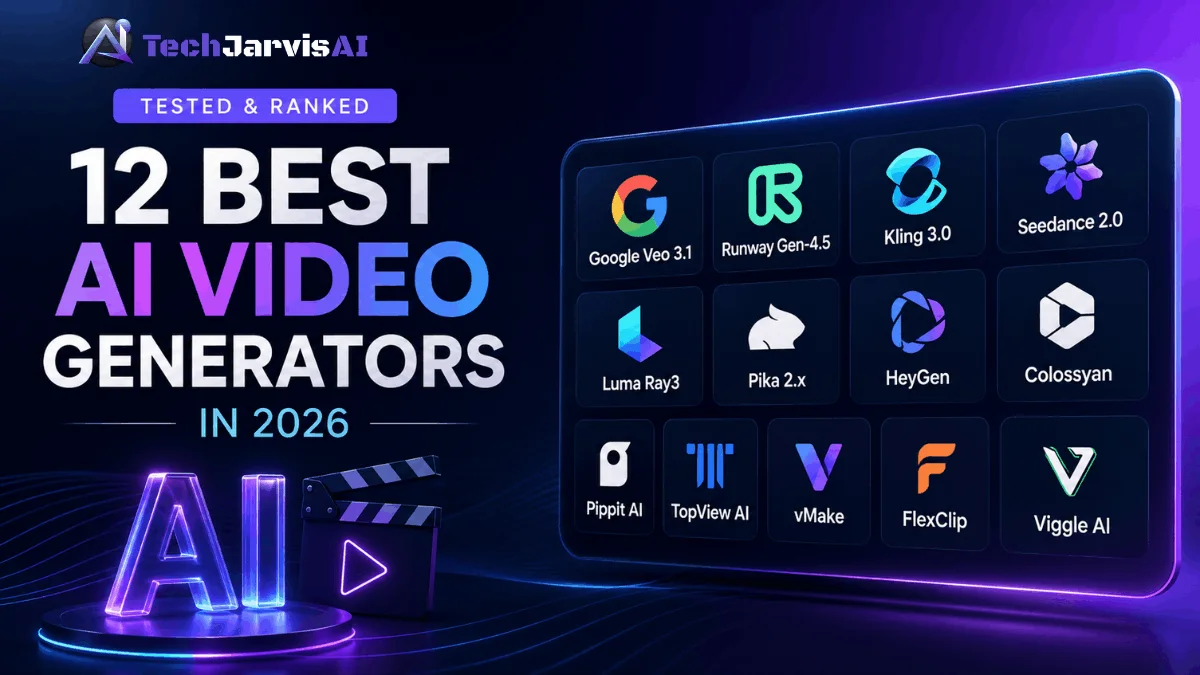

We tested 12 tools to find the best AI video generators in 2026, and the short answer is this: Google Veo 3.1 wins overall, Runway Gen-4.5 wins for creative control, and Seedance 2.0 leads image-to-video. The rest depend on your goal.
There’s no single “best” tool anymore. The right pick changes based on whether you want cinematic shots, talking-head avatars, or quick social clips. So we ranked everything by use case, not by hype.
Below you’ll find quick answers, a comparison table, and honest notes on where each tool shines and where it falls flat.
Best AI Video Generators in 2026 at a Glance
Here’s the fast version. Skim the table, then jump to the section that fits your work.
| Tool | Best for | Standout strength | Rough starting price |
|---|---|---|---|
| Google Veo 3.1 | Best overall | Native audio + up to 4K | ~$19.99/mo (Google AI Pro) |
| Runway Gen-4.5 | Creative control | Deep editing tools + physics | ~$15/mo |
| Kling 3.0 | Photorealistic motion | Native 4K + multi-shot | Free tier; ~$7/mo |
| Seedance 2.0 | Image-to-video | Multi-reference inputs | Usage-based (API) |
| Luma Ray3 | Cinematic mood / HDR | 16-bit HDR + EXR export | ~$30/mo |
| Pika 2.x | Short-form effects | Pick effects and speed. | Free tier; ~$28/mo |
| HeyGen | Avatars | Lifelike presenters + dubbing | Free tier; ~$29/mo |
| Colossyan | Training / L&D | SCORM + quizzes | ~$19/mo |
| Pippit AI | Short-form social | Product-to-video flow | Free tier |
| TopView AI | Product ads | Link-to-ad automation | Free tier |
| vMakev | Quick edits | Fast cleanup + enhance | Free tier |
| FlexClip | All-in-one editing | Templates + AI tools | Free tier |
| Viggle AI | Character animation | Motion transfer | Free tier |
Prices shift often, so treat these as a starting point and check each site before you buy.
How We Tested These AI Video Generators
We didn’t just read marketing pages. We ran the same brief through every tool and compared the raw output side by side.
Each tool got fair conditions. We used default settings first, then tuned prompts the way a real creator would after a few tries.
Our test prompt
We used one consistent prompt: “A golden retriever runs along a misty beach at sunrise, camera tracking from the side, waves crashing, cinematic lighting.” It mixes motion, physics, lighting, and a living subject. That combo exposes weak spots fast, since fur, water, and tracking shots are hard to fake.
Evaluation criteria
We scored each tool across seven factors that actually matter day to day:
- Realism — does it look real or obviously AI?
- Motion and physics — do objects move with believable weight?
- Prompt adherence — did it follow what we asked?
- Audio—native sound, or silence you fix later?
- Clip length — how long before it breaks down?
- Pricing — what you really pay per usable clip.
- Ease of use — can a beginner get a good result?
What Is an AI Video Generator?
An AI video generator is software that turns text, images, or audio into video clips. You describe a scene, and the model builds it frame by frame.
Some tools work from a written prompt alone. Others animate a still photo or rebuild existing footage into something new.
The big shift in the best AI video generators in 2026 is realism plus sound. Many models now create synchronized audio, lip-sync, and physics that hold up across a full clip.
How Do AI Video Generators Work?
Most of these tools use a diffusion model trained on huge libraries of video. The model learns how motion, light, and objects behave, then predicts each frame from your prompt.
Newer systems are multimodal. That means one model handles text, images, audio, and video together instead of stitching separate tools.
Text-to-video starts from words. Image-to-video animates a photo you upload. Both lean on the same engine, just with different starting points.
The quality you get depends on the model and your prompt. Clear, specific direction beats vague wishes every time, so write like a director, not a daydreamer.
Best for Cinematic & Generative Video
This is where the heavyweights live. If you want footage that could sit next to real camera work, start here.
These six models lead the cinematic field. Each one wins a different category, so pick based on what your shot actually needs.
Google Veo 3.1—Best overall
Veo 3.1 is the most complete tool we tested, and it’s our pick for best overall. It generates native audio — dialogue, sound effects, and ambient sound — in one pass, which almost no rival matches as cleanly. Output reaches up to 4K, and the “Ingredients to Video” feature keeps characters consistent across scenes. You can access it through the Gemini app, Flow, or the API. Google AI Pro runs about $19.99/month, with an Ultra tier for heavy users. See Google DeepMind’s official Veo model page or try Veo through Google AI Studio.
Runway Gen-4.5 — Best for creative control
Runway Gen-4.5 is the tool filmmakers reach for when they want to direct, not just prompt. It topped the Artificial Analysis text-to-video benchmark at launch and handles weight, momentum, and fluid motion with real polish. The reason to choose it is the toolkit around the model—Motion Brush, Act-One performance capture, and frame controls give you hands-on direction. Plans start near $15/month, with an Unlimited tier at $95. Read Runway’s own Gen-4.5 research announcement for the technical details.
Kling 3.0 — Best for photorealistic motion
Kling 3.0 from Kuaishou produces some of the most lifelike textures in the field. Skin, fabric, water, and even readable on-screen text hold together better than most rivals. It generates native 4K, runs clips up to 15 seconds, and supports multi-shot storyboards with multilingual lip-sync. The free tier is unusually generous, so beginners can test it without a card. Here’s how Kling 3.0 handles photorealistic motion in our full review, and you can also visit the Kling AI platform from Kuaishou.
Seedance 2.0 — Best for image-to-video
Seedance 2.0 from ByteDance is the one to beat when you start from your own images. It accepts up to nine images, three videos, and three audio clips as references in a single generation. That makes it ideal for product shots, character work, and brand-consistent content. It tops independent image-to-video rankings and costs noticeably less than its big rivals. Take a look at Seedance 2.0’s image-to-video results before you commit.
Luma Ray3 — Best for cinematic mood / HDR
Luma Ray3 wins on atmosphere. Rain, fog, fire, and golden-hour light look gorgeous, and it’s the first mainstream model with native 16-bit HDR plus EXR export for pro color pipelines. It also “reasons” through prompts and offers a fast draft mode for cheap iteration. Audio isn’t its strength, so you’ll add sound in post. Pricing starts around $30/month. See what Luma Ray3 does best in our breakdown.
Pika 2.x — Best for short-form creative effects
pick-effectsPika picked a lane and owns it. Its pick-effects let you melt, inflate, explode, or cake-ify objects in ways the cinematic models simply don’t offer. You get 1080p clips up to 10 seconds, fast generation, and a strong lip-sync feature for talking characters. It’s not built for polished long-form work, but for scroll-stopping social clips it’s a blast. A free tier lets you try it, with Pro plans around $28/month.
Best for Talking-Head, Avatar & Business Video
Sometimes you don’t need a beach at sunrise. You need a person on screen explaining something clearly.
Avatar tools turn a script into a presenter-led video with no camera or studio. They’re built for marketing, onboarding, and global training. They also pair well with AI avatars for live event hosting when you need a virtual host.
HeyGen — Best overall avatar tool
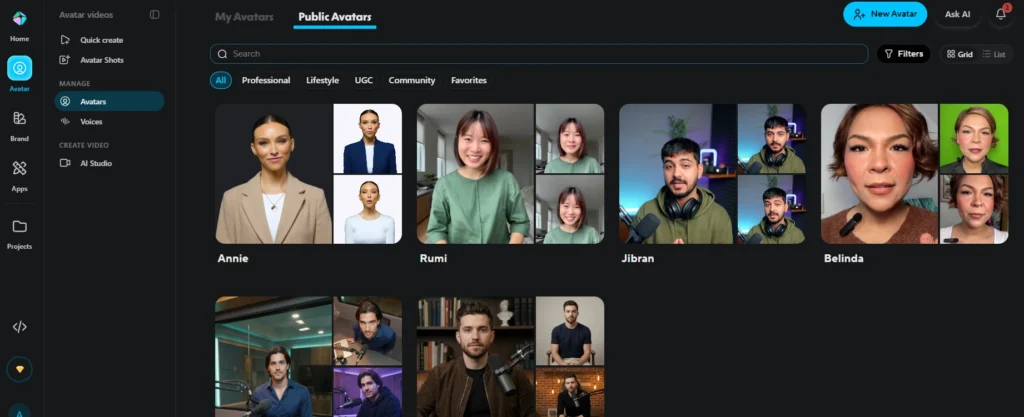
HeyGen makes the most lifelike presenters we tested, with natural head movement, micro-expressions, and tight lip-sync. You can build a digital twin from a photo, clone your voice, and translate a finished video into 175+ languages. It runs on a credit system, with a free plan for 3 videos and Creator plans from about $29/month. Explore HeyGen’s AI avatar platform in our hands-on review.
Colossyan — Best for training/L&D
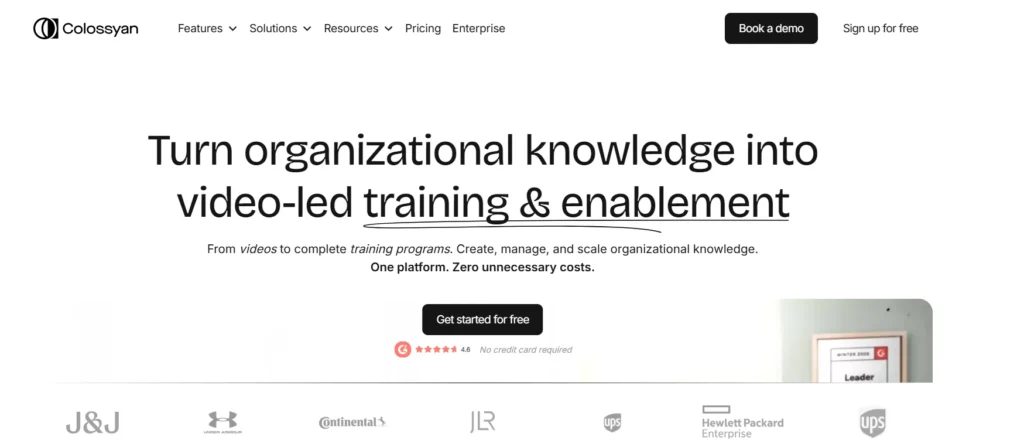
Colossyan is built for workplace learning, not viral clips. It supports SCORM export, in-video quizzes, and branching scenarios that report back to your LMS. Avatars present like instructors rather than performers, which suits onboarding and compliance content. A flat unlimited-minutes tier makes high-volume training affordable. See why we recommend Colossyan for training videos.
Best for Social Media & Short-Form Content
These tools chase speed and ease over cinematic perfection. They’re made for TikTok, Reels, and Shorts, where a fast turnaround beats a slow masterpiece.
If your real goal is product promotion, several of these double as ad makers. For a focused list, see tools built for product ad creation.
Pippit AI
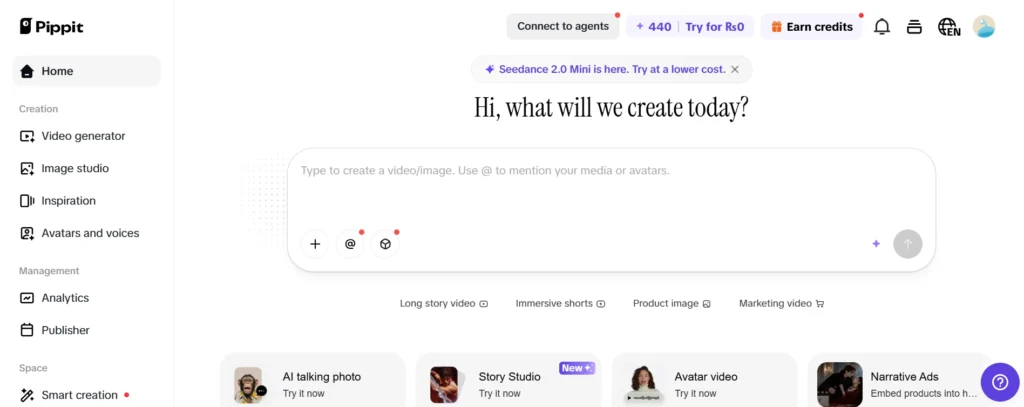
Pippit AI is an all-in-one short-form studio with a smooth product-to-video flow. Drop in a product link or images, and it builds a ready-to-post clip with avatars, captions, and music. It’s beginner-friendly and leans hard into e-commerce content. See how Pippit performs for short-form in our test.
TopView AI
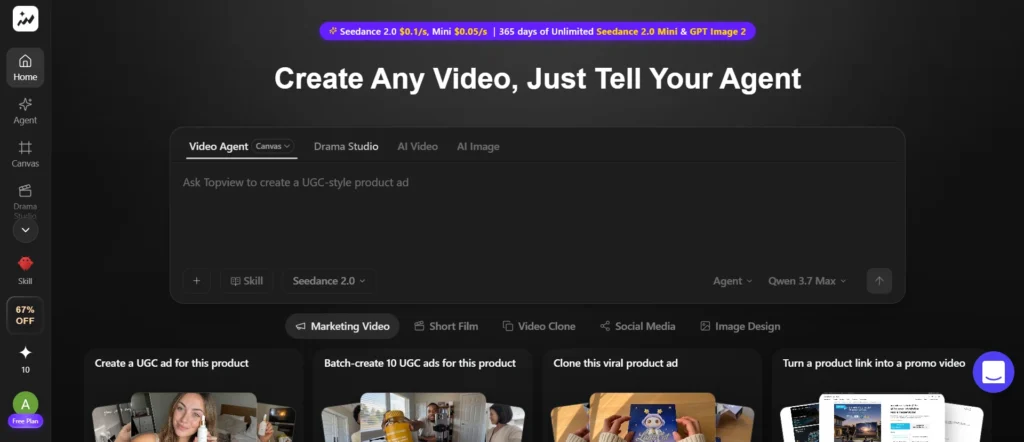
TopView AI specializes in turning products into ads. It pulls from a link or photo and generates UGC-style spots with avatars and hooks built in. For sellers who need volume, it’s a fast way to test creative angles. Check out TopView’s product-ad output.
vMake
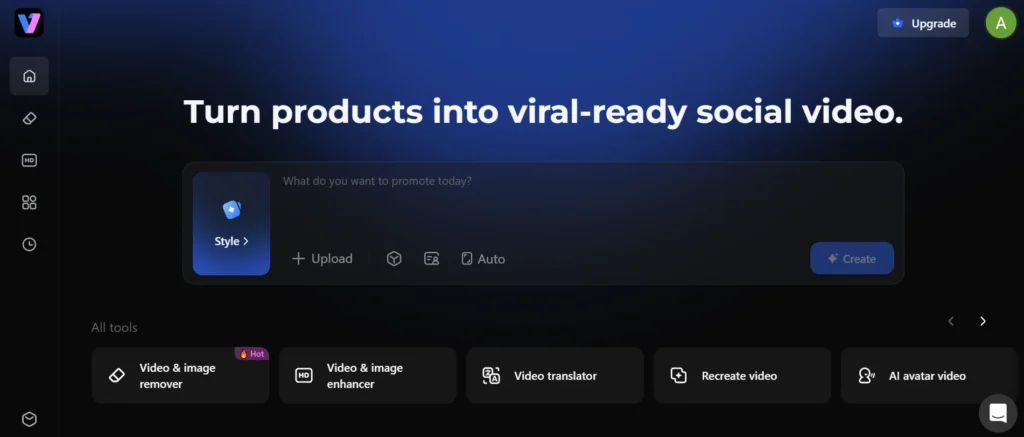
vMake focuses on quick edits and enhancements rather than full generation. It cleans up footage, adds effects, and speeds up the boring parts of short-form production. It’s handy when you already have clips and just need polish. Here’s what we found testing vMake.
FlexClip
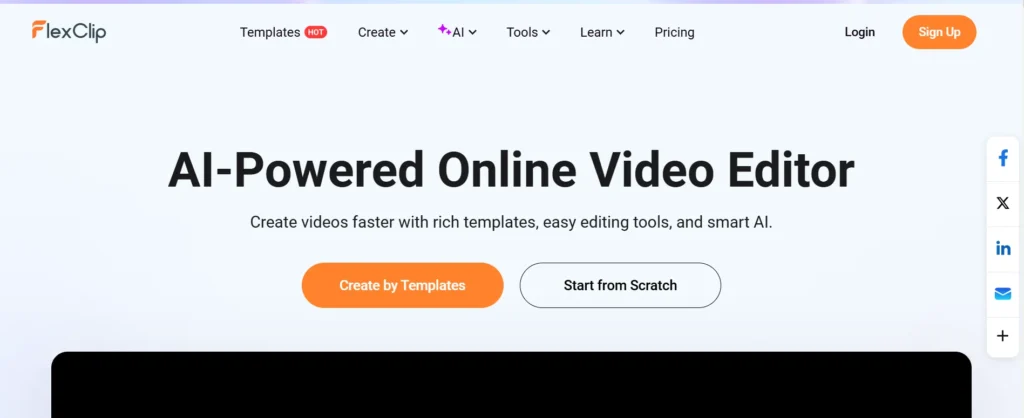
FlexClip is an approachable all-in-one editor with AI features layered on top. Templates, stock assets, and simple tools make it great for beginners and small teams. It won’t replace a generative model, but it’s a solid hub for assembling a finished video. Read about FlexClip’s all-in-one editor.
Viggle AI — Best for motion/character animation
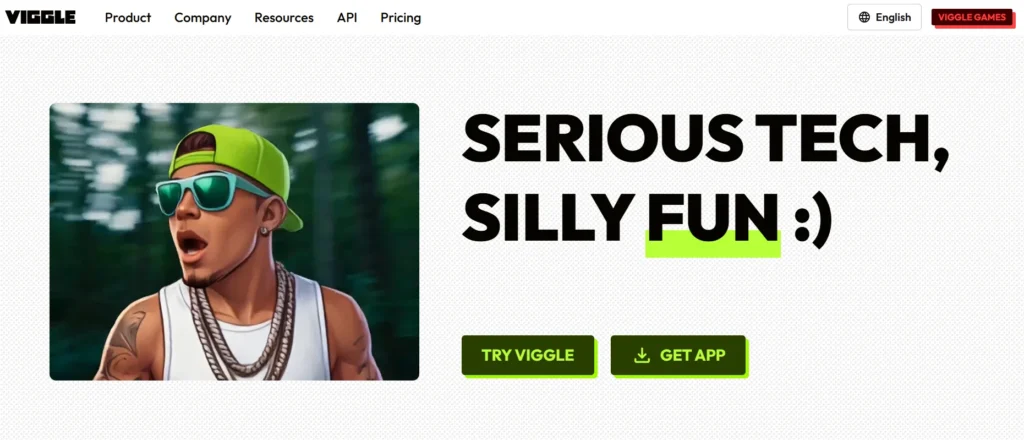
Viggle AI is the specialist for character motion. Feed it a character and a motion reference, and it makes that character move convincingly. It’s a favorite for memes, dance clips, and animation tests. See Viggle’s character animation in action.
How to Choose the Right AI Video Generator
Don’t start with the tool. Start with the job, your budget, and your skill level.
Answer those three questions, and the choice gets easy. Here’s how to map each one.
By goal
Match the tool to the output you need. For cinematic shots, pick Veo 3.1, Runway, Kling, or Luma. For business and avatar video, choose HeyGen or Colossyan. For fast social content, lean on Pippit, Pika, or Viggle. If you build wider campaigns, a marketer’s wider content toolkit helps tie it all together.
By budget
Free tiers are real and useful for testing. Kling and Pika both offer generous free access, while HeyGen and Colossyan start around $19–29/month. Mid-range pro plans sit near $10–20/month, and serious cinematic tiers can run $76 or more. Spend where your output actually ships.
By skill level
Beginners do best with FlexClip, Pippit, or the Gemini app for Veo. Intermediate users should try Kling, Pika, or HeyGen, which reward a little prompt practice. Advanced creators will get the most from Runway and Luma, where deep controls pay off. Start simple, then graduate as your needs grow.
AI video generators are great for creating quick clips, but some product launches need a professionally produced video. If you’re planning a launch, Flowjam’s product launch video examples offer real-world inspiration, including examples with published view counts.
AI Video for Social Media
Social platforms reward speed, vertical framing, and personality. The tools that win here aren’t always the most realistic ones.
For TikTok and Reels, Pika’s effects and Viggle’s character motion stop the scroll. For product promos, TopView and Pippit turn a single image into a finished spot.
Keep clips short and punchy. Most social wins land in the 5-to-10-second range, which is exactly what these tools generate natively. Add captions, since most viewers watch on mute.
A smart workflow mixes models. Use a cinematic tool for a hero shot, an effects tool for the hook, and an avatar tool for the pitch. You can start from an AI-generated still and animate it for even tighter control.
Sora vs Luma and Other Legacy Notes
The biggest story of 2026 is what left the field. OpenAI shut down Sora’s web and app on April 26, 2026, with the API closing on September 24, 2026.
The reasons were blunt. Sora reportedly cost around $1 million a day to run while earning a fraction of that, and a planned Disney licensing deal collapsed. If you still have content there, export it before the cutoff via OpenAI’s sunset page. See OpenAI’s official Sora discontinuation notice for the dates.
That exit reshaped the rankings. Luma’s Ray line stepped up as the go-to for HDR and cinematic mood, while Veo and Kling absorbed much of Sora’s former audience. The lesson for creators is simple: don’t lock your whole pipeline into one vendor.
The Verdict — Our Top Pick
If you want one tool that does almost everything well, pick Google Veo 3.1. Native audio, up to 4K, and consistent characters make it the most complete option among the best AI video generators in 2026.
But “best” still depends on your work. Choose Runway for hands-on directing, Kling for photorealistic texture, Seedance for image-to-video, and HeyGen for avatars.
Our honest advice is to use a stack, not a single tool. The pros we tested all mix two or three models, picking the right one per shot. Test the free tiers this week, then pay only for the tool your finished videos truly need.
Frequently Asked Questions
What is the best AI video generator in 2026?
Google Veo 3.1 is the best overall, thanks to native audio, up to 4K output, and strong character consistency. For creative control, Runway Gen-4.5 leads, and for image-to-video, Seedance 2.0 wins. The best AI video generator for you depends on your specific use case.
Are there free AI video generators?
Yes. Kling 3.0 and Pika both offer generous free tiers, and HeyGen, Pippit, TopView, vMake, and FlexClip all have free plans. Free output usually carries watermarks, lower resolution, or limited generations. They’re great for testing before you pay.
Can I use AI-generated videos commercially?
Usually yes, on paid plans. Most tools grant commercial rights to subscribers, though free tiers often restrict commercial use. Always check the specific terms, especially for client work or ads. Rules vary by platform and by the avatars or voices you use.
How long can AI-generated videos be?
Most single generations run 5 to 15 seconds. Kling and Seedance reach about 15 seconds, while Luma can extend clips toward 20–30 seconds. For longer videos, you generate multiple clips and edit them together. Consistency tends to drop the longer a single clip runs.
Do AI video generators add watermarks?
Free tiers often do. Paid plans on tools like Veo, Kling, Pika, and HeyGen typically remove watermarks. Some, like Google’s Ultra tier, make watermark-free export a premium feature. Check the plan details before you publish.
Which AI video generator is best for beginners?
FlexClip, Pippit AI, and the Gemini app for Veo are the easiest starting points. They use simple interfaces and templates, so you get a good result without deep prompt skills. Kling’s free tier is also beginner-friendly. Start there, then move to Runway or Luma as you improve.
What happened to Sora?
OpenAI discontinued Sora in 2026. The web and app shut down on April 26, 2026, and the API closes on September 24, 2026. Reports cite high running costs and a collapsed Disney deal. Existing users should export their content before the final cutoff.