

You have a draft open, a deadline coming, and one question: does this read as if AI wrote it? The last thing you want is a sign-up form, a confirmation email, and a password you will forget by Friday.
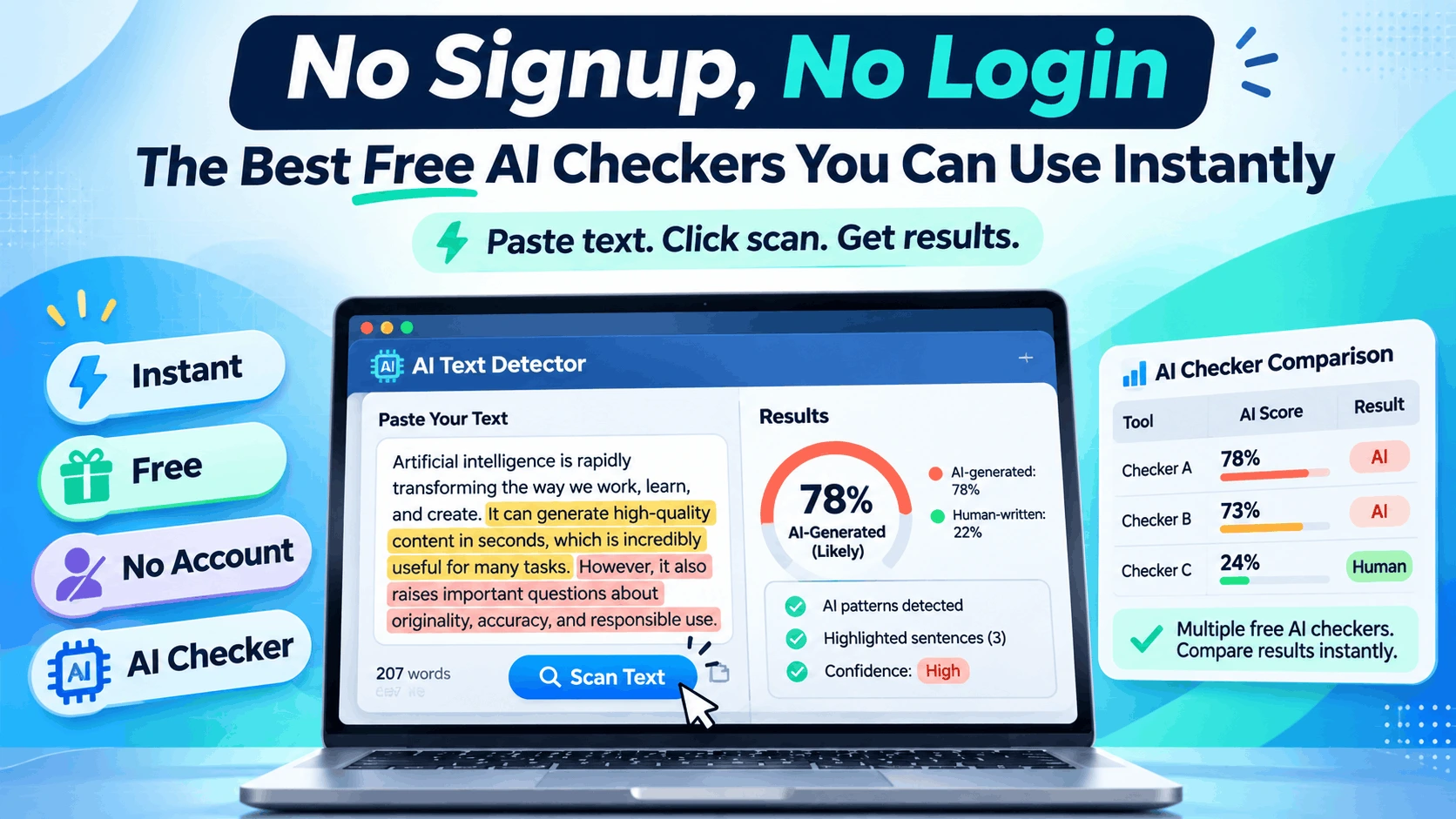
Good news: you don’t need any of that. Several solid tools work as an instant AI detector, straight from the browser. Paste your text, click a button, get a result. This guide compares six of them, what each is best at, and what you trade away by skipping an account.
Free AI checker, no sign-up: the quick picks
If you only read one section, read this one.
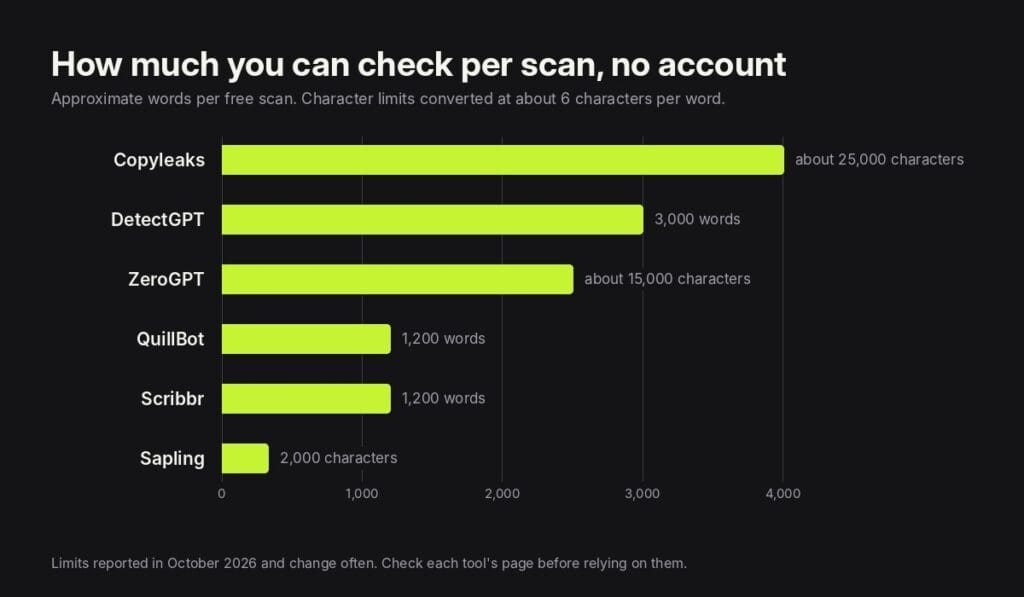
- Longest scans: Copyleaks, at roughly 25,000 characters per scan.
- Most features without an account: DetectGPT, with an AI score, highlighted lines, a URL scan, and a plagiarism check in one place.
- Simplest interface: Scribbr, with unlimited checks of up to 1,200 words.
- Best if you already use a paraphraser: QuillBot, which sits next to its writing tools.
- Best for a quick sentence-level look: Sapling, for short passages.
- Most familiar name: ZeroGPT, with generous per-check limits.
The six tools, one by one
Each tool below works without logging in. The limits come from each tool’s own pages and recent independent reviews, checked in late October 2026.
1. DetectGPT
Free without an account: up to 3,000 words per scan, with no daily cap. You can paste text, upload a file, or enter a public page URL.
What you get: an AI percentage plus lines highlighted in yellow, orange, and red, so you can see which sentences pull the score up. A separate tab runs a plagiarism check against public web pages and lists the matching sources. Your scan history is stored in your own browser rather than in an account, and you can share a result as a link.
Best for: anyone who wants more than a single number from a free AI checker with no sign-up. Students working on longer essays can also use its AI essay detector, which takes up to 5,000 words per paste.
Watch out for: it is strongest on English, and it cannot read scanned PDFs or text behind a login.
2. Copyleaks
Free without an account: roughly 25,000 characters per scan, or about 4,000 words.
What you get: an AI verdict on the text you paste. Copyleaks is better known for its paid plagiarism and education products, so the free checker is a taster of a larger platform.
Best for: checking a long piece in one go.
Watch out for: sentence-level detail, more scans, and scan history sit behind an account or paid plan.
3. ZeroGPT
Free without an account: about 15,000 characters per check, or roughly 2,500 words.
What you get: a percentage with likely AI sentences highlighted. It is one of the most widely used free AI detectors.
Best for: quick checks of mid-length drafts.
Watch out for: independent reviews in 2026 reported noticeably lower accuracy than the tool’s own claims, including false positives on human writing. Read its highlights as a prompt, not a verdict.
4. Scribbr
Free without an account: up to 1,200 words per check, with unlimited checks.
What you get: a clean, simple result aimed at students, from a company known for citation and proofreading tools.
Best for: checking an essay section by section without any clutter.
Watch out for: longer papers need splitting into chunks, and extra detail is part of its paid offer.
5. QuillBot
Free without an account: up to 1,200 words per scan, with a minimum of about 80 words and a daily cap on free scans.
What you get: a breakdown that separates text that looks AI-generated from text that looks human-written or AI-refined.
Best for: people already using QuillBot’s paraphraser or grammar checker.
Watch out for: very short pieces fall under the minimum, and the paraphraser on the same site can change your text more than you expect.
6. Sapling
Free without an account: the first 2,000 characters, or about 300 words.
What you get: highlighted text and an option to show a score for each sentence.
Best for: checking a paragraph, an email or a short answer.
Watch out for: anything longer than a few paragraphs gets cut off, so it suits spot checks rather than full drafts.
Worth knowing about: GPTZero is one of the best-known names in AI detection. It offers a free starting point, but its free limits are no longer clearly published and a free account unlocks more, so it sits outside a strict no-login list.
Side by side
| Tool | Free limit, no account | Result detail | Extras without login |
| DetectGPT | 3,000 words per scan | Percentage plus highlighted lines | URL scan, plagiarism check, file upload, share link |
| Copyleaks | About 25,000 characters | Overall verdict; more detail with an account | Part of a larger plagiarism platform |
| ZeroGPT | About 15,000 characters | Percentage plus highlighted sentences | Other writing tools on the site |
| Scribbr | 1,200 words, unlimited checks | Simple overall result | Student-focused writing tools |
| QuillBot | 1,200 words, daily scan cap | Breakdown by category | Paraphraser and grammar tools |
| Sapling | 2,000 characters | Highlights and per-sentence scores | Short checks only |
What you give up by skipping the account
Using an AI detector without login is faster and more private, but it is not the same as the full product. Here is the usual trade-off:
For most people checking one draft at a time, the no-account version is enough. You need an account when you are checking many documents, need saved reports, or want limits that fit a whole thesis.
How to pick the right one
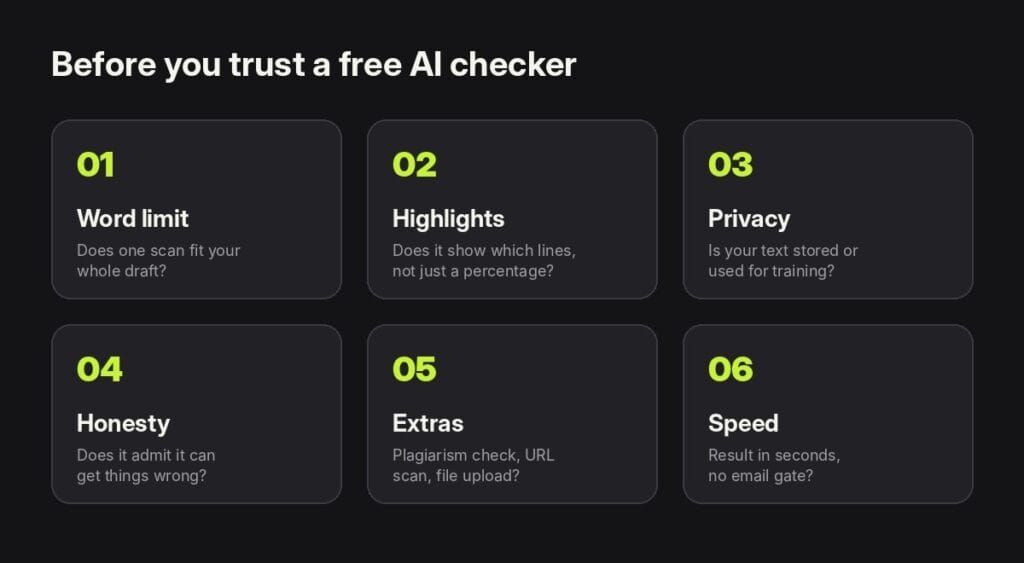
Start with length. If your draft is 2,500 words, a 1,200-word limit means three separate scans and three separate scores, which are harder to compare. Next, look for highlighting, because a percentage alone tells you there might be a problem but not where.
Then check privacy. Any AI checker with no account still receives your text when you click scan. Read the privacy note, and never paste anything confidential, such as client contracts, medical details, or unpublished research.
Don’t put too much faith in any single score
Free tools are convenient, but none of them are infallible. A 2024 study in the International Journal of Educational Technology in Higher Education tested six AI detectors on 805 text samples and found their average accuracy was just 39.5%, even before anyone tried to disguise the AI text. When the text was reworked with simple techniques, accuracy dropped further. The authors concluded the tools should not be used on their own to decide academic misconduct cases.
That doesn’t make free checkers useless. It means you should use them the way you would use a spell-checker: as a pointer to lines worth a second look. Two habits help:
- Run a second opinion. If one free AI detector flags a passage, try the same text in another. If both point at the same lines, those lines are worth rewriting.
- Read the highlights, not just the number. A 30% score where every highlight is a quoted definition means something different from a 30% score spread across your own analysis.
The bottom line
You don’t need an account to get a useful read on your writing. Pick a free AI text checker online that fits your draft length, look for one that shows which lines it flagged, and keep the results in perspective. Then do the part no tool can do for you: rewrite the flat sentences in your own voice.
The tools named in this article are independent products and are not affiliated with each other.