Introduction
In today’s digital age, YouTube is more than a platform for entertainment — it’s a universe of data waiting to be explored. Every video, comment, and view counts, not just for creators but for marketers, analysts, and researchers. But sifting through this massive sea of content manually is overwhelming.
This is where the best YouTube scraper steps in. These tools allow you to extract data quickly, accurately, and at scale. From video metadata to comments, subscribers, and trends, scraping transforms YouTube into a goldmine of actionable insights. This article dives deep into the top tools, how they work, and how to use them safely.
What Is a YouTube Scraper?
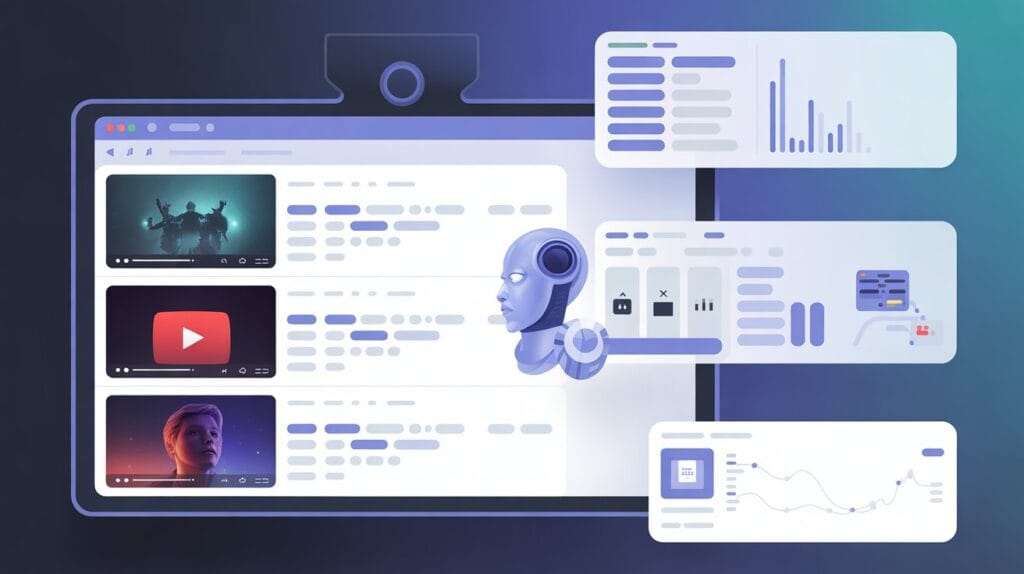
A YouTube scraper is a software or tool that automates the extraction of publicly available YouTube data. Instead of manually copying video URLs, views, or comments, scrapers gather this information systematically.
Modern scrapers go beyond simple lists — they can capture structured data like video IDs, titles, descriptions, tags, likes, dislikes, subscriber counts, comments, transcripts, and even geo-targeted metrics. Some tools integrate headless browsers to handle JavaScript-heavy pages, while advanced scrapers employ AI to bypass CAPTCHAs and anti-bot measures.
Data is more than statistics — it reflects the actions, reactions, and behaviors behind every click, comment, and view.
By converting this data into structured formats like JSON or CSV, scrapers allow analysts to quickly interpret trends, perform sentiment analysis, or power AI-driven insights.
Why Use a YouTube Scraper?
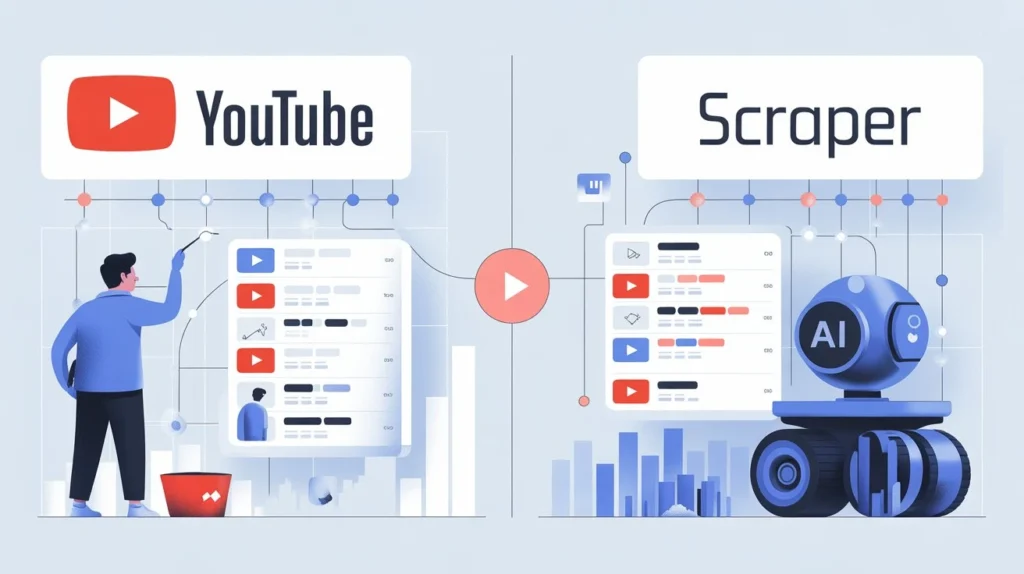
Gathering data by hand takes time, feels repetitive, and often leads to mistakes. The best YouTube scraper enables:
- Efficiency: Collect thousands of video entries in minutes.
- Accuracy: Automated scripts reduce human errors.
- Trend Analysis: Identify emerging content trends before they go viral.
- Market Research: Study competitors’ content strategies, engagement patterns, and growth trajectories.
- Content Strategy: Analyze comments and audience reactions for topic discovery.
“Web scraping doesn’t just collect information — it reveals insights and patterns that help you make smarter decisions.”
From influencer marketing to AI training, scraping is a cornerstone of data-driven YouTube strategies.
Key Features to Look For
Data Accuracy
Reliable scrapers capture complete and correct data. Look for tools with high success rates and minimal missing entries.
Speed and Scalability
Some platforms allow batch scraping thousands of videos simultaneously. Scalability matters if you plan to monitor multiple channels continuously.
API Support
API integration simplifies automated workflows. Some scrapers combine YouTube Data API with custom crawling for maximum coverage.
Export Formats
Export options like CSV, JSON, and Excel are essential for analysis, dashboards, or AI training pipelines.
Automation Capabilities
Automation reduces repetitive tasks. Tools like PhantomBuster specialize in automating workflows, making scraping more efficient.
Pricing and Limits
Evaluate free vs. paid options. Cloud-based scrapers often offer pay-as-you-go pricing or subscription tiers based on video volume and frequency.
Types of YouTube Scrapers
Browser-Based Tools
These operate in a web browser and use automated scripts to extract data. Ideal for small-scale or one-off scraping tasks.
Desktop Software
Applications like yt-dlp allow offline scraping and downloading of video metadata and content, suitable for individual analysts.
Cloud-Based Platforms
Platforms like Apify and Browse AI handle large-scale scraping on cloud servers, often with proxy rotation and anti-blocking measures.
Custom-Coded Solutions
Python, JavaScript, or Node.js scripts offer complete flexibility for tailored scraping projects. Tools like AIMFox showcase targeted data extraction workflows.
API-Only Scraping Options
Some tools rely solely on the YouTube Data API for compliance-friendly, structured data extraction. Useful when avoiding bot detection is critical.
Best YouTube Scrapers
Apify
Overview: Cloud-based platform offering scalable scraping, proxy management, and headless browser automation.
Pros: Scalable, supports multiple export formats, automation-friendly.
Cons: Paid tiers can be expensive for massive projects.
Ideal Users: Enterprises, agencies, and analysts needing large-scale scraping.
Browse AI
Overview: No-code AI scraper capable of extracting video metadata, comments, and trends.
Pros: User-friendly, AI-driven automation, minimal setup.
Cons: Limited free usage.
Ideal Users: Marketers and content researchers without coding skills.
Zyte
Overview: Enterprise-grade scraping with built-in anti-blocking and proxy rotation.
Pros: Reliable, robust, GDPR-compliant.
Cons: Pricing can be high for small users.
Ideal Users: Businesses needing compliance and high-volume scraping.
Scrape Creators
Overview: Specialized in YouTube channel and video scraping.
Pros: Offers structured JSON, automated scheduling.
Cons: Requires moderate technical knowledge.
Ideal Users: Analysts and agencies doing competitive research.
Yt-dlp
Overview: Open-source desktop scraper for Python users, enabling metadata and video downloads.
Pros: Free, highly customizable, supports transcripts and subtitles.
Cons: Command-line interface may intimidate beginners.
Ideal Users: Developers and data engineers who need a flexible tool.
“With the right scraper, what used to take hours to gather can now be done in just minutes.”
How to Choose the Right YouTube Scraper
Define Your Data Needs
Identify whether you need titles, comments, metadata, or video content.
Identify Volume Requirements
Small projects may use browser-based tools, while enterprise needs lean toward cloud solutions.
Assess Automation and API Needs
Automation reduces repetitive work. Check if the scraper integrates with APIs or workflow tools like SitesGPT.
Compare Pricing vs. Usage
Balance features with budget — free tools are fine for occasional scraping, paid plans are better for heavy users.
Consider Compliance and Safety
Ensure the scraper respects YouTube’s terms, uses proxy rotation, and avoids legal issues.
How to Use a YouTube Scraper Step-by-Step
- Set up your tool – Install or register for your scraper platform.
- Choose data points – Decide whether to scrape titles, URLs, tags, comments, or transcripts.
- Configure filters and parameters – Apply geo-targeting, date ranges, or keyword filters.
- Run the scrape – Start data collection, monitoring success rates.
- Export and analyze the data – Convert to JSON/CSV for dashboards or AI pipelines.
- Troubleshoot common issues – Fix failed requests, handle CAPTCHAs, rotate proxies as needed.
“Proper configuration guarantees that your scraper operates effectively and responsibly.”
Use Cases for YouTube Scrapers
Competitive Analysis
Analyze rivals’ channels to identify content gaps and growth strategies.
Content Research and Topic Discovery
Extract trending topics and audience questions. Tools like Surfer SEO complement scraped insights for SEO research.
Influencer Identification
Find influencers with high engagement or niche relevance.
Comment Sentiment Analysis
Use scraped comments to analyze sentiment trends and feedback.
Trend Tracking and Forecasting
Predict viral content, seasonal trends, and engagement spikes.
Benefits and Limitations
Benefits
- Saves time and effort
- Provides structured, analyzable data
- Scalable for large projects
- Supports marketing, research, and AI initiatives
Limitations
- Risk of IP blocks or CAPTCHAs
- Learning curve for some tools
- Subscription costs for premium platforms
Ethical Considerations
Collect data only from openly accessible sources and always follow relevant privacy regulations.
Legal/Safety Precautions
Use proxies, rotate IPs, and comply with YouTube’s terms to avoid bans or legal issues.
Alternatives to YouTube Scrapers
Official YouTube API
Structured, compliant, and safe but with rate limits.
Analytics Tools
AI platforms like DeepAI help analyze trends without scraping.
Manual Research
Time-consuming but sometimes necessary for niche data.
Social Listening Platforms
Monitor YouTube conversations, mentions, and engagement across social media.
Frequently Asked Questions
What types of data can a YouTube scraper collect?
Titles, URLs, descriptions, tags, views, likes, dislikes, comments, subscriber counts, transcripts, and Shorts metadata.
Are YouTube scrapers legal to use?
Yes, if scraping publicly available data and following YouTube’s terms of service.
What’s the difference between a scraper and the YouTube API?
APIs provide structured access with limits; scrapers gather data directly from pages, often faster and more flexible.
Can I scrape YouTube comments in bulk?
Yes, advanced tools allow comment extraction with sentiment analysis capabilities.
Which scraper works best for large-scale data?
Cloud-based platforms like Apify or Zyte handle enterprise-level scraping efficiently.
Do I need coding skills to use a YouTube scraper?
No for no-code tools like Browse AI, but yes for custom Python/JavaScript solutions.
How do I avoid scraping errors or bans?
Use proxy rotation, headless browsers, and limit request frequency.
Are free YouTube scrapers reliable?
They work for small projects but often have limitations in speed, volume, and anti-blocking.
What’s the safest way to automate YouTube scraping?
Use cloud-based tools with built-in proxies, API support, and automated scheduling.