Your phone is no longer just a screen you tap.
In 2026, it listens, understands, remembers, and quietly helps you move through life with less friction.
Android users are living in a moment where AI assistants feel less like tools and more like companions—helping us write, plan, create, and think. This guide is not about hype. It’s about clarity.
In this post, we explore the best AI assistants for Android 2026, how they work, why they matter, and which one truly fits your life.
What Are AI Assistants for Android?
AI assistants for Android are intelligent, conversational apps that understand natural language and help you perform tasks—both simple and complex—through voice or text.
They can schedule meetings, summarize documents, generate content, analyze data, control smart devices, and even think through problems with you. Modern Android AI assistants use multimodal AI, meaning they understand text, voice, images, and sometimes video.
“A good AI assistant doesn’t replace your thinking. It clears the noise so your thinking can breathe.”
Unlike traditional apps, these assistants learn your preferences, adapt to your habits, and integrate across Android apps like Gmail, Google Calendar, Google Drive, and Chrome.
Why AI Assistants Matter for Android Users in 2026
2026 is not about more apps—it’s about less effort.
Android users juggle work, content, learning, and personal life on one device. AI assistants now act as productivity bridges, connecting tasks instead of fragmenting them.
They matter because they:
- Save time through automation
- Reduce mental overload
- Enable hands-free control
- Support creativity and research
- Offer smarter decision-making
The best AI assistants for Android 2026 don’t just answer questions. They anticipate needs.
How We Tested and Ranked the Best Android AI Assistants
We tested each assistant on real Android devices across:
- Response accuracy and reasoning
- Voice recognition quality
- App and system integration
- Multitasking ability
- Privacy and data handling
- Free vs paid value
Each assistant was used for writing, scheduling, research, automation, and daily conversation—because that’s how real people use AI.
Best AI Assistants for Android in 2026
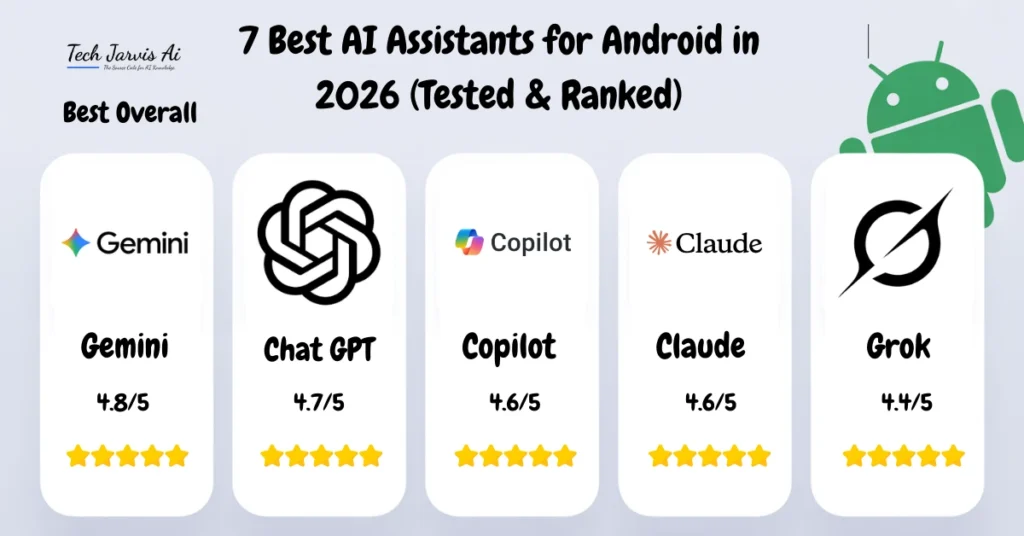
Gemini – Best Overall Android AI Assistant (⭐ 4.8/5)
Overview
Gemini is deeply woven into Android. It feels native because it is. Built by Google, it connects effortlessly with Gmail, Maps, Calendar, Drive, and smart home devices.
For a deeper breakdown, see our full Gemini AI review.
Key Benefits
- Exceptional voice commands
- Strong contextual awareness
- On-device and cloud AI balance
- Smart home and IoT control
Pricing
- Free (Basic)
- Google AI Pro
- Google AI Ultra
Pros
- Best Android integration
- Reliable real-time information
- Excellent productivity support
Cons
- Advanced features locked behind premium plans
ChatGPT – Best AI Assistant for Content Creation (⭐ 4.7/5)
Overview
ChatGPT shines when ideas need shape. Writing, brainstorming, coding, planning—it feels like thinking out loud with structure.
It’s especially popular among creators, students, and developers using Android.
Key Benefits
- Advanced reasoning
- Writing and coding excellence
- Multimodal input (text, images, voice)
Pricing
- Free
- ChatGPT Plus
- ChatGPT Pro
Pros
- Best for content creation
- Deep conversational flow
Cons
- Limited native Android system control
Related ecosystem insights: chatbot AI
Microsoft Copilot – Best for Productivity and Workflows (⭐ 4.6/5)
Overview
Copilot feels like a work assistant that never sleeps. It integrates smoothly with Microsoft 365, Teams, and enterprise workflows.
For automation-focused users, pairing Copilot with automation AI tools unlocks serious efficiency.
Key Benefits
- Strong task automation
- Excellent document handling
- Business-friendly AI
Pricing
- Free
- Microsoft 365 plans
Pros
- Enterprise-grade productivity
- Secure data handling
Cons
- Less creative than competitors
Claude – Best for Long Conversations and Writing Tasks (⭐ 4.6/5)
Overview
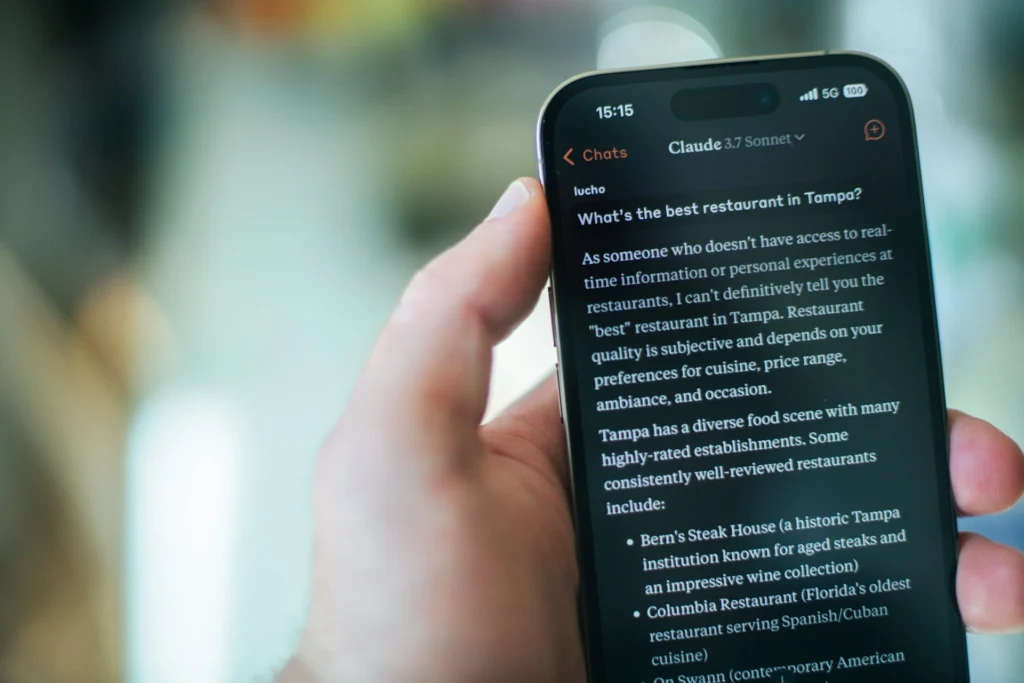
Claude feels calm, thoughtful, and precise. It’s ideal for long-form writing, research, and reflective conversation.
Explore comparisons in our Claude AI alternatives guide.
Key Benefits
- Natural writing tone
- Ethical AI focus
- Excellent memory retention
Pricing
- Free
- Claude Pro
Pros
- Best long-context handling
- Clear, human-like responses
Cons
- Limited Android automation
Grok – Best for Real-Time Information and Social Insights (⭐ 4.4/5)
Overview
Grok thrives on immediacy. It pulls real-time information and trends, making it ideal for news, markets, and social data.
Key Benefits
- Live data awareness
- Fast responses
- Bold conversational style
Pricing
- Free (limited)
- SuperGrok
Pros
- Real-time edge
- Unfiltered insights
Cons
- Less polished for productivity
Perplexity – Best AI Assistant for Research and Search (⭐ 4.5/5)
Overview
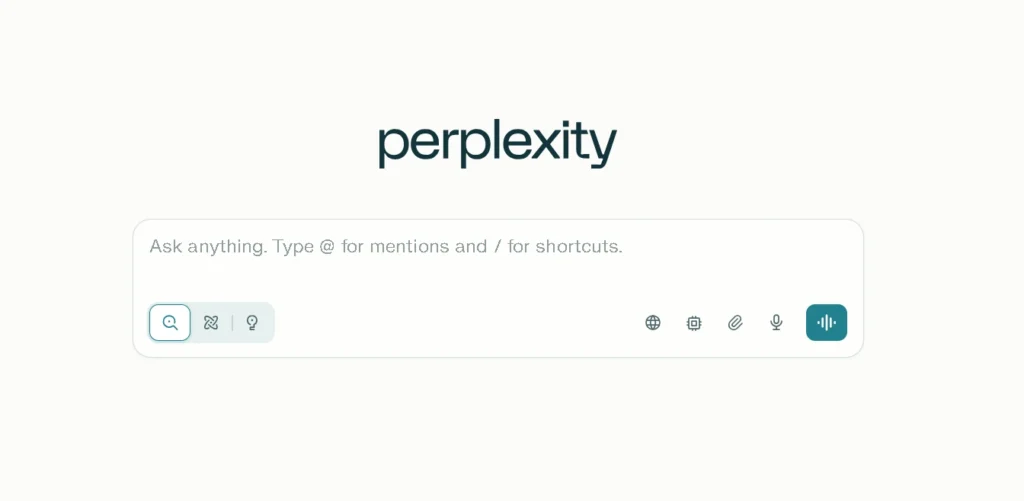
Perplexity feels like a thinking search engine. It cites sources and explains why something is true.
Key Benefits
- Accurate research
- Source transparency
- Clean interface
Pricing
- Free
- Pro plan
Pros
- Best research assistant
- Minimal hallucinations
Cons
- Limited creativity
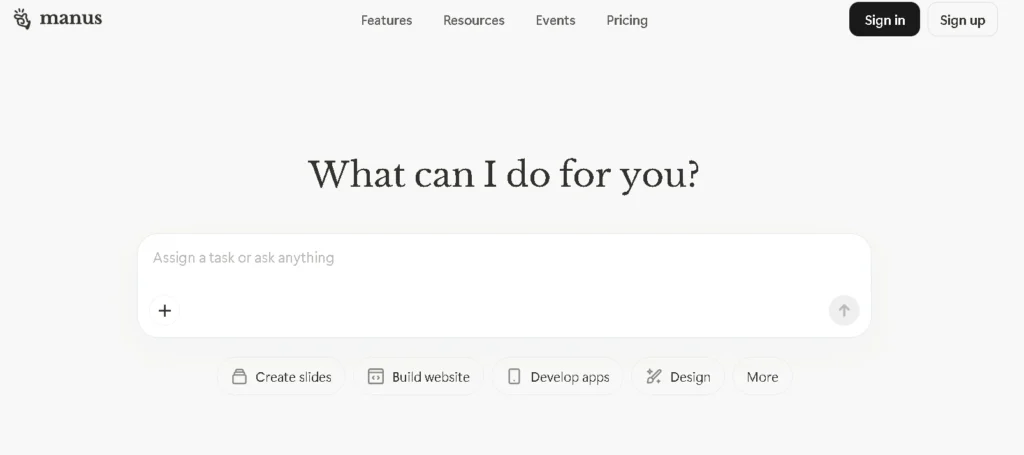
Manus – Best Lightweight AI Assistant for Simple Tasks (⭐ 4.2/5)
Overview
Manus is fast, minimal, and focused. Perfect for reminders, notes, and quick help.
Key Benefits
- Lightweight performance
- Simple UI
- Low battery usage
Pricing
- Free
- Premium
Pros
- Great for older devices
- Easy to use
Cons
- Limited advanced reasoning
Best AI Assistants for Android at a Glance
| Assistant | Best For | Rating |
|---|---|---|
| Gemini | Overall Android experience | ⭐ 4.8 |
| ChatGPT | Content creation | ⭐ 4.7 |
| Copilot | Productivity | ⭐ 4.6 |
| Claude | Writing & conversations | ⭐ 4.6 |
| Grok | Real-time insights | ⭐ 4.4 |
| Perplexity | Research | ⭐ 4.5 |
| Manus | Simple tasks | ⭐ 4.2 |
What to Look for in an AI Assistant for Android
AI Accuracy and Response Quality
Accuracy matters more than speed. Assistants that hallucinate erode trust. Learn more about AI accuracy and reliability benchmarks.
Android App and System Integration
The best assistants don’t live in isolation—they work across apps, notifications, and voice commands.
Privacy, Security, and Data Handling
Your assistant should respect boundaries. Transparent data policies are non-negotiable in 2026.
How AI Assistants Can Benefit You on Android
Productivity and Task Automation
From scheduling to scraping data, AI assistants connect workflows with data tools and workflow AI.
Content Creation and Creativity
Writing, music, voice, and visuals are now mobile-first thanks to content AI, creative AI, and voice AI tools.
Everyday Personal Use and Smart Assistance
From reminders to smart homes, AI assistants quietly improve daily life.
Buyer’s Guide: How to Choose the Right AI Assistant
Based on Your Use Case
Creators lean toward ChatGPT. Professionals choose Copilot. Everyday users love Gemini.
Based on Device Performance
Older phones benefit from lightweight assistants like Manus.
Based on Free vs Paid Features
Free plans are good—but paid plans unlock real power.
AI Assistants vs Built-In Android Features
Native features like Galaxy AI are improving fast, but third-party assistants still offer deeper reasoning and flexibility.
Limitations and Risks of AI Assistants on Android
AI still makes mistakes. Bias, privacy risks, and over-reliance are real concerns—especially in open AI chat environments.
“AI should assist judgment, not replace it.”
Future of AI Assistants on Android Beyond 2026
Expect autonomous agents, deeper personalization, and stronger on-device AI. Android will feel less like software—and more like intuition.
Wrapping Up: Which Android AI Assistant Should You Choose?
If you want the most seamless Android experience, choose Gemini.
If creativity matters, ChatGPT stands tall.
For work, Copilot leads.
For calm intelligence, Claude feels right.
The best AI assistants for Android 2026 are not about features—they’re about fit. Choose the one that quietly makes your day easier.
Frequently Asked Questions
Can I use these AI assistants on Apple devices?
Most are cross-platform, but Android offers deeper integration.
Are AI assistants safe for sharing personal data?
Yes—if you understand AI basics and privacy controls.
Which AI assistant is best for smart home devices?
Gemini leads due to Google ecosystem integration.
Do Android AI assistants work without internet access?
Limited features work offline using on-device AI.
How do I switch from Siri to an Android AI assistant?
Simply install the app and set it as default.
Which AI assistant is best for content creators on Android?
ChatGPT remains the top choice.
Are free AI assistants good enough in 2026?
For basics—yes. For power—premium matters.
Conclusion
AI assistants in 2026 are no longer futuristic ideas—they’re quiet partners in everyday life. The best ones don’t overwhelm you with features. They listen, adapt, and stay out of the way until needed. Whether you’re creating, working, or simply living, the right Android AI assistant can turn small moments into smoother ones. Choose thoughtfully, stay curious, and let technology support—not replace—your human rhythm.