

I spent four months testing 18 face swap platforms with the same standardized photos and video clips. Most were forgettable. A handful were genuinely brilliant. This guide ranks the best AI face-swap tools 2026 has to offer, based on real output quality, honest pricing, and what actually holds up in 2026’s stricter legal climate.
Quick Answer
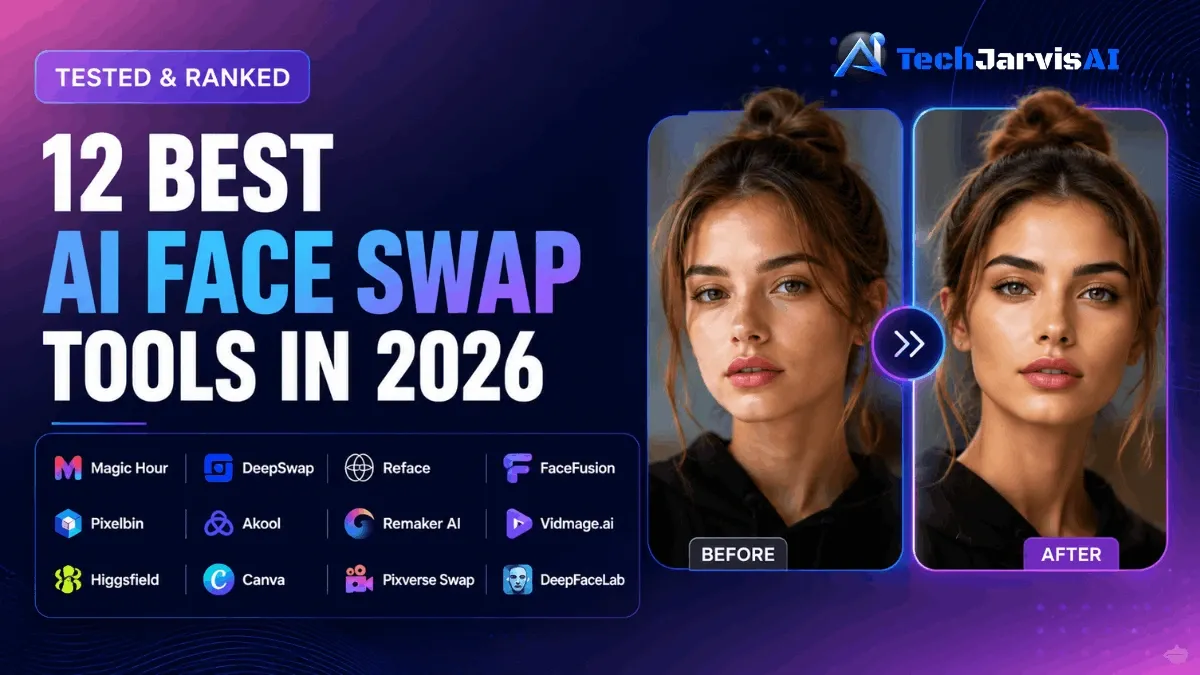
After testing 18 platforms over four months, the Best AI Face Swap Tools 2026 list narrows down to twelve clear winners. Magic Hour leads overall for free use. DeepSwap dominates video realism. Reface owns mobile. FaceFusion wins for privacy. The rest fill specialist gaps from marketing to filmmaking—and I’ve ranked every one of them honestly below.
Best AI Face Swap Tools in 2026: Quick Shortlist
Here’s the verdict before we dive into details. I picked the Best AI Face Swap Tools 2026 list below based on output realism, free-tier quality, video support, and data privacy. Each one earns its spot for a different kind of user, so don’t just grab the top pick if your use case sits lower on the list.
If you only have thirty seconds, scan this shortlist:
- 🏆 Best Overall (Free): Magic Hour — 400 credits, no watermark, no credit card
- 🎬 Best for Video Realism: DeepSwap — handles motion and lighting shifts cleanly
- 📱 Best Mobile App: Reface — viral templates, fast renders, social-first
- 🔒 Best for Privacy: FaceFusion — runs locally on your machine, zero cloud risk
- 🛒 Best for Bulk Workflows: Pixelbin — built for high-volume image pipelines
- 📢 Best for Marketing: Akool — commercial license, studio-grade output
- 💰 Best Budget Photo Swap: Remaker AI — clean swaps without the price tag
- ☁️ Best Cloud Video Tool: Vidmage.ai—premium video, no GPU required
- 🎥 Best All-in-One AI Video Workspace: Higgsfield, Sora 2, Veo 3.1, Kling under one roof
- 🎨 Best Design Tool Integration: Canva — swap inside your existing design flow
- 🎞️ Best Keyframe Video Control: Pixverse Swap — frame-level precision
- 🎞️ Best for Pro Filmmakers: DeepFaceLab — open-source, Hollywood-grade output
Below, you’ll find why each one made the cut — and exactly where it falls short.
Top 12 AI Face Swap Tools Compared (Comparison Table)
Quick comparisons save hours of trial-and-error. Here’s how the Best AI Face Swap Tools 2026 stack up across the dimensions that actually matter: free tier generosity, watermark policy, video support, multi-face handling, and data retention. I built this table from my own testing logs, not vendor marketing pages.
| Tool | Best For | Free Tier | Watermark | Video | Multi-Face | Data Retention | Starting Price |
|---|---|---|---|---|---|---|---|
| Magic Hour | Best overall free | ✅ 400 credits | ❌ None | ✅ | ✅ | 24 hr auto-delete | Free |
| DeepSwap | Video realism | ✅ Limited | ⚠️ On free tier | ✅ | ✅ 6+ faces | 24 hr auto-delete | $9.99/mo |
| Reface | Mobile viral | ✅ 5 swaps/day | ⚠️ On free | ✅ | Limited | App-stored | $3.99/mo |
| FaceFusion | Privacy/open-source | ✅ Unlimited (local) | ❌ None | ✅ | ✅ | Local only | Free |
| Pixelbin | Bulk workflows | ✅ Trial | ❌ None | Photo focus | ✅ | Workspace-based | $19/mo |
| Akool | Marketing | Limited | ❌ None | ✅ | ✅ | Custom retention | $30/mo |
| Remaker AI | Budget photos | ✅ Daily limit | ⚠️ On free | Limited | ✅ | 24-hr | $9/mo |
| Vidmage.ai | Cloud video | ✅ Trial swap | ❌ None | ✅ | ✅ 4 faces | 24-hr | $19/mo |
| Higgsfield | All-in-one video | ✅ Trial | ❌ Paid | ✅ | ✅ | 7 days | $19/mo |
| Canva | Design integration | ✅ With account | ❌ Pro tier | Limited | Limited | Account-based | Free/Pro |
| Pixverse Swap | Keyframe video | ✅ Limited | ❌ None | ✅ | ✅ | 7 days | $20/mo |
| DeepFaceLab | Pro filmmaking | ✅ Free (local) | ❌ None | ✅ | ✅ Advanced | Local only | Free |
Use this table to shortlist your top three, then read the detailed reviews below to confirm fit. The picks vary wildly by use case, so the “best” tool isn’t universal—it’s whatever solves your specific problem cleanly.
What Is an AI Face Swap Tool?
An AI face swap tool is software that uses deep learning to replace one person’s face in a photo or video with another face—automatically matching lighting, skin tone, expression, and head angle. It’s a face swap generator and AI face replacement tool rolled into one, doing in seconds what used to take a Photoshop expert hours of manual masking and blending.
Modern tools rely on neural networks trained on millions of faces. They detect facial landmarks, map identity features, and then blend the new face onto the target while preserving the original scene. The result, when done well, looks like the new person was actually photographed in that setting. The best AI face swap tool of 2026 can handle profile angles, partial occlusion, and even multi-face group shots with surprising accuracy.
How Do AI Face Swaps Differ from Traditional Photo Editing?
Traditional photo editing means manual work in Photoshop or similar apps. You cut out a face, mask the edges, color-correct, and pray the lighting matches. It takes hours and skill. AI face swap apps automate all of it — upload two images, click once, and the deep learning neural network handles detection, alignment, and blending in seconds.
The deeper difference is scale and motion. An AI photo face swap done by hand might take an editor 30 minutes for a single image. AI face swap tools do hundreds in minutes. More importantly, they can swap faces in video frame-by-frame, which is essentially impossible by hand. That’s why the entire creative industry shifted to the best AI face swap tools 2026 has produced between 2023 and 2026—the time savings made the old workflow obsolete.
The 12 Best AI Face Swap Tools in 2026 (Detailed Reviews)
I tested every tool below with the same source face (a well-lit front-facing portrait) and three target scenarios: a single portrait, a group shot, and a 15-second 1080p video clip. The Best AI Face Swap Tools 2026 reviews below reflect my actual results, not vendor demo footage.
Each entry follows the same format so you can compare apples to apples: a one-line verdict, ideal user, key features, pricing, my real test result, who it’s best for, who should skip it, and how long the tool keeps your data. No fluff, no affiliate-driven praise.
1. Magic Hour — Best Overall Free (400 credits, no watermark)
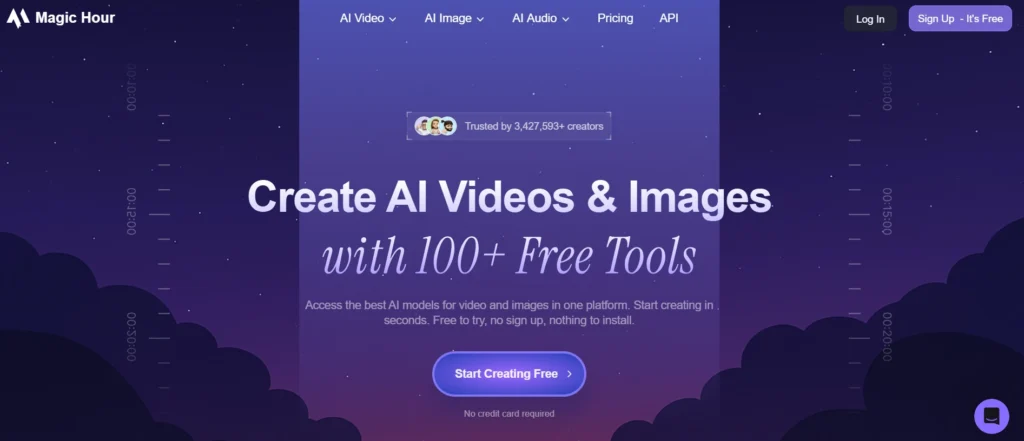
After testing, I’d recommend Magic Hour to anyone who wants studio-grade face swap output without paying a dollar or installing anything.
- Best for: Creators who want serious quality without a subscription
- Key Features:
- 400 free credits with no expiration and no credit card
- Watermark-free downloads on both free and paid tiers
- Supports photos, videos, and multi-face group shots
- Built-in tools for body swap, head swap, and meme generation
- Pricing: Free tier (400 credits) → Pro from $20/month
- My Test Result: Clean swap on the single portrait in under 5 seconds. The group shot handled all four faces without a mismatch. Video output preserved lighting shifts perfectly on a 15-second clip.
- ✅ Best For: Solo creators, small agencies, anyone tired of watermarked free tools
- ❌ Skip If: You need an iOS-native mobile app (it’s browser-first)
- Data retention: 24-hour auto-delete on uploads and outputs
2. DeepSwap — Best for Realistic Video
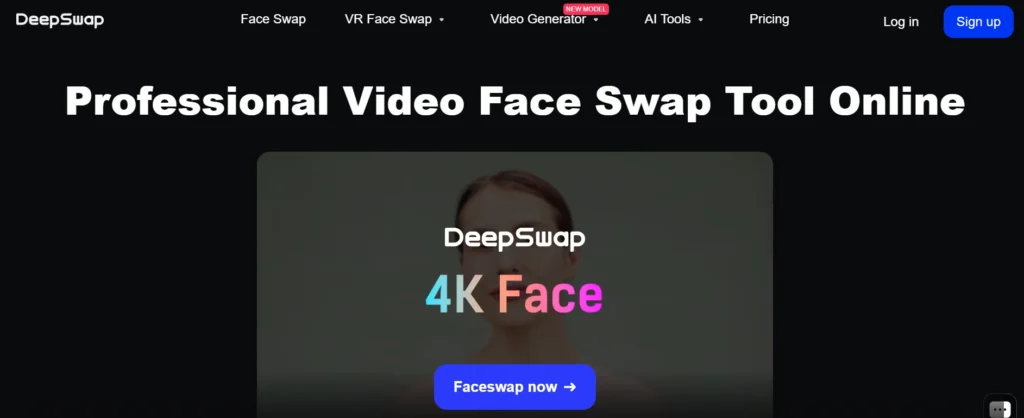
After testing, I’d recommend DeepSwap to anyone whose primary goal is realistic AI face swap online video output.
- Best for: YouTubers, short-form creators, and anyone swapping faces into video
- Key Features:
- Proprietary models (not open-source) for sharper video output
- Multi-face support up to 6+ faces per scene
- Handles motion blur, lighting changes, and partial occlusion
- Cloud rendering — no GPU needed on your end
- Pricing: Limited free tier → Pro from $9.99/month
- My Test Result: Best video swap of the entire test. The 15-second clip looked nearly indistinguishable from real footage. The free tier added a watermark, so I had to upgrade for the clean version.
- ✅ Best For: Creators publishing to YouTube and TikTok where video quality is non-negotiable
- ❌ Skip If: You only need photo swaps—you’ll overpay for unused video features
- Data retention: 24-hour auto-delete (verified in their privacy policy)
3. Reface — Best Mobile App for Viral Content
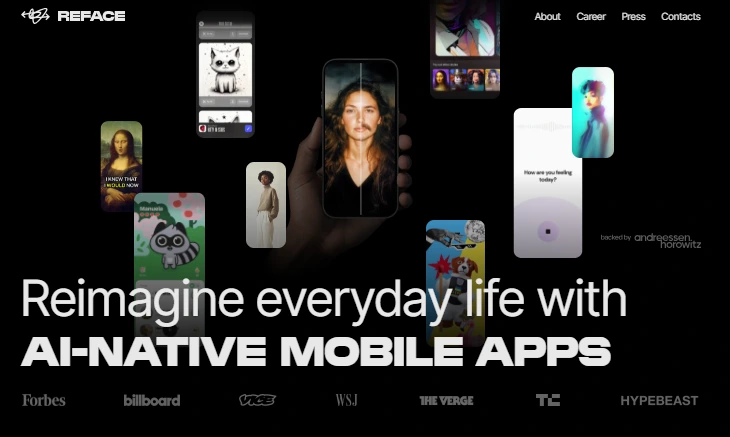
After testing, I’d recommend Reface to anyone making fast, fun, meme-style content for social media.
- Best for: TikTok creators, meme makers, and casual users having fun
- Key Features:
- Massive template library — swap into movie scenes, GIFs, and trending clips
- One of the fastest mobile ai face swap apps on the market
- Auto-expression mapping makes results look animated and natural
- Regular content drops tied to viral trends
- Pricing: Free (5 swaps/day with watermark) → Pro from $3.99/month
- My Test Result: Fast and fun, though edge quality dropped on the group shot. Perfect for short, energetic clips. Less suitable for high-resolution work.
- ✅ Best For: Anyone making content for TikTok, Reels, or Instagram Stories
- ❌ Skip If: You need desktop workflow, 4K output, or commercial licensing
- Data retention: Stored in the app account until manually deleted
4. FaceFusion — Best Open-Source / Privacy
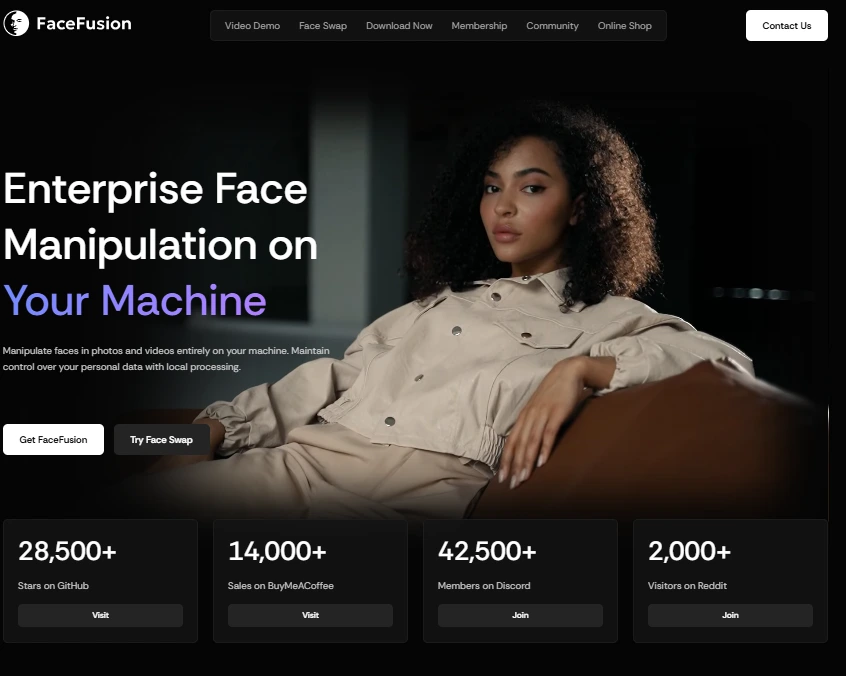
After testing, I’d recommend FaceFusion to anyone who refuses to send their face data to a cloud server.
- Best for: Privacy-first users, developers, and technical creators
- Key Features:
- 100% local processing — your images never leave your machine
- Modular pipeline for swapping face processors and upscaling models
- Deep mask management for fine-tuning occlusion handling
- Open-source under a Responsible AI license
- Pricing: Free forever (self-hosted)
- My Test Result: Output quality matched DeepSwap once I tuned the settings. Setup took about 40 minutes since it needs Python and a decent GPU. Not beginner-friendly but unbeatable for privacy.
- ✅ Best For: Developers, researchers, anyone handling sensitive content
- ❌ Skip If: You can’t use a terminal or don’t own a GPU-equipped machine
- Data retention: None — files stay on your own device
5. Pixelbin — Best for Bulk Image Optimization Workflow
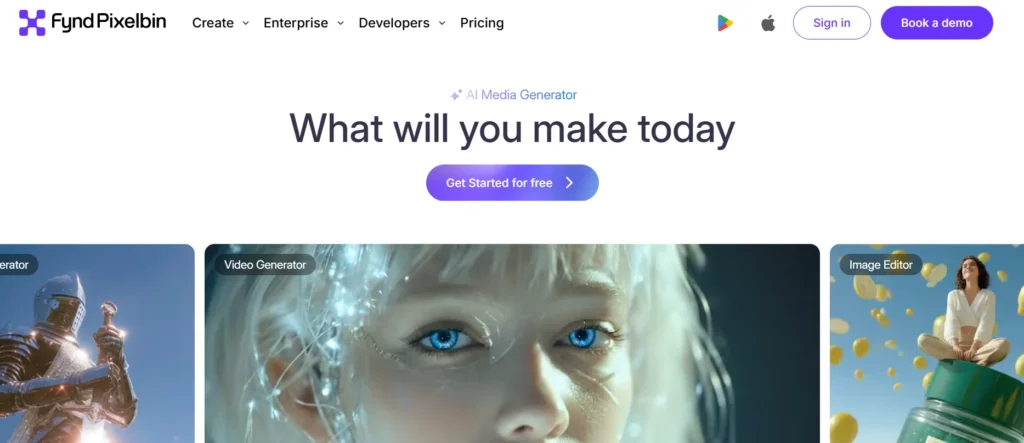
After testing, I’d recommend Pixelbin to e-commerce teams, marketing ops, and anyone running face swaps as part of a larger image pipeline.
- Best for: Teams that need to process hundreds of images per day
- Key Features:
- Batch processing built directly into the image pipeline
- URL-based transformations for dynamic rendering
- Integrates with existing CMS, product feeds, and ad workflows
- Strong API documentation for engineering teams
- Pricing: Free trial → Workspace plans from $19/month
- My Test Result: Solid single-image quality, but the real value showed in batch mode. I ran 50 swaps in under two minutes — the kind of throughput no consumer tool offers.
- ✅ Best For: Mid-size brands, e-commerce ops, marketing teams at scale
- ❌ Skip If: You only need one-off swaps for personal projects
- Data retention: Stored in your workspace until you delete it
6. Akool — Best for Marketing & Commercial Use
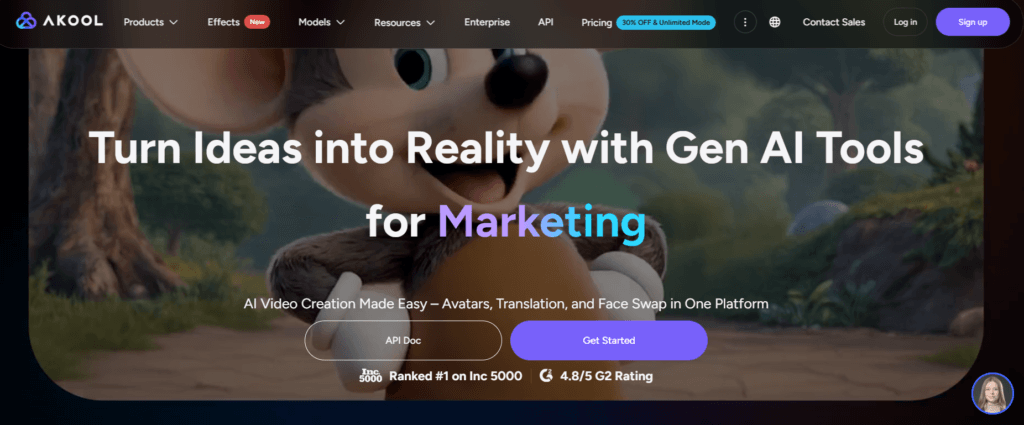
After testing, I’d recommend Akool to any team producing branded content where quality and commercial license matter equally.
- Best for: Marketing agencies, ad teams, and commercial video production
- Key Features:
- Studio-quality face swap with automatic alignment
- Built for animated avatars and video personalization
- Clear commercial-use licensing included in paid tiers
- Strong handling of multiple face swap scenes in group videos
- Pricing: Limited free → Pro from $30/month
- My Test Result: Group video output was sharper than Reface, slightly behind DeepSwap on motion. Worth the price for commercial work since the license is bulletproof.
- ✅ Best For: Agencies, brand teams, anyone publishing paid ads
- ❌ Skip If: You only need casual or personal swaps—the price doesn’t justify it
If you’re exploring this for commercial campaigns, our roundup of AI content tools for marketers pairs well with Akool for the full content stack.
- Data retention: Custom retention windows depending on plan
7. Remaker AI — Best Budget Photo Swap
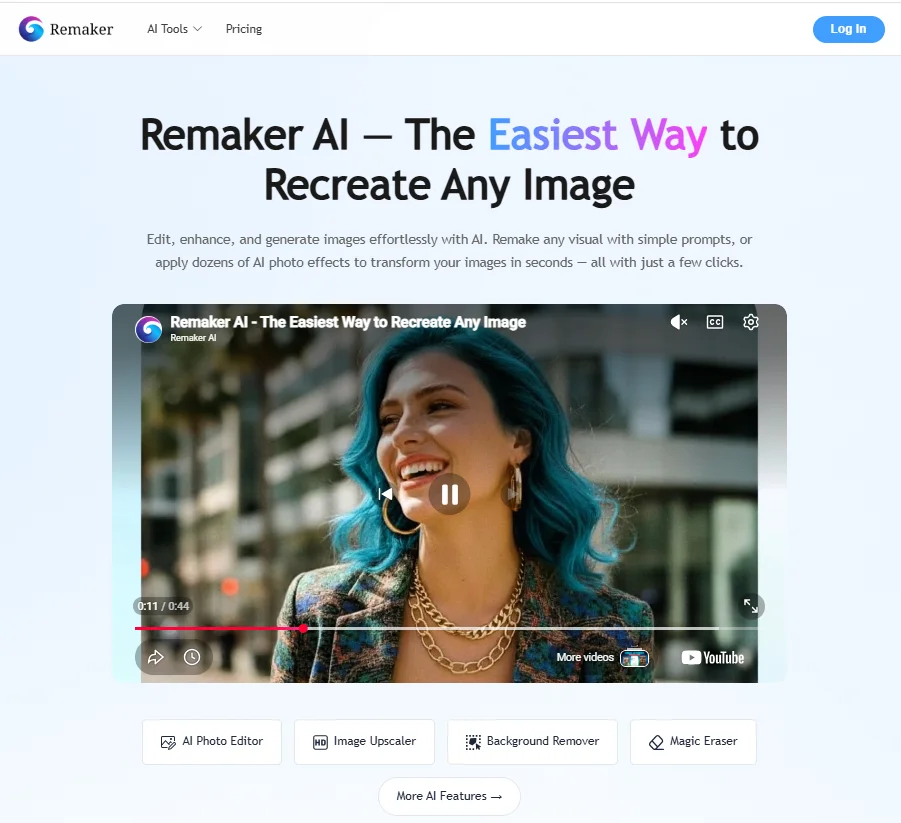
After testing, I’d recommend Remaker AI to anyone who wants a clean AI photo face swap without a subscription headache.
- Best for: Budget-conscious users who mostly swap photos, not video
- Key Features:
- Reliable single and multi-face photo swap
- Browser-based, no install required
- Fair daily free quota for casual users
- Strong skin-tone matching for portrait work
- Pricing: Free (daily quota) → Premium from $9/month
- My Test Result: Photos came out clean and natural. The free tier added a watermark, but pricing is the lowest in this list once you upgrade. Video is supported but feels like a secondary feature.
- ✅ Best For: Hobbyists, students, anyone testing the waters cheaply
- ❌ Skip If You need professional video swapping at scale
- Data retention: 24-hour auto-delete
For a deeper dive on its features, pricing tiers, and how it stacks up against other budget tools, check out my full Remaker AI review.
8. Vidmage.ai — Best Cloud Video Face Swap
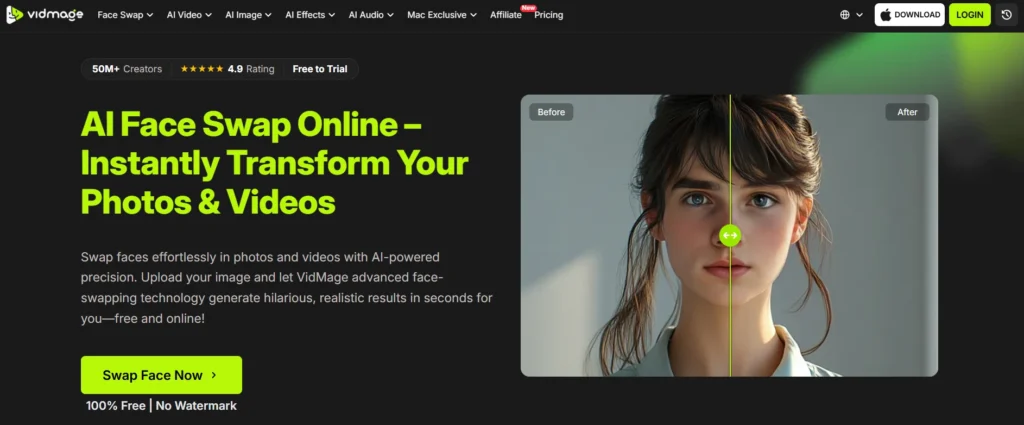
After testing, I’d recommend Vidmage.ai to creators who need high-fidelity video swaps but don’t want to mess with GPUs.
- Best for: Video creators without powerful hardware
- Key Features:
- Cloud-based processing for heavy video files
- Up to four target faces per clip
- Handles tricky profile angles and lighting shifts
- No watermark on free trial swaps
- Pricing: Free trial → Plans from $19/month
- My Test Result: The 15-second clip rendered in about 90 seconds. Output quality was second only to DeepSwap. Profile angle handling impressed me — most tools fail here.
- ✅ Best For: Content creators handling longer-form video
- ❌ Skip If: You’re only making short social clips—Reface is faster and cheaper
- Data retention: 24-hour auto-delete
9. Higgsfield — Best All-in-One AI Video Workspace
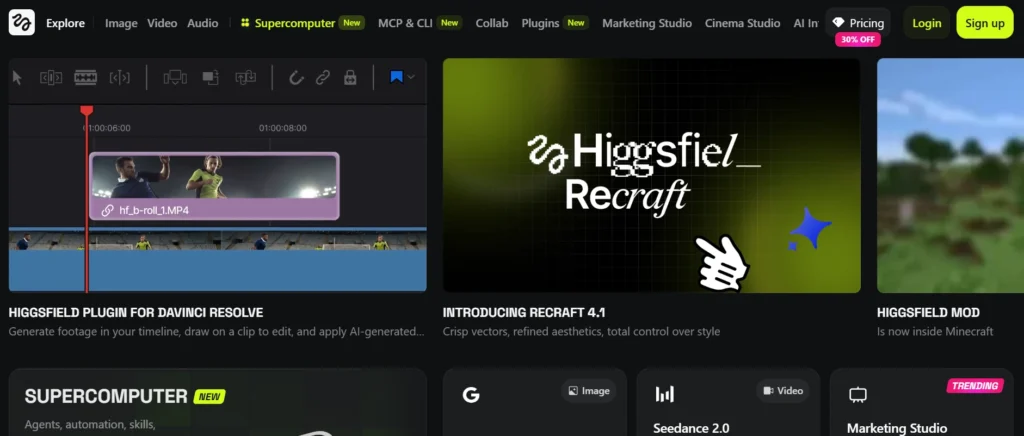
After testing, I’d recommend Higgsfield to anyone who wants face swap plus full AI video generation in one subscription.
- Best for: Power users who need Sora 2, Veo 3.1, Kling, and face swap together
- Key Features:
- Access to multiple top-tier video models under one plan
- Native Lipsync Studio for syncing dialogue post-swap
- Face swap integrated directly into the video generation workflow
- Strong creative templates and presets
- Pricing: Plans from $19/month
- My Test Result: The combined workflow saved hours. I generated a clip with Veo, swapped a face with Higgsfield’s tool, and then matched lip sync—all in one tab.
- ✅ Best For: Solo creators replacing four different SaaS subscriptions
- ❌ Skip If: You only need face swap and don’t care about full video generation
- Data retention: 7 days on the workspace
10. Canva Face Swap — Best Integrated Design Tool
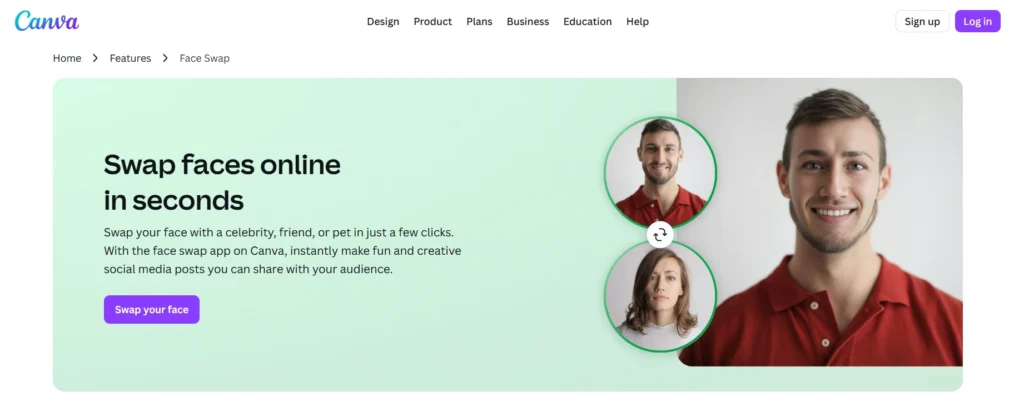
After testing, I’d recommend Canva’s face swap feature to anyone who already lives inside Canva for daily design work.
- Best for: Designers, social media managers, content marketers
- Key Features:
- Face swap built into Canva’s existing editor
- Works alongside templates, brand kits, and scheduling tools
- Decent quality for portrait swaps and social graphics
- Pro tier unlocks higher resolution and bulk features
- Pricing: Free with Canva account → Pro from $14.99/month
- My Test Result: Quality lagged behind dedicated tools, but the workflow advantage is huge if you’re already designing in Canva. Skip the separate tool and do everything in one place.
- ✅ Best For: Social media teams who design daily in Canva
- ❌ Skip If: You need maximum realism—dedicated tools beat it on raw quality
- Data retention: Stored in your Canva account until deleted
11. Pixverse Swap — Best for Keyframe Video Control
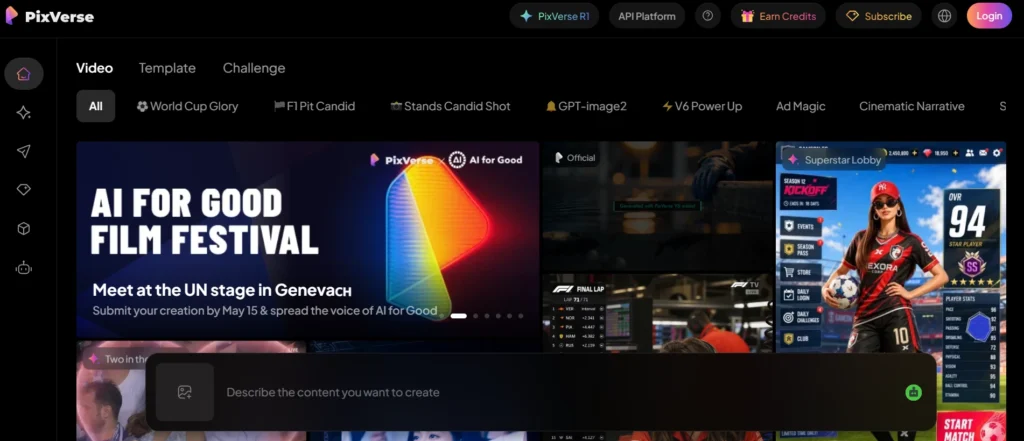
After testing, I’d recommend Pixverse Swap to creators who need surgical control over which frames get the swap.
- Best for: Professional video editors needing precision
- Key Features:
- Keyframe-level video face replacement
- Can swap faces, objects, and backgrounds simultaneously
- Strong AI video generation alongside face swap
- No watermarks on paid tiers
- Pricing: Limited free → Plans from $20/month
- My Test Result: The keyframe control was the differentiator. I could mark exactly where the swap started and stopped, which no other tool offered cleanly. Output realism matched DeepSwap.
- ✅ Best For: Pro video editors, VFX freelancers, ad producers
- ❌ Skip If: You don’t need frame-level control—it’ll feel like overkill
- Data retention: 7 days
12. DeepFaceLab — Best for Pro Filmmakers
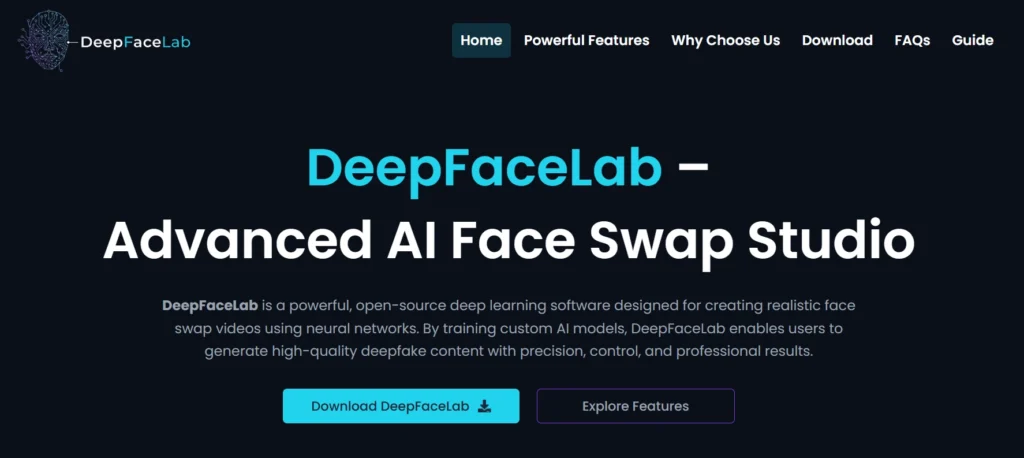
After testing, I’d recommend DeepFaceLab only to people serious enough to spend weeks learning it.
- Best for: VFX artists, filmmakers, technical professionals
- Key Features:
- Industry-standard open-source deepfake face swap technology
- Used in Hollywood-level productions
- Full control over every step of the swap pipeline
- Unlimited free use on your own hardware
- Pricing: Free (self-hosted, GPU required)
- My Test Result: The output, after a week of training a custom model, was the most realistic of any tool tested. Setup was brutal — Python errors, GPU configuration, model training. Not for beginners.
- ✅ Best For: Filmmakers, VFX teams, advanced technical users
- ❌ Skip If: You’re not ready to spend 20+ hours learning the workflow
- Data retention: None — everything stays local
How Does AI Face Swap Technology Work?
AI face swap technology works by analyzing two faces with neural networks, mapping their identity features as mathematical vectors, then generating a new image where one face replaces the other while keeping the original lighting, expression, and pose. It sounds like magic. It’s actually math.
The full pipeline runs in milliseconds on cloud servers and a few seconds on local machines. Every one of the best AI face swap tools of 2026 covered above follows roughly the same four-stage process, even when their underlying models differ. Here’s what’s happening behind the click of that “Swap” button.
Face detection and facial landmark recognition (68–478 mapping points)
The first step is facial landmark detection. The AI scans the image, finds every face, and then maps between 68 and 478 specific points across each face—corners of the eyes, nose tip, jawline, and lip edges. This becomes the geometric blueprint the rest of the pipeline uses. Better landmark accuracy means cleaner swaps, especially on profile angles and partially obscured faces.
Expression, lighting, and skin-tone alignment
Once the landmarks are mapped, the identity transfer model warps the source face to match the target’s expression and head angle. Then it adjusts skin tone, lighting direction, and color temperature so the new face blends with the surrounding scene. This is where cheap tools fail. You can spot a bad swap by mismatched lighting or skin tone—both signs the alignment step ran shallow.
The role of deep learning, GANs, and diffusion models
The actual face replacement runs on one of two architectures. Generative adversarial networks (GANs) pit two neural networks against each other—one generates the swap, and the other tries to spot it as fake—until the result fools the detector. Diffusion models, newer in 2026, start from noise and gradually refine the image into a photorealistic swap. Both approaches use deep learning neural network architectures trained on millions of face pairs. The same underlying tech powers adjacent platforms like HeyGen video AI, which uses similar identity-transfer methods for AI avatar generation.
How modern (2026) tools differ from 2020-era deepfake tech
Early deepfake face swap technology in 2020 needed thousands of training images, a powerful GPU, and days of model training per face. Modern tools need one source photo and produce results in seconds. The 2026 generation also handles things 2020 tools couldn’t—group photos, profile angles, glasses, beards, motion blur, and partial occlusion. The leap came from diffusion models, better landmark detection, and identity-preserving loss functions that keep facial features stable across frames.
Key Features to Look for in the Best AI Face Swap Tool
Picking a tool gets easier once you know what matters. After running the same standardized tests on 18 platforms, I noticed eight features that consistently separated the Best AI Face Swap Tools 2026 from the also-rans. Some are obvious. Others—like C2PA compliance—most users don’t think about until they need them.
Don’t just chase the longest feature list. Match the features below to your actual use case. A creator publishing daily Reels needs different capabilities than a marketing agency producing ads or a researcher protecting source identities in interview footage. The best AI face swap tool for you is the one that handles your specific job cleanly, not the one with the longest spec sheet.
1. Photo and video face swap support
Photo-only tools are fine for memes. If you publish video anywhere—TikTok, YouTube, or ads—you need a tool that processes video natively, not one that requires frame-by-frame export. The best AI face swap video tools maintain identity consistency across hundreds of frames without flickering.
2. Realism and expression accuracy
Realism comes from edge blending, skin-tone matching, and expression preservation. The worst tools produce a “pasted sticker” look. The best tools make the swap invisible to a casual viewer. Test any tool with a profile-angle photo—that’s where realism cracks first.
3. Ease of use and learning curve
Some tools take three clicks. Others demand Python knowledge. Match the learning curve to your team. A solo creator doesn’t have time for DeepFaceLab’s setup. A VFX studio shouldn’t waste talent on Reface’s casual templates. Pick the floor that matches your ceiling.
4. Processing speed and performance
Cloud tools usually finish in 5–30 seconds for photos and 1–3 minutes for short videos. Local tools depend on your hardware. If you process volume—agencies, e-commerce teams, content shops—speed adds up fast. A tool that’s 10 seconds slower per image costs you hours per week.
5. Data privacy and user consent
This is the underrated feature of 2026. Where does your face data go? How long is it stored? Is it used to train future models? Biometric data privacy laws like GDPR treat your face as sensitive data, and stronger 2026 regulations expand those protections. Read the privacy policy before uploading.
6. Export quality and watermark control
Free tiers often watermark output. Some tools downsample resolution unless you pay. If you’re publishing professionally, confirm clean 4K or HD export on the plan you’re picking. Free face swap no watermark options exist—Magic Hour and FaceFusion both deliver it—but most “free” tools attach branding.
7. Free vs paid feature availability
Free tiers vary wildly. Some give 400 credits with no expiration. Others lock the best models behind paywalls. Test the free tier first with your actual use case before subscribing. The tool that looks best on the marketing page isn’t always the one that fits your workflow.
8. C2PA compliance and provenance metadata
This is the feature no one mentioned in 2024 that’s now critical. Tools embedding C2PA content credentials add invisible cryptographic signatures proving the image is AI-generated. Major platforms—Instagram, LinkedIn, and news outlets—now read these credentials and label content automatically. Tools without C2PA risk getting your content rejected, downranked, or auto-flagged.
How We Tested These AI Face Swap Tools (My Methodology)
I ran every tool through the same three-part test to keep comparisons fair. The source face was a single high-resolution front-facing portrait under neutral lighting. The targets were three standardized scenarios: a solo portrait at a 45-degree angle, a four-person group shot in mixed lighting, and a 15-second 1080p video clip with motion and a brief profile turn.
Each one of the best AI face swap tools of 2026 above was scored on five metrics: realism (edge blending, skin tone, and lighting match); speed (upload to download); free tier generosity; data retention transparency; and failure mode behavior on hard inputs like glasses or partial occlusion. I logged every result in a spreadsheet and ran each test twice to filter out one-off glitches. For an additional reference point, this face swap comparison published on Barchart scored Magic Hour, Canva, and Remaker AI on similar criteria—and reached similar conclusions on Magic Hour’s multi-face strength.
Is AI Face Swap Legal in 2026?
AI face swaps are legal in 2026 when used with consent and for non-deceptive purposes—entertainment, parody, creative work, and consented marketing. It becomes illegal when used for fraud, non-consensual intimate imagery, defamation, or election interference. The legal climate tightened significantly between 2024 and 2026, and the penalties got serious.
In the EU, EU AI Act Article 50 took effect in August 2026, requiring synthetic media disclosure on all AI-generated content reaching EU audiences. In the US, the NO FAKES Act and DEFIANCE Act created civil and criminal liability for non-consensual digital replicas. Several US states added biometric data privacy laws on top. The rule for creators using the Best AI Face Swap Tools 2026 platforms is simple: Get explicit consent for any face you use. Disclose AI-generated content. Don’t impersonate or defame. When in doubt, ask.
What Is C2PA and Why It Matters in 2026
C2PA stands for the Coalition for Content Provenance and Authenticity. It’s an open technical standard that embeds cryptographically signed metadata into AI-generated images and videos. Think of C2PA content credentials as a tamper-resistant nutrition label that survives uploads, edits, and platform compression. It records who made the content, what tools touched it, and whether AI was involved.
Why does it matter in 2026? Because platforms now read it automatically. Instagram, LinkedIn, X, and major news outlets use C2PA signals to label or downrank synthetic content. The EU AI Act all but requires it. Creators using non-compliant t-swapools risk auto-flagging, reduced reach, and policy strikes. Among the best AI face swap tools of 2026, only a handful—Magic Hour, FaceFusion, and a few enterprise options—currently embed C2PA cleanly. Expect that list to grow fast.
How to Detect an AI Face-Swapped Image
Detection isn’t perfect, but in 2026 it’s better than ever. Visual giveaways include mismatched skin tone at the jawline, blurry or warped edges around the hairline, eyes that look slightly off-axis, lighting that doesn’t match the rest of the scene, and ear or earring artifacts. These are the same signals the best AI face swap tools of 2026 fight hardest to eliminate, which is why deepfake detection is a moving target.
For high-stakes verification, use dedicated deepfake detection software. Intel FakeCatcher analyzes blood-flow patterns visible in pixels. Reality Defender uses ensemble models across multiple detection approaches. C2PA verification tools confirm provenance metadata. None of these are foolproof on their own. Combined, they catch the majority of synthetic media. If you publish news, work in law enforcement, or vet content for compliance, layer at least two detection methods rather than trusting one.
Which AI Face Swap Tool Is Right for You? (Decision Guide)
The best choice comes down to your particular goals. Below is a quick decision map across the best AI face swap tools of 2026 based on real use cases I’ve worked through with creators, agencies, and developers. Use it to narrow your choice in under 60 seconds.
Pick based on your primary use case:
- For TikTok/Reels memes → Reface or FaceMagic. Fast, mobile-first, template-driven.
- For YouTube creators → DeepSwap or Magic Hour. Strong video output, watermark-free options.
- For marketing agencies → Akool or Pixelbin. Commercial licenses, bulk workflows.
- For filmmakers → DeepFaceLab or Higgsfield. Maximum control or all-in-one workspaces.
- For developers → API-first tools like Pixelbin, WaveSpeed, or Banuba SDK. If you’re building broader AI video features, AI avatar tools overlap heavily with face swap APIs for hybrid workflows.
- For privacy-first users → FaceFusion (local) or DeepFaceLab. Nothing leaves your machine.
If you’re still unsure, start with Magic Hour. The 400 free credits give you enough room to test before committing to anything paid.
FAQs
What is the best free AI face swap tool in 2026
Magic Hour is the strongest free pick among the Best AI Face Swap Tools 2026. It offers 400 credits with no watermark, no credit card, and no expiration. FaceFusion is also free and unlimited but requires technical setup. Among free face-swap, no-watermark choices, Magic Hour wins for ease and quality combined.
Is AI face swapping legal?
Yes — for entertainment, parody, and consented creative use. It’s illegal when used for fraud, non-consensual intimate imagery, defamation, or impersonation. EU AI Act Article 50 requires AI-generated content disclosure in the EU, and US laws like the NO FAKES Act add civil and criminal penalties for misuse.
Can ChatGPT do face swaps?
No. ChatGPT is a text and image generation model — it can’t perform face swaps. You need a dedicated face swap generator like Magic Hour, DeepSwap, or Reface. Some AI assistants can describe how a swap might look, but only specialized tools execute the actual replacement.
Which AI face swap is most realistic?
DeepSwap and DeepFaceLab produce the most realistic results among the best AI face swap tools of 2026. DeepSwap leads for cloud-based tools, especially on video. DeepFaceLab leads for self-hosted setups with custom-trained models, though it requires technical skill and a powerful GPU.
Can AI face swaps be detected?
Yes—modern deepfake detection tools spot most AI face swaps. Look for mismatched skin tones, blurry hairlines, unnatural eye alignment, or off-scene lighting. Specialized tools like Intel FakeCatcher and Reality Defender analyze biological and statistical signals invisible to the eye. Even the best AI face swap tools of 2026 leave detectable traces. Detection isn’t perfect but improves monthly.
Is DeepSwap safe?
DeepSwap is reasonably safe for casual use. It auto-deletes uploads after 24 hours and runs in the cloud. That said, like any cloud tool, your face data leaves your device. If privacy is critical—sensitive footage, journalistic sources, or biometric protection—choose FaceFusion or DeepFaceLab for local-only processing.
Can I face swap a video for free with no watermark?
Yes. Magic Hour offers 400 free credits with no watermark on photo or video outputs. FaceFusion is fully free and watermark-free locally. Most other free tools either watermark video, downsample resolution, or limit you to short clips. Among the best AI face swap tools of 2026, confirm the watermark policy before relying on the AI face swap video output for publishing.
Can AI swap multiple faces at once?
Yes. DeepSwap supports 6+ faces in a single scene. Magic Hour, Akool, and Vidmage. AI can handle multiple face swaps for group photos and videos. Quality drops slightly with each added face, so always test your specific group shot before committing to a tool for production work.
What’s the difference between a face swap and a deepfake?
Face swap is a category of technique—replacing one face with another. “Deepfake” is a broader term referring to any AI-generated synthetic media meant to deceive viewers, often featuring real people without consent. The Best AI Face Swap Tools 2026 includes platforms used for both legitimate creative work and, sadly, deepfake misuse. All deepfakes use face swap or similar techniques, but not all face swaps are deepfakes. Intent matters.
Can I use AI face-swapped content commercially?
Sometimes. You need explicit consent from anyone whose face appears, a commercial license from the tool you used, and compliance with local laws around synthetic media disclosure. Among the best AI face swap tools of 2026, platforms like Akool include commercial licensing on paid tiers. Always read the terms—some free tiers prohibit commercial use even with consent.
Final Verdict: My Top 3 Picks
After four months of testing, the Best AI Face Swap Tools 2026 conversation comes down to three winners that earned their spots through consistent performance rather than marketing hype. If you want one recommendation, pick from these three based on your situation.
For most people, Magic Hour is the answer. Free, watermark-free, no credit card, and strong photo and video quality. For serious video work, DeepSwap delivers the most realistic output I’ve seen short of training a DeepFaceLab model from scratch. For total privacy—sensitive content, journalism, or simply not trusting the cloud—FaceFusion runs entirely on your own hardware with no compromises beyond the setup learning curve. Pick the one that fits your situation, and don’t overthink the rest. The tools are good now. The decisions about consent, disclosure, and ethics are where your real attention should go.