
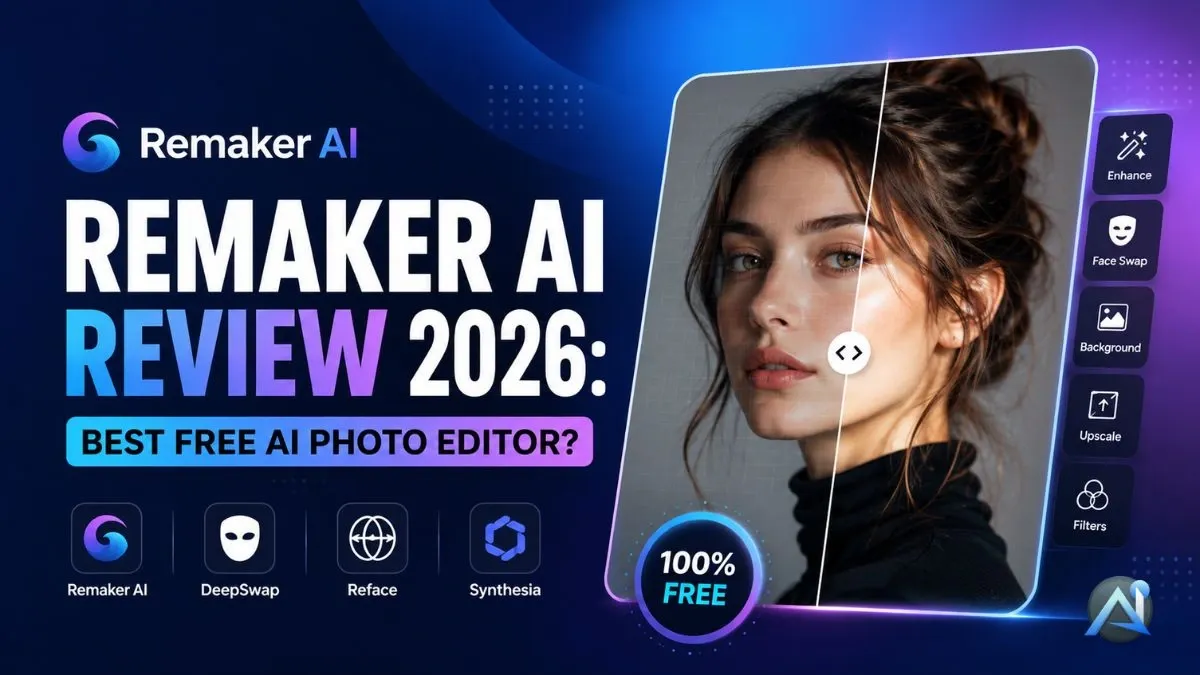

Remaker AI has become one of the most talked-about AI content creation tools of 2025—and for good reason. It packs face swap, background remover AI, AI avatar generation, and AI video editing software into one browser-based platform. No installs. No design degree required.
If you want fast, professional-looking visuals without the complexity, this is worth your attention.
What is Remaker AI?
A quick overview
Remaker AI is a web-based AI-powered image editing platform built on deep learning and neural network photo editing technology. It handles everything from photo touch-ups to full deepfake video generator outputs — all within seconds.
It’s popular with content creators, marketers, and social media managers who need polished visuals fast. You upload a file, choose a tool, and the AI handles the rest.
How it works
The process is direct:
- Upload your image or video file (supports JPG, PNG, MP4, and GIF formats)
- Select your tool — face swap, avatar builder, background remover, or video generator
- Let the cloud-based video editing engine process it
- Download or share your result immediately
No software to install. Works on desktop and mobile browsers equally well.
Key features of Remaker AI
Face swap technology
The AI face swap tool is what most users come for first. It detects faces accurately, handles lighting variations well, and produces results that hold up at full resolution.
Whether you’re working with a wedding photo, a sports team lineup, or a scene with several characters, the AI face swap tool picks up every face in the frame automatically — no need to run the picture through several times.
AI video generator
The AI video editing software turns static images into short-form video clips—useful for digital ads, social media posts, or product demos. Outputs are HD-quality for paid users.
OpenAI’s AI video generation model shows how fast text-to-video AI is advancing — and Remaker AI sits well inside that trend, giving everyday creators access to comparable output quality without enterprise pricing. user review platform For practical examples of how these tools perform in real campaigns, this roundup of AI video generator tools covers use cases worth knowing
AI avatar creation
Pick your mood, adjust how the light hits the face, and choose between photorealistic or stylized looks—the output matches your creative direction, not a preset someone else decided on.
For a broader comparison of similar tools, check out this roundup of top AI avatar tools used in virtual events and online presentations.
Background and object replacement
The AI background remover works in one click. You can strip the background from any image, replace it with a custom scene, or remove specific objects from the frame.
This is especially useful for headshots, e-commerce product shots, and any other content where a clean, distraction-free background is important.
Ease of use
The dashboard is clean. Every tool is labeled clearly, and guided prompts walk you through each step. Most users produce their first usable output within five minutes of signing up.
The AI-powered image editing experience here sits closer to a consumer app than a professional tool—which is the point.
Remaker AI pricing and plans
Free vs. paid features
Remaker AI runs a freemium model.
The free plan gives you access to core tools: basic face swap app functionality, standard-resolution AI background removal, and limited video generation. Exports include a watermark.
Upgrade to a paid plan and get clean, watermark-free exports in full HD resolution, a much higher monthly credit allowance, and the right to use your outputs in client work or paid campaigns.
Subscription options
You can pay monthly or annually. Go annual, and you pay for roughly 8–9 months instead of 12, with extra credits included—so heavy users get more output for less money over the year. For regular users, the annual option pays for itself within a few months.
Refund or trial policy
The free plan gives you enough room to judge whether Remaker AI fits your workflow — no payment details required to get started.
If you’re weighing Remaker AI against a tool aimed at designers and visual creatives, the ProMeAI review breaks down where each one earns its price tag—and where the gaps show up.
How to use Remaker AI (step-by-step guide)
Step 1 — Sign up and access dashboard
Go to the Remaker AI website. Sign up with your email or Google account. The dashboard loads immediately with all tools visible — no onboarding questionnaire required.
Step 2 — Upload or select a template
Select a face swap, portrait enhancement, or background editing template or upload your own image or video. Supported file types include JPG, PNG, MP4, and GIF.
Step 3 — Customize with AI tools
Pick your feature. Change any available settings, such as face intensity in the AI face swap tool or background style in the AI background removal part. The deep learning face swap engine handles the processing automatically.
Step 4 — Preview and download results
Your edit appears in the preview panel within seconds. On the free plan, every export comes branded with a Remaker AI watermark — fine for personal use, but not something you’d send to a client or post as finished work. Paid users export in full HD, watermark-free, with commercial rights included.
Pros and cons of Remaker AI
Pros
- High-accuracy face swap app with strong face detection technology
- Fast cloud-based video editing with no local processing required
- Broad toolset covering photos, videos, and avatars in one platform
- Clean interface with very little learning curve
- Free plan covers most casual use cases
Cons
- Free credits run out faster than expected for heavy users
- Watermarks on all free exports limit professional use
- Complex lighting scenes occasionally produce minor inconsistencies in AI face-swap tool outputs
For real-world feedback from actual users, the user review platform G2 has aggregated ratings across multiple AI content creation tools that you can use to cross-check community sentiment about Remaker AI.
Remaker AI vs. competitors
Remaker AI vs. DeepSwap
| Feature | Remaker AI | DeepSwap |
|---|---|---|
| Face swap accuracy | ⭐⭐⭐⭐☆ | ⭐⭐⭐⭐ |
| Output speed | Faster | Moderate |
| Free trial | Yes | Limited |
| Commercial use | Available | Restricted |
| Interface | Clean, modern | Dated |
Remaker AI vs. DeepSwap comes down to speed and access—Remaker AI wins on both for most users.
Remaker AI vs. Reface
Reface sticks to short mobile clips. Remaker AI supports full video generation, photo editing, and avatar creation on the same platform—making it the stronger choice if you need more than one output type.
Remaker AI vs. Synthesia
Synthesia does one thing well — digital avatar creation for corporate training and onboarding videos. But that narrow focus comes with an enterprise price tag most individual creators can’t justify. Remaker AI gives you AI avatar generator output alongside AI face swap, AI background removal, AI video editing software, and portrait tools—the same account, one price, and no switching between platforms.
Is Remaker AI safe and legit?
Yes. Remaker AI deletes uploaded files after processing — they’re not stored or shared. The platform has explicit policies against non-consensual deepfakes and prohibits unethical use of its AI face swap tool.
The privacy policy is publicly available, and the company has maintained consistent community trust since launch.
User reviews and community feedback
What users are saying online
On Reddit and creator forums, the consistent feedback is that Remaker AI produces cleaner results than similar face swap apps and handles multi-face images better than most free tools. Speed gets mentioned frequently—users note that processing is noticeably faster than older AI-powered image editing platforms.
Expert verdict
Among AI tool reviewers, Remaker AI earns consistent recommendations for its balance of price, feature range, and output quality. It’s not perfect—the free credit limit frustrates power users—but for most people’s needs, the free tier alone delivers real value.
Final verdict — should you try Remaker AI?
If you need an AI face swap tool, AI avatar generator, or deepfake video generator without paying enterprise rates or learning complex software, Remaker AI delivers. The free plan is functional. The paid plan is priced fairly for what you get.
It works for digital marketers building social ads, content creators making YouTube thumbnails, social media managers cleaning up product photos, and meme or video editors who need fast turnaround.
For the full breakdown of features and a deeper look at the tool, read the complete Remaker AI review before deciding on a plan.
Try Remaker AI today — the free tier costs nothing, and you’ll know within 10 minutes whether it fits your workflow.
FAQs about Remaker AI
Is Remaker AI free to use?
Yes. The free plan includes access to the AI face swap tool, AI background removal, and basic video generation. Paid plans add HD exports, higher credit limits, and commercial rights.
How accurate is Remaker AI face swapping?
Very accurate in most conditions. The face detection technology handles lighting and skin tone well. Unusual angles or heavily shadowed faces can occasionally produce minor artifacts.
Can I use Remaker AI for commercial projects?
Yes, paid plans include commercial usage rights. The free plan does not.
Does Remaker AI store uploaded images?
No. Files are deleted after processing. The platform’s privacy policy is explicit on this point.
What are the best alternatives to Remaker AI?
Reface, DeepSwap, and Synthesia are the main competitors. Each has a narrower focus—Remaker AI covers the widest range of AI content creation tools in one platform at a competitive price.
Conclusion
Remaker AI brings professional-grade AI photo editing tool capabilities to users who don’t have the time or budget for complex software. Its AI face swap tool, AI background removal, AI avatar generator, and AI video editing software cover the most common creative tasks in one place.
The free plan is genuinely usable. The paid plan is priced for real people, not just businesses. And the cloud-based video editing infrastructure means fast results on any device.
If you want to produce better visuals in less time, Remaker AI is worth testing today.